
Apple Pay Launches in the Philippines
Apple Pay Arrives in the Philippines: Your Ultimate Guide to Seamless Contactless Payments
A new era of convenient and secure payments has officially dawned in the Philippines! Apple Pay, the intuitive mobile payment and digital wallet service by Apple, has officially launched in the Philippines. This highly anticipated expansion means that millions of iPhone and Apple Watch owners across the archipelago can now transform their devices into powerful payment tools, effortlessly making secure purchases with just a tap.
For many, this marks a significant leap forward in the country's journey towards a cashless society. The ability to add supported debit and credit cards to the Wallet app on your Apple device simplifies transactions, enhances security, and offers a level of convenience that traditional payment methods often cannot match. Imagine leaving your bulky wallet at home, knowing that your iPhone or Apple Watch is all you need for your daily errands, from grabbing a coffee to shopping for groceries.
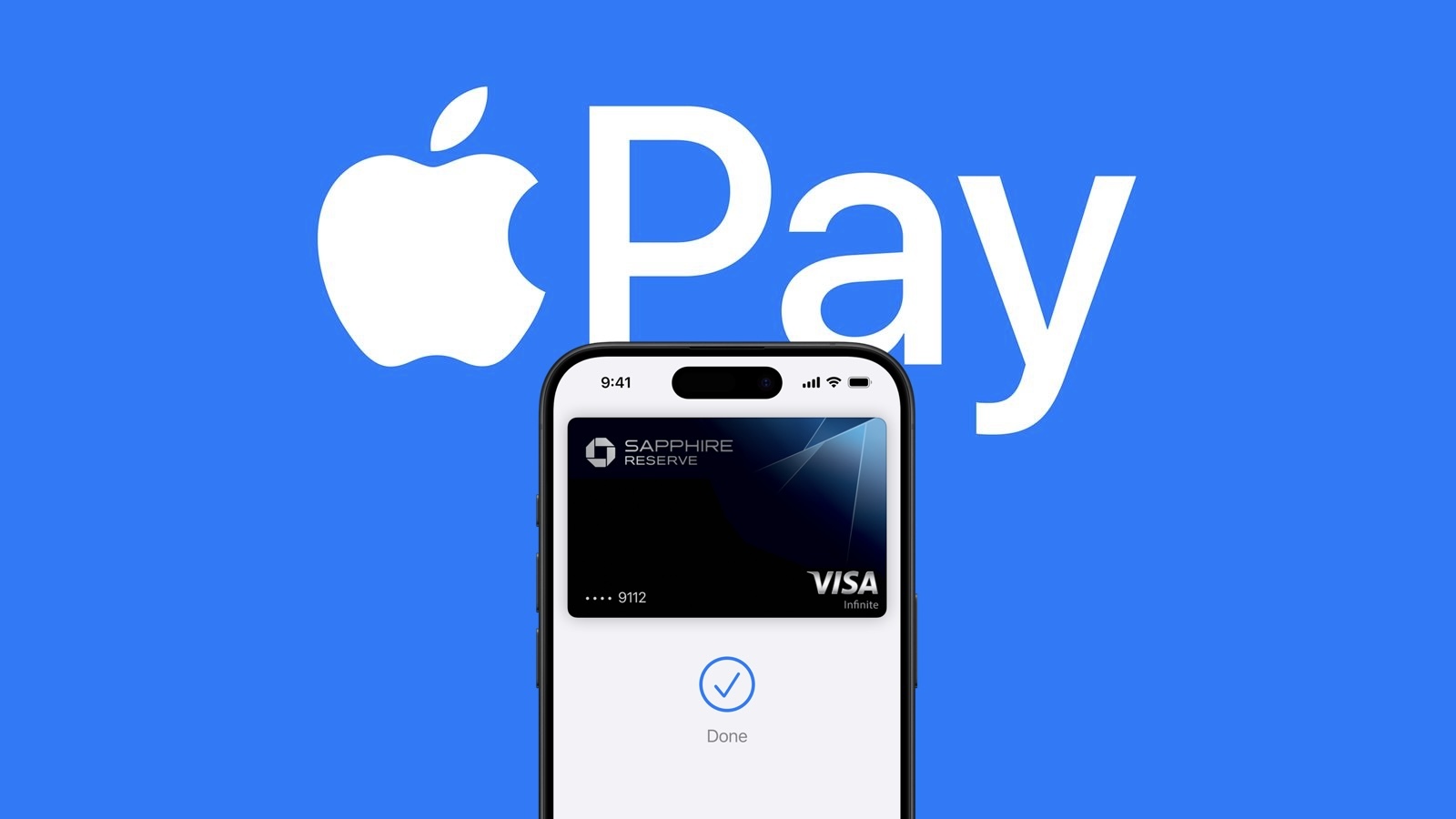
What Exactly is Apple Pay?
At its core, Apple Pay is a mobile payment system and digital wallet service that allows users to make payments in person, in apps, and on the web using an iPhone, Apple Watch, iPad, or Mac. It leverages Near Field Communication (NFC) technology for in-store transactions, meaning you simply hold your device near a compatible payment terminal. But it's much more than just a tap-and-go system; it's built with security and privacy as its paramount principles.
The Core Benefits of Apple Pay
Convenience at Your Fingertips
One of the most appealing aspects of Apple Pay is its sheer convenience. Gone are the days of fumbling through your wallet for the right card or counting out exact change. With Apple Pay, your payment information is stored digitally and securely on your device. Whether you're at a bustling mall, a quick-service restaurant, or a local convenience store, a simple tap of your iPhone or Apple Watch is all it takes to complete a purchase. This streamlined process not only saves time but also reduces the physical interaction with payment terminals, offering a more hygienic option.
Unmatched Security Features
Security is a cornerstone of the Apple Pay experience. When you add a credit or debit card, the actual card number is never stored on your device or on Apple servers. Instead, a unique Device Account Number is assigned, encrypted, and securely stored in the Secure Element—a dedicated chip on your Apple device. Each transaction is authorized with a one-time unique dynamic security code, making it virtually impossible for fraudsters to intercept and reuse your card details. Furthermore, every payment requires authentication via Face ID, Touch ID, or your device passcode, ensuring that only you can authorize purchases.
Privacy-First Approach
Apple is renowned for its commitment to user privacy, and Apple Pay is no exception. When you use Apple Pay, Apple does not store any transaction information that can be tied back to you. Your purchases are kept private. Unlike traditional credit card transactions where your card number is transmitted to the merchant, Apple Pay uses tokenization, ensuring that your actual card details are never shared with the store. This significantly reduces the risk of your information being compromised during a data breach at a retailer.
Getting Started: Setting Up Apple Pay on Your Devices in the Philippines
The process of setting up Apple Pay is designed to be straightforward and user-friendly, allowing you to quickly enable contactless payments on your iPhone and Apple Watch. Here's how you can get started:
Step-by-Step Guide for iPhone
- Open the Wallet App: Locate and tap the "Wallet" app icon on your iPhone's home screen. This is where all your digital cards, including passes and tickets, are stored.
- Tap the "+" Button: In the upper right corner of the Wallet app interface, you'll see a small "+" icon. Tap this to begin the process of adding a new card.
- Select Card Type: You'll be prompted to choose what type of card you want to add. Select "Debit or Credit Card."
- Scan Your Card: Position your physical credit or debit card within the frame on your iPhone's camera. The app will automatically read the card number and expiration date. Alternatively, you can choose to "Enter Card Details Manually" if scanning isn't convenient or successful.
- Enter Card Information: Verify the scanned information and manually enter other required details such as the card's security code (CVV) and your name.
- Agree to Terms and Conditions: Read through the terms and conditions from your bank and agree to proceed.
- Verify Your Card: This is a crucial security step. Your bank will need to verify your ownership of the card. According to users on Reddit, common verification methods in the Philippines include:
- SMS Verification: A one-time passcode (OTP) will be sent to the phone number registered with your bank. Enter this code into the Wallet app.
- Phone Call Verification: You might be prompted to call your bank or receive a call from them to verbally confirm your identity.
- Card Ready: Once verified, your card will be successfully added to the Wallet app and ready for use with Apple Pay!
Step-by-Step Guide for Apple Watch
For even greater convenience, you can also add your cards to your Apple Watch, allowing you to make payments directly from your wrist.
- Open the Apple Watch App: On your iPhone, open the "Apple Watch" app.
- Go to Wallet & Apple Pay: Scroll down and tap on "Wallet & Apple Pay."
- Add a Card: Tap "Add Card." You can choose to add a new card or select a card that is already on your iPhone.
- Follow On-Screen Prompts: If adding a new card, you'll go through a similar process as with the iPhone setup, including scanning or manually entering details and agreeing to terms.
- Verify Your Card: Just like with the iPhone, your bank will require verification. Complete the SMS or phone call verification process.
- Card Ready: Once verified, your card will be available for use on your Apple Watch.
Supported Banks and Financial Institutions in the Philippines
The launch of Apple Pay in the Philippines is made possible through partnerships with local banks. While Apple typically provides an official list on its support pages, at the initial rollout, user reports from communities like Reddit often provide the first insights.
The First Wave of Participating Banks
Based on early reports from users on Reddit, several prominent financial institutions in the Philippines are among the first to support Apple Pay. This is excellent news for a significant portion of Filipino consumers.
UnionBank
UnionBank of the Philippines has long been a frontrunner in digital banking innovation. Its support for Apple Pay aligns perfectly with its commitment to providing cutting-edge digital financial services. Customers with UnionBank debit and credit cards can now seamlessly integrate them into their Apple Wallet for secure and convenient transactions.
GoTyme Bank
As a relatively newer digital bank in the Philippine market, GoTyme Bank's quick adoption of Apple Pay showcases its agility and dedication to offering modern banking solutions. This partnership will undoubtedly enhance the digital banking experience for GoTyme's growing customer base.
Metrobank
Metropolitan Bank and Trust Company (Metrobank) is one of the largest and most established banks in the Philippines. Its inclusion in the initial rollout of Apple Pay is a strong indicator of the service's widespread acceptance potential, making it accessible to a vast number of cardholders.
Chinabank
Chinabank, another reputable and long-standing financial institution, also joins the list of early adopters. This further solidifies the foundation for Apple Pay's growth in the country, catering to a diverse segment of the banking public.
What About Other Banks?
While the current list, as reported by users, is encouraging, it's important to remember that this is often just the beginning. Apple Pay typically expands its network of participating banks over time. If your bank is not yet on this list, there's a strong likelihood that it will be added in the future. Apple is expected to soon have a full list of participating banks on its official support page, which will provide definitive information and updates as more banks come on board. Keep an eye on announcements from your bank and Apple for the latest developments.
Where Can You Use Apple Pay in the Philippines?
The beauty of Apple Pay lies in its broad acceptance. If a merchant accepts contactless payments, often indicated by the contactless payment symbol (four curved lines) or the Apple Pay logo, you can use your Apple device to pay. The initial reports from Reddit users confirm that Apple Pay is already functional at various popular establishments.
Major Retailers and Chains
With its growing presence, you can expect to use Apple Pay at a multitude of locations. Early adopters in the Philippines have already reported successful transactions at well-known establishments:
- Starbucks: Your daily dose of coffee just got easier to pay for.
- 7-Eleven: For quick convenience store purchases, Apple Pay offers a speedy checkout.
Beyond these, you can anticipate using Apple Pay at other major retail chains, supermarkets, department stores, pharmacies, and restaurants that have NFC-enabled payment terminals. Look for the contactless payment logo at the checkout counter—it signifies that your Apple Pay-enabled device is ready to make a payment.
Everyday Essentials: Coffee, Convenience, and More
Apple Pay is designed for everyday use. From buying groceries at your local supermarket to paying for your commute (if integrated with transport systems in the future), or even a quick snack, the versatility of Apple Pay makes it an indispensable tool for modern living. As more merchants upgrade their payment infrastructure to support contactless transactions, the places where you can use Apple Pay will only continue to grow.
Online and In-App Purchases
Beyond physical stores, Apple Pay also provides a seamless and secure way to pay within apps and on websites. When you encounter the Apple Pay button during checkout on your iPhone, iPad, or Mac, you can complete your purchase with just a touch or glance, without needing to manually enter your card details or shipping information. This makes online shopping faster, more secure, and incredibly convenient, especially when purchasing from international merchants or local e-commerce platforms that integrate the service.
Why Make the Switch to Apple Pay? Deeper Dive into its Advantages
While we've touched upon convenience and security, let's explore these benefits in more detail and understand why Apple Pay stands out as a superior payment method.
Beyond Convenience: Speed and Efficiency
The speed of Apple Pay transactions is truly remarkable. By eliminating the need to swipe, insert, or manually sign for most transactions (especially under certain thresholds), Apple Pay drastically cuts down checkout times. Imagine a long queue suddenly moving faster because everyone is just tapping their device. This efficiency is a boon for both consumers and merchants, reducing wait times and improving the overall shopping experience. For busy individuals in urban centers, every second saved contributes to a more productive day.
Advanced Security Protocols Explained
The security architecture of Apple Pay is multifaceted. When you provision a card, a unique Device Account Number is created. This number is encrypted and stored in the Secure Element, a certified, industry-standard chip designed to store sensitive data securely. When you make a payment, this Device Account Number, along with a transaction-specific dynamic security code, is transmitted. Your actual card number is never shared with the merchant, nor is it transmitted over the air. This process, known as tokenization, is far more secure than traditional magnetic stripe transactions or even chip-and-PIN, which still transmit your primary account number.
Moreover, the requirement for Face ID, Touch ID, or a passcode adds another robust layer of security. If your iPhone or Apple Watch is lost or stolen, no one can use your Apple Pay without your biometric authentication or passcode. This is a significant advantage over a physical card, which can be used by anyone who finds it.
Protecting Your Privacy: How Apple Pay Works
Apple's commitment to privacy extends to every aspect of Apple Pay. Unlike other payment services that might track your purchases for advertising or data mining, Apple does not. When you pay using Apple Pay, Apple receives anonymous transaction information, such as the date and approximate location, to improve the service, but this information cannot be linked back to you personally. Your purchase history remains private between you, your bank, and the merchant. This level of privacy is a critical differentiator in an age where personal data is constantly being collected and monetized.
Apple Pay vs. Other Payment Methods in the Philippines
To fully appreciate Apple Pay, it's helpful to compare it with other common payment methods currently prevalent in the Philippines.
Cash: The Traditional King
Cash remains dominant in many parts of the Philippines. It offers universal acceptance (where available) and a sense of direct control over spending. However, cash comes with significant drawbacks: it can be lost or stolen, requires counting change, can be unhygienic, and offers no purchase protection. Apple Pay directly addresses these issues by offering a secure, trackable, and convenient digital alternative.
Traditional Credit/Debit Cards
Physical credit and debit cards have been a staple for years. While they offer convenience and a record of transactions, they are vulnerable to skimming, cloning, and theft. Swiping or inserting a card at a POS terminal exposes your card number. Apple Pay mitigates these risks through tokenization and biometric authentication, making it a far more secure way to use your existing cards.
Local E-Wallets (GCash, PayMaya, GrabPay, etc.)
The Philippines has a thriving e-wallet ecosystem with popular services like GCash, PayMaya, and GrabPay. These platforms have been instrumental in driving financial inclusion and digital payments, especially for unbanked and underbanked populations. They offer features like fund transfers, bill payments, and QR code payments. Apple Pay complements these services rather than directly competing, especially for those who already use traditional bank cards. Apple Pay focuses on making existing card transactions more secure and convenient, particularly for NFC-based payments. While some e-wallets also offer virtual cards that *could* potentially be added to Apple Pay in the future, Apple Pay's primary function is to digitize your bank-issued credit and debit cards.
The Impact of Apple Pay on the Philippine Digital Economy
The launch of Apple Pay is more than just a new payment option; it's a catalyst that will have a ripple effect across the Philippine digital economy.
Driving Financial Inclusion
While Apple devices are often associated with a certain demographic, the widespread availability of debit cards in the Philippines means that a broad range of consumers can now access the benefits of digital, secure payments. For many, Apple Pay could be their first experience with advanced contactless technology, paving the way for greater comfort with digital finance and reducing reliance on cash, especially in urban areas.
Accelerating Digital Transformation
The arrival of a global payment giant like Apple Pay often spurs businesses to upgrade their payment infrastructure. Merchants who haven't yet adopted NFC-enabled terminals might now feel increased pressure to do so to cater to Apple Pay users. This infrastructure upgrade will benefit all contactless payment methods, further accelerating the Philippines' digital transformation journey and moving towards a truly cashless future.
Changing Consumer Habits
Once consumers experience the unparalleled convenience and security of Apple Pay, it's difficult to go back. This will likely lead to a shift in consumer behavior, with more Filipinos opting for digital payment methods over cash. This shift, in turn, encourages more merchants to adopt digital solutions, creating a positive feedback loop that propels the digital economy forward.
Troubleshooting Common Apple Pay Issues
While Apple Pay is designed for simplicity, occasionally users might encounter issues. Here are some common troubleshooting tips:
Card Not Adding?
- Check Bank Support: Ensure your bank is officially supported. While early reports are useful, confirm with your bank directly if you have issues.
- Internet Connection: A stable internet connection (Wi-Fi or cellular data) is required to add cards.
- Region Settings: Ensure your iPhone's region is set to the Philippines in Settings > General > Language & Region.
- iOS/watchOS Update: Make sure your device is running the latest version of iOS or watchOS.
- Contact Your Bank: If all else fails, your bank's customer service can often identify specific issues preventing card provisioning.
Payment Not Going Through?
- Terminal Compatibility: Double-check that the payment terminal supports contactless payments (look for the contactless symbol).
- Device Positioning: Hold your device close to the terminal's reader. Sometimes the sweet spot can vary.
- Authentication: Ensure Face ID, Touch ID, or your passcode is successfully authenticated before or during the transaction.
- Card Selection: If you have multiple cards in Wallet, ensure you've selected the correct one for payment.
- Card Limits/Issues: Check if your physical card has any issues (e.g., expired, frozen, insufficient funds). Apple Pay uses your underlying card.
Lost or Stolen Device?
If your iPhone or Apple Watch is lost or stolen, your Apple Pay is still secure. No one can use it without your Face ID, Touch ID, or passcode. However, for peace of mind, you can immediately:
- Use Find My: Log into iCloud.com/find or use the Find My app on another Apple device to remotely lock your device, erase its data, or remove your cards from Apple Pay.
- Contact Your Bank: Inform your bank about the lost device to have your cards suspended in Apple Pay.
The Future of Apple Pay in the Philippines
The launch of Apple Pay is just the beginning. The service is expected to grow significantly in the Philippines, mirroring its trajectory in other markets.
More Banks and Merchants
As consumer demand increases and more businesses recognize the benefits, we can anticipate a steady increase in the number of participating banks and merchants. This will make Apple Pay an even more ubiquitous payment option across the country.
Expanding Features and Services
Apple continually evolves its services. In the future, we might see additional features like Apple Card (if launched in the Philippines), support for more types of digital passes (e.g., loyalty cards, public transport cards), and potentially even person-to-person payments integrated directly within the Wallet app, further cementing its role as a comprehensive digital wallet.
Conclusion: Embracing the Future of Payments
The arrival of Apple Pay in the Philippines marks a pivotal moment for digital payments in the country. It offers iPhone and Apple Watch users an incredibly secure, private, and convenient way to conduct transactions, both in physical stores and online. With initial support from key banks like UnionBank, GoTyme, Metrobank, and Chinabank, and acceptance at popular merchants like Starbucks and 7-Eleven, the foundation for widespread adoption is firmly in place.
Embracing Apple Pay means embracing a more efficient, secure, and futuristic way of managing your finances. It's a testament to the Philippines' growing digital economy and its readiness to adopt world-class technological innovations. So, go ahead, set up your cards, and experience the effortless power of Apple Pay!
This article, "Apple Pay Launches in the Philippines" first appeared on MacRumors.com
Discuss this article in our forums
from MacRumors
-via DynaSage
