
iOS 27 to Bring Customizable Camera App, Tweaks to Weather, Safari and Liquid Glass
iOS 27: A New Era of Personalization for Your iPhone Camera, Weather, and Beyond
Get ready for a significant transformation in how you interact with your iPhone. Apple is reportedly gearing up to unveil iOS 27, packed with exciting enhancements that promise a more customizable, intuitive, and efficient user experience. According to a recent report from Bloomberg, the upcoming operating system will focus heavily on personalization, particularly revolutionizing the Camera app, alongside welcome tweaks to Weather, Safari, and other system-wide elements.
These changes reflect Apple's ongoing commitment to refining the user interface, making powerful features more accessible, and tailoring the iPhone experience to individual preferences. From photographers seeking granular control to casual users desiring a cleaner interface, iOS 27 aims to cater to everyone.
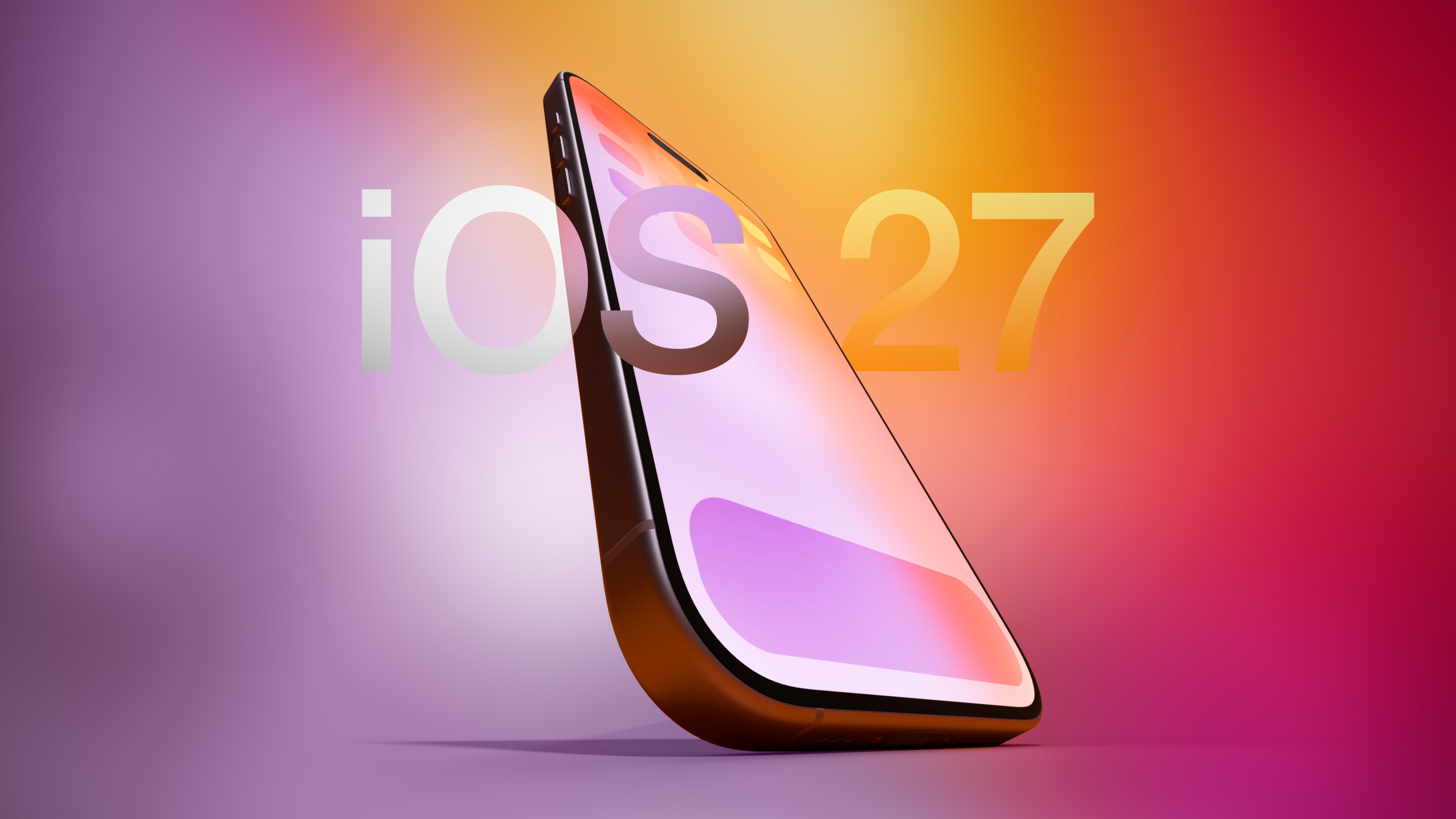
The Camera App Revolution: Your Vision, Your Controls
Perhaps the most talked-about and eagerly anticipated update in iOS 27 centers around the Camera app. For years, iPhone's Camera app has been praised for its simplicity and "point-and-shoot" excellence. However, this simplicity often came with a trade-off: a fixed interface that required users to dive into sub-menus to access more advanced controls. With iOS 27, Apple is set to democratize control, empowering users to truly personalize their photography experience.
Personalizing Your Photography Toolkit: Choosing Your Features
One of the core frustrations for many iPhone users, especially those with a keen interest in photography, has been the inability to dictate which controls are immediately visible and accessible within the Camera app. Currently, key settings like exposure compensation, specific photo styles, or even the timer often require an extra tap or swipe to reveal. This process, while seemingly minor, can disrupt the flow of capturing a fleeting moment or setting up the perfect shot.
iOS 27 aims to change this fundamentally. Users will reportedly gain the unprecedented ability to select the specific features they wish to see on their main Camera app interface. Imagine having instant access to settings such as:
- Flash controls: Beyond just auto or off, perhaps granular power adjustments or fill-flash options.
- Exposure compensation: Easily brighten or darken your photo without diving into a menu.
- Timer settings: Quick access to 3-second or 10-second delays for group photos or self-portraits.
- Depth of Field adjustments: For iPhones with advanced computational photography, easily fine-tune the background blur for Portrait Mode.
- Photo Styles: Apple's built-in styles like Rich Contrast or Vibrant, readily available for quick selection.
- Resolution options: Switch between different photo and video resolutions without navigating away from the viewfinder.
This level of direct control means you can declutter your interface, keeping only the tools you frequently use at your fingertips, or load up on advanced settings if you're a professional looking for every advantage.
Dynamic Controls as Widgets: A Flexible Interface
The concept of "widgets" has become central to Apple's modern operating systems, allowing users to customize their Home Screen and Lock Screen with glanceable information. Now, this flexible design philosophy is extending to the Camera app. Instead of a rigid layout, camera controls will be treated as individual "widgets" that users can freely arrange.
These widgets will be positionable at the top of the Camera interface, allowing for personalized ordering based on individual preference. Imagine placing your most used controls—perhaps exposure and flash—right at the very top, followed by less frequent but still important options like the timer or grid lines. The system will likely employ a drag-and-drop mechanism, similar to how widgets are managed on the Home Screen, making customization intuitive and quick.
To facilitate this customization, iOS 27 will introduce a transparent widget tray. This tray will slide up from the bottom of the app, revealing a comprehensive library of available controls. Users can then simply drag their desired widgets from this tray onto their active Camera interface. This approach ensures that while the interface is customizable, the available options are still neatly organized and easily discoverable.
Furthermore, these widgets will be categorized to streamline selection. Expected categories include:
- Basic: Encompassing common controls like flash, timer, Live Photos, and Night Mode.
- Manual: Offering more advanced settings for seasoned photographers, such as ISO, shutter speed (where applicable), white balance, and manual focus.
- Settings: Providing quick access to deeper camera preferences like video frame rates, aspect ratios, or specific capture modes.
This categorization ensures that users can quickly find the type of control they need, whether they're looking for a simple toggle or a precise manual adjustment.
Catering to Every Photographer: Default and Advanced Layouts
Apple understands that not every user wants or needs a highly customized camera interface. Many iPhone owners appreciate the current simplicity and efficiency of the default layout. Recognizing this, iOS 27 will offer the best of both worlds. The familiar default layout, with quick tap buttons for flash, Live Photos, and Night Mode, will remain as the standard experience.
However, the new customizable, widget-based interface will be introduced as an "advanced layout." This strategic separation allows casual users to continue enjoying the straightforward, familiar experience they're accustomed to, while offering professional users and photography enthusiasts the power and flexibility they've long craved. It ensures that the Camera app remains approachable for everyone, without overwhelming beginners with too many options, yet still satisfies the demands of those who want granular control over their shots.
Intelligent Photography: Mode-Specific Widgets and the New Siri Camera Mode
The customization doesn't stop at general controls. Apple is taking a holistic approach, recognizing that different photography modes have unique requirements. Therefore, iOS 27 will allow various modes, such as standard Photo mode, Video mode, Portrait mode, or Pano mode, to have their own distinct sets of widgets. This means you can tailor your video recording interface with specific frame rate and resolution controls, while your photo interface might prioritize exposure and photo styles.
Adding another layer of innovation is a brand new Siri camera mode. This is a significant step towards integrating Apple's intelligent assistant directly into the photographic workflow. Siri mode will incorporate the Visual Intelligence features that are currently accessible through the Camera Control or Action buttons. Imagine being able to ask Siri to identify an object in your frame, translate text, look up information about a landmark, or even suggest optimal camera settings based on the scene, all directly within the Camera app. This integration promises to make your iPhone camera not just a capture device, but an intelligent assistant for understanding and interacting with the world around you.
Precision and Ergonomics: Enhanced Controls and Composition Tools
Beyond customization, iOS 27 will also bring thoughtful refinements to the Camera app's ergonomics and precision tools. Currently, users can tap an icon in the top right of the app to access a view that displays all available camera controls. While functional, this placement can sometimes be a stretch for one-handed use, especially on larger iPhone models.
In iOS 27, this comprehensive control view will be relocated to the right of the shutter button. This move is a smart ergonomic improvement, placing frequently accessed controls within a more natural thumb reach, making the app easier to operate with one hand. It's a small but significant change that enhances the overall user experience.
Furthermore, Apple will introduce new grid and level options. Grid lines are invaluable for adhering to compositional rules like the rule of thirds, helping users frame their shots more effectively. A built-in level, often seen as a virtual horizon, is crucial for ensuring landscapes, architecture, and even simple straight-on shots are perfectly aligned, avoiding crooked images that require post-processing to fix. These additions will be highly appreciated by anyone striving for more professional-looking photographs directly from their iPhone.
The Impact: Unlocking Your Creative Potential
The customizable Camera app in iOS 27 represents a paradigm shift. It transforms the iPhone camera from a universally simple tool into a highly adaptable instrument that can evolve with the user's skill and preferences. For casual photographers, it means a cleaner, more intuitive interface tailored to their basic needs. For enthusiasts and professionals, it unlocks a new level of control, allowing them to optimize their workflow and access advanced settings with unprecedented speed. This is about empowering users to capture their vision more effectively and creatively, making the iPhone an even more formidable photography device.
Weather App Enhancements: Instant Data Insights
The Weather app on iOS has seen significant improvements in recent years, becoming a robust source for atmospheric data. iOS 27 continues this refinement with a thoughtful update aimed at improving glanceability and data access. The existing Weather app provides detailed information, often displayed in modular panels for temperature, precipitation, and wind. Tapping into one of these modules expands it, revealing more specific data and forecasts.
With iOS 27, there will be a new "Conditions panel" that provides a more streamlined way to switch between key metrics. This panel will allow users to quickly toggle and view different environmental conditions such as temperature, rain forecasts, and wind speeds, all within a unified interface. The report suggests this will mirror the interface currently available when you tap into an individual weather module, but it will likely be presented as a more prominent and accessible control on the main screen. This means less tapping and navigating, and more immediate access to the specific weather data you're looking for, whether you're checking for the daily high, impending rainfall, or potential wind advisories for outdoor activities.
Safari's Start Page Evolution: Enhanced Navigation
Safari, Apple's ubiquitous web browser, is also set to receive a meaningful update in iOS 27, specifically to its start page. The start page often serves as a user's gateway to the internet, providing quick access to frequently visited sites and other useful resources. The current start page offers some customization, but iOS 27 aims to enhance its navigational efficiency.
The updated start page will reportedly feature four distinct tabs across the top. These tabs will provide dedicated sections for:
- Favorites: Your most visited and bookmarked websites, easily accessible.
- Bookmarks: A complete list of all your saved web pages, organized for quick retrieval.
- Reading List: Articles and web content you've saved to read later, providing a dedicated space for focused consumption.
- History: Your browsing history, allowing you to quickly revisit previously viewed pages.
This tabbed approach brings a more structured and organized feel to the start page, making it easier and faster to jump to the specific category of content you need. Instead of scrolling through a combined list or accessing separate menus, these four prominent tabs ensure that your most important browsing resources are always just one tap away, significantly streamlining your web navigation experience.
System-Wide Design Refinements: A Unified Experience
Beyond app-specific updates, iOS 27 is also expected to introduce system-wide design changes, indicating Apple's continuous effort to refine the overall user interface across its ecosystem. One notable change, as reported by Bloomberg, concerns the tab bar in several core Apple apps.
Apps like Apple Music, Podcasts, News, and Apple TV have, in recent iterations, separated their search functionality from the main navigation tab bar. This design choice, often associated with the "Liquid Glass" aesthetic that Apple has been exploring, aimed to give search its own dedicated space. However, it sometimes resulted in an extra tap or a slightly less intuitive flow for users accustomed to a unified navigation experience.
With iOS 27, Apple reportedly plans to revert to a prior, more unified design. This means the tab bar in these apps will once again combine search with the other primary navigation options. For example, in Apple Music, instead of a separate search tab, the search function might be integrated into one of the existing navigation tabs or become accessible directly from the top of the content view, allowing for a more consolidated and potentially faster user journey. This change suggests Apple is actively listening to user feedback and iterating on its design language, prioritizing usability and a seamless experience over purely aesthetic considerations, aiming for an interface that feels both modern and effortlessly functional across all applications.
Keyboard and Home Screen Quality of Life Improvements
Even the smaller details receive attention in iOS 27, contributing to a more polished and user-friendly experience.
A More Dynamic On-Screen Keyboard
The on-screen keyboard, a fundamental element of iPhone interaction, is getting a subtle but pleasing visual update. When you bring up the keyboard in iOS 27, there will be a new animation that shows the keys sliding up from the bottom of the iPhone interface. This isn't just an aesthetic flourish; such animations contribute to a more fluid and responsive feel of the operating system. It provides a visual cue that the keyboard is emerging from the bottom edge of the screen, making the interaction feel more intentional and integrated, adding to the overall "snappiness" of the iOS experience.
Undo and Redo for Home Screen Customization
Customizing the Home Screen has become a major feature in recent iOS versions, allowing users to personalize their app icon layouts and widget arrangements. However, making changes can sometimes lead to accidental mistakes or a desire to quickly reverse a decision. Currently, if you move an icon or widget and immediately regret it, there isn't a simple undo button, often requiring you to manually reverse your action.
iOS 27 addresses this by adding much-needed redo and undo controls specifically for Home Screen icon and widget layouts. This means that if you accidentally drag an app to the wrong page, or delete a widget only to realize you needed it, you can simply tap an undo button to revert the change. Conversely, if you undo something and then decide you preferred the change after all, a redo option will be available. This seemingly small addition is a significant quality-of-life improvement, reducing frustration and encouraging users to experiment more freely with their Home Screen configurations, knowing that mistakes can be easily rectified.
Anticipating the Future: WWDC 2026
All these exciting changes and more are expected to be officially unveiled soon. Apple is planning to preview iOS 27 at its annual Worldwide Developers Conference (WWDC), which is scheduled to begin on June 8. This event serves as Apple's platform to showcase its latest software innovations, providing developers and eager users with a first look at the future of its operating systems.
WWDC will offer an in-depth dive into the functionalities of iOS 27, detailing how these new features will work and highlighting their benefits. Following the preview, developers will typically gain access to beta versions of the software, allowing them to adapt their apps and provide feedback before the public release, which usually occurs in the fall alongside new iPhone models. The anticipation for this year's WWDC is particularly high, given the promise of such substantial user experience improvements, especially within core applications like the Camera.
Conclusion: A More Personalized and Powerful iPhone
iOS 27 is shaping up to be a release focused on empowering users through unprecedented personalization and refined experiences. The customizable Camera app alone represents a monumental shift, giving users the tools to make their iPhone truly reflect their photographic style and needs. Coupled with smarter weather insights, a more efficient Safari, system-wide design polishes, and convenient quality-of-life features for the keyboard and Home Screen, iOS 27 promises to make the iPhone an even more intuitive, powerful, and enjoyable device.
These updates reinforce Apple's philosophy of continuous improvement, where even the most beloved features are re-evaluated and enhanced to meet the evolving demands of its diverse user base. Get ready to experience your iPhone in a whole new, deeply personal way.
This article, "iOS 27 to Bring Customizable Camera App, Tweaks to Weather, Safari and Liquid Glass" first appeared on MacRumors.com
Discuss this article in our forums
from MacRumors
-via DynaSage
