
Apple Releases tvOS 26.5
Apple Unleashes tvOS 26.5: What's New for Your Apple TV?
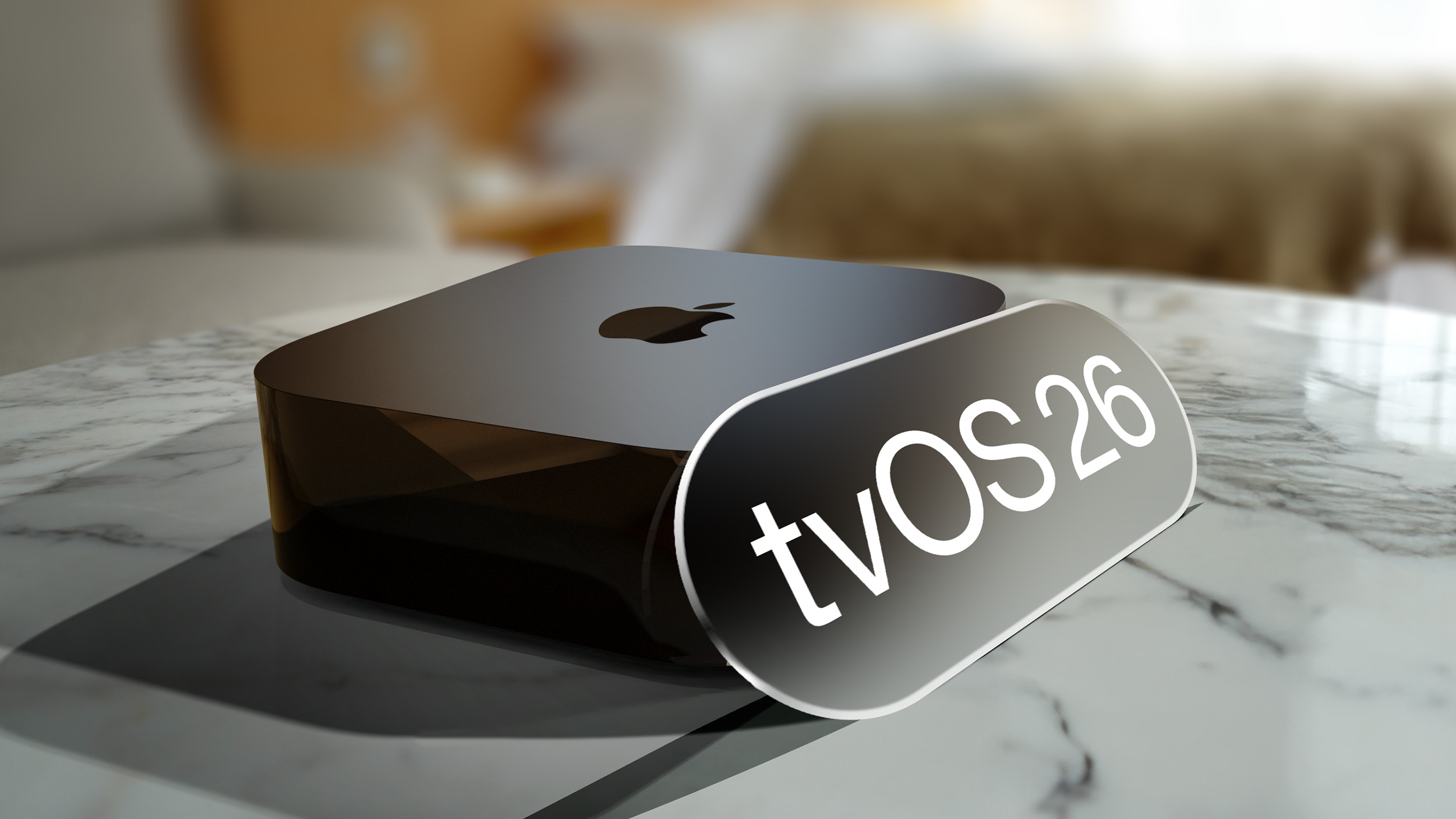
Get ready, Apple TV users! Apple has just rolled out tvOS 26.5, a significant update for your streaming device. This is the fifth update to the tvOS operating system, which was initially launched last fall, bringing improvements and fixes to enhance your viewing experience.
Who Can Get tvOS 26.5?
This latest update is specifically designed for the Apple TV 4K model. If you own an Apple TV 4K, you're eligible to upgrade and enjoy the benefits of tvOS 26.5.
This release comes just over a month after Apple released tvOS 26.4, showing Apple's continuous commitment to refining its operating systems and providing users with a smoother, more reliable performance.
How to Update Your Apple TV
Updating your Apple TV to tvOS 26.5 is a straightforward process. Here's how you can do it:
- Open Settings: On your Apple TV, navigate to and open the "Settings" app.
- Go to System: Scroll down and select "System."
- Choose Software Update: Within the System menu, find and select "Software Update."
- Download and Install: Your Apple TV will then check for available updates. Once tvOS 26.5 is found, follow the on-screen prompts to download and install it.
For those who prefer a hands-off approach, good news! If you have enabled automatic software updates on your Apple TV, your device will automatically upgrade to tvOS 26.5 without you needing to do anything. This ensures your Apple TV is always running the latest and most secure software.
What's New in tvOS 26.5?
During the beta testing phase for tvOS 26.5, no major new features were discovered. This suggests that the primary focus of this update is on improving the system's stability and performance. You can expect a more responsive and reliable experience as Apple irons out any lingering issues and optimizes the operating system.
Typically, these kinds of updates include:
- Bug Fixes: Addressing various bugs that users might have encountered in previous versions, leading to a smoother user interface and fewer crashes.
- Performance Improvements: Enhancing the overall speed and efficiency of the operating system, making apps launch faster and navigation more fluid.
- Security Updates: Patching potential security vulnerabilities to protect your data and ensure your device remains secure.
While a list of flashy new features might not be present, these under-the-hood improvements are crucial for a consistent and enjoyable user experience. They lay the groundwork for future innovations and ensure your Apple TV continues to perform at its best.
For detailed technical information, Apple provides comprehensive tvOS release notes on its official website. These notes offer insights into specific changes, fixes, and security enhancements included in each update.
Keeping Your Apple TV Up-to-Date
Regularly updating your Apple TV is highly recommended. Not only do updates bring performance enhancements, but they also include crucial security patches that protect your device from potential threats. By staying current with the latest tvOS version, you ensure your Apple TV operates securely and efficiently, providing you with the best possible streaming and entertainment experience.
So, whether you manually update or have automatic updates enabled, make sure your Apple TV is running tvOS 26.5 to enjoy a more stable and optimized performance.
Dive Deeper into the Apple TV Ecosystem
The Apple TV is more than just a streaming box; it's a gateway to a world of entertainment, apps, and smart home control. If you're looking to explore more about what your Apple TV can do, or if you're considering purchasing one, there are plenty of resources available.
This article, "Apple Releases tvOS 26.5" first appeared on MacRumors.com
Discuss this article in our forums
from MacRumors
-via DynaSage
