
Apple Releases visionOS 26.4
Apple Unveils visionOS 26.4: Enhancing Your Spatial Computing Experience
Today marks another significant step in the evolution of spatial computing as Apple releases visionOS 26.4. This is the fourth major update to the groundbreaking visionOS 26 operating system, which first introduced the world to immersive digital experiences last September. Arriving approximately 1.5 months after the previous visionOS 26.3 update, visionOS 26.4 brings a suite of refinements, vital security enhancements, and delightful new features designed to make your Apple Vision Pro experience even more intuitive and engaging.
Every software update, no matter how small, plays a crucial role in improving the user experience, ensuring the stability of the system, and protecting your digital world. With visionOS 26.4, Apple continues its commitment to refining the innovative platform that powers the Vision Pro headset, focusing on underlying performance improvements alongside user-facing enhancements.
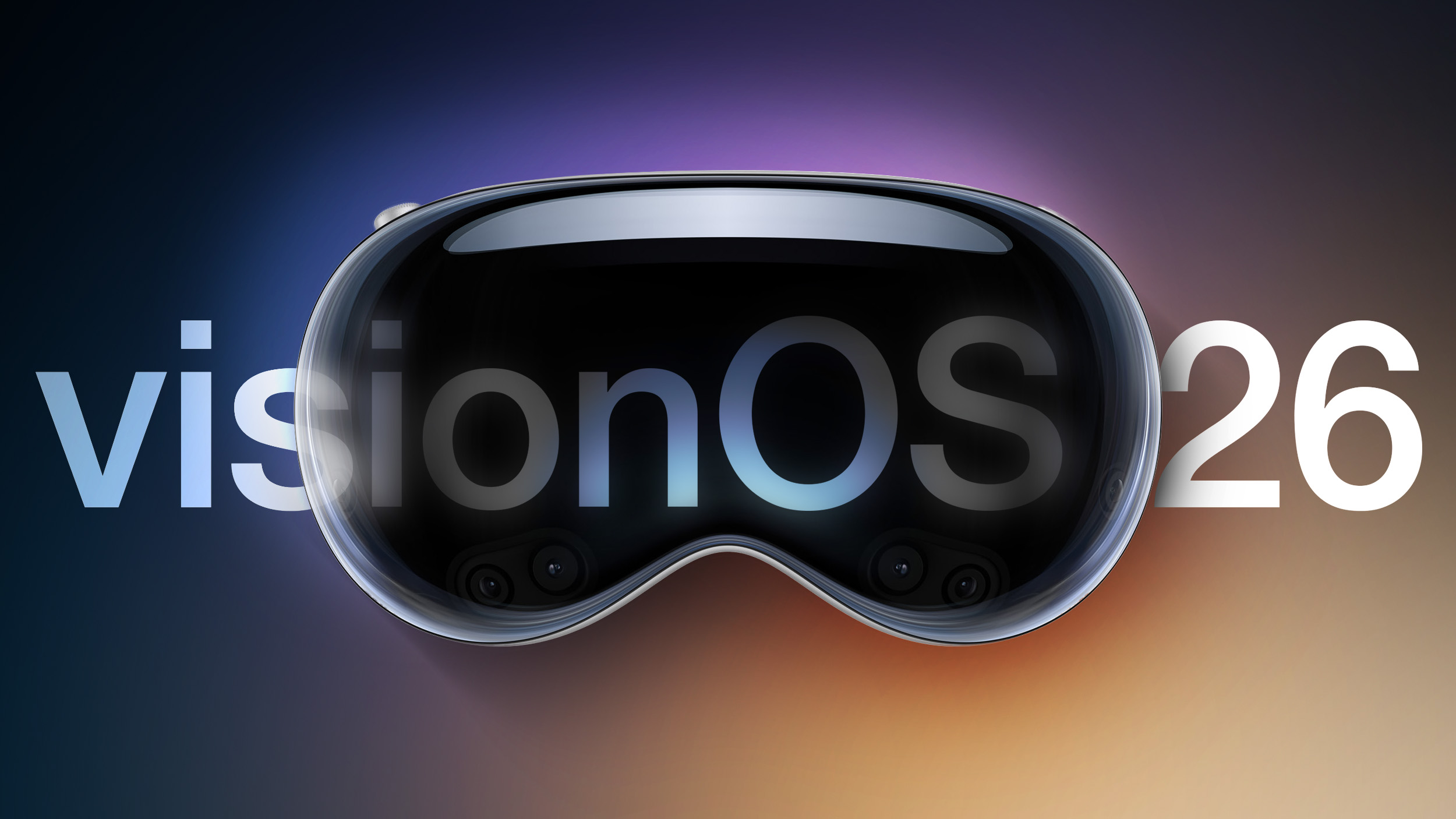
Getting Started: How to Update Your Apple Vision Pro to visionOS 26.4
Updating your Apple Vision Pro to the latest version, visionOS 26.4, is a straightforward process, designed to be as seamless as possible. Ensuring your device runs the most current software is essential for accessing new features, benefiting from performance optimizations, and maintaining robust security. Here's a step-by-step guide to installing the update:
- Access Settings: Put on your Apple Vision Pro and navigate to the "Settings" app. This is where you manage various aspects of your device, from display preferences to connectivity options.
- Select General: Within the Settings app, locate and tap on the "General" section. This area contains system-level configurations and information about your device.
- Choose Software Update: Inside the General section, you'll find the "Software Update" option. Selecting this will prompt your Vision Pro to check for available updates.
- Initiate Download and Installation: Once visionOS 26.4 is detected, you will be given the option to download and install it. Make sure your Vision Pro is connected to a stable Wi-Fi network and has sufficient battery life, or ideally, is connected to power.
- Prepare for Installation: An important note for installation: your Vision Pro headset will need to be removed during the actual software installation phase. This allows the system to perform a clean and complete update without user interaction interfering with critical system files.
- Monitor Progress with EyeSight: While the headset is off, you don't have to guess if the update is still running. Apple has thoughtfully implemented a software progress bar that is visible on the exterior EyeSight display. This unique feature provides a clear visual indication of the update's status, letting you know when it's safe to put your Vision Pro back on.
It's always recommended to back up your device before any major software update, though for visionOS, many user preferences and data are tied to your Apple ID and iCloud. Nevertheless, following these steps ensures a smooth transition to visionOS 26.4, letting you enjoy the latest enhancements without delay.
What's New in visionOS 26.4: A Closer Look at the Enhancements
While an incremental update, visionOS 26.4 brings a thoughtful collection of improvements that underscore Apple's dedication to evolving the Vision Pro experience. The official release notes highlight a mix of practical fixes and engaging new additions. Apple’s release notes for visionOS 26.4 specifically state:
This update introduces 8 new emoji, along with other features, bug fixes, and security updates for your Apple Vision Pro This update includes the following enhancements:
- Support for AirPods Max 2
- 8 new emoji including an orca, trombone, landslide, ballet dancer, and distorted face are available in the emoji keyboard
- Spatial Audio starts faster in familiar spaces by remembering the acoustic properties of rooms you’ve been in before
Let's delve into what each of these points means for the Vision Pro user:
Essential Bug Fixes and Robust Security Improvements
Even though not always the most glamorous part of an update, bug fixes and security improvements are arguably the most crucial. The complex architecture of a cutting-edge device like the Apple Vision Pro, running an equally advanced operating system like visionOS, means there are always opportunities for refinement. Bug fixes address those minor glitches or unexpected behaviors that can detract from the user experience, leading to smoother performance and greater stability. This translates to fewer app crashes, more consistent interactions, and an overall more reliable spatial computing environment.
On the security front, Apple's commitment is unwavering. In an increasingly interconnected digital world, safeguarding user data and privacy is paramount. Security improvements in visionOS 26.4 mean that Apple has patched potential vulnerabilities that could be exploited by malicious actors. These updates are a proactive measure, continuously strengthening the defenses around your personal information, biometric data (like Optic ID), and the applications you use. By consistently delivering security updates, Apple ensures that Vision Pro users can explore digital worlds, interact with virtual content, and communicate with confidence, knowing their device is protected by the latest safeguards.
Enhanced Spatial Audio: Faster Immersion in Familiar Environments
One of the most profound aspects of the Apple Vision Pro is its ability to create an incredibly immersive experience, and a significant contributor to this is Spatial Audio. This advanced audio technology creates a three-dimensional soundscape, making sounds appear to come from specific locations around you, whether it's a character in a movie speaking from your left or a virtual interface element making a click sound directly in front of you. It's key to making digital content feel truly present in your physical space.
With visionOS 26.4, Apple has made a notable improvement: "Spatial Audio starts faster in familiar spaces by remembering the acoustic properties of rooms you’ve been in before." This enhancement is a game-changer for regular Vision Pro users. Previously, the system might have needed a moment to recalibrate its Spatial Audio mapping each time you entered a known room. Now, by intelligently remembering the unique acoustic signature of rooms you frequent, the Spatial Audio processing can kick in almost instantly. This means less waiting and more immediate immersion, whether you're transitioning from your living room to your home office, or simply putting on your Vision Pro again in the same spot. It creates a more fluid and uninterrupted user experience, deepening the illusion that digital content truly coexists with your physical environment.
Introducing Eight New Emoji Characters: Express Yourself in New Dimensions
Emoji have become an indispensable part of digital communication, adding nuance, emotion, and fun to our messages. Apple consistently updates its emoji library to reflect current trends and expand the range of human expression. With visionOS 26.4, Vision Pro users gain access to eight exciting new emoji, expanding their ability to communicate creatively in messages and applications across the spatial computing platform.
The new additions include a diverse set of characters: a distorted face, perfect for conveying feelings of disarray or surprise; a dynamic fight cloud, ideal for representing conflict or energetic action; a dramatic landslide, offering a visual for overwhelming situations or natural events; an elegant ballet dancer, celebrating grace and artistry; a mysterious treasure chest, symbolizing discovery or valuable finds; a musical trombone, bringing a touch of brass to your conversations; an adorable orca, adding a majestic marine mammal to the mix; and a whimsical hairy creature, offering a versatile option for expressing anything from cuddly to wild. These new emoji are available directly within the visionOS emoji keyboard, ready to be incorporated into your digital interactions, making communication on your Vision Pro more vibrant and expressive.
Support for AirPods Max 2: Seamless Integration with Premium Audio
The release notes specifically mention "Support for AirPods Max 2." While the details surrounding this specific support are concise, it signals Apple's ongoing effort to ensure seamless integration across its ecosystem of devices. The AirPods Max are Apple's premium over-ear headphones, known for their exceptional sound quality, active noise cancellation, and seamless connectivity within the Apple ecosystem. The mention of "AirPods Max 2" suggests either a future iteration of the headphones or an enhanced level of support and optimization for the existing model, possibly including new features enabled by visionOS. This update likely ensures that if and when the next generation of AirPods Max arrives, or for the current model, Vision Pro users will experience even more robust and optimized connectivity, potentially leveraging advanced audio codecs, improved latency, or more intricate Spatial Audio capabilities when paired with their spatial computer. This further solidifies the Vision Pro's position as a central hub in Apple's integrated hardware and software environment, promising an even more refined audio experience for users who demand the best.
The Broader Impact: Why Every visionOS Update Matters
visionOS is more than just an operating system; it's the foundation of Apple's spatial computing vision. It seamlessly blends digital content with your physical world, offering an entirely new way to interact with technology. Regular updates like visionOS 26.4 are critical for several reasons, ensuring the platform remains at the forefront of innovation and user satisfaction.
Maintaining Stability and Performance
As a nascent platform, visionOS is continually being optimized. Each update brings tweaks and refinements under the hood that improve the system's overall stability and performance. This means apps launch faster, transitions are smoother, and the device responds more reliably. For a device that aims to seamlessly integrate digital elements into your perception of reality, flawless performance is paramount to maintaining immersion and preventing user fatigue.
Adapting to User Feedback and Developer Needs
The Apple Vision Pro is a revolutionary product, and like any new technology, it benefits immensely from real-world usage. Apple actively gathers feedback from users and developers to identify areas for improvement. Updates like visionOS 26.4 incorporate these learnings, addressing pain points and introducing features that enhance usability. For developers, these updates often include new APIs (Application Programming Interfaces) or improved tools, enabling them to create even more powerful and engaging spatial experiences.
Paving the Way for Future Innovations
Every minor update lays the groundwork for larger, more transformative changes down the line. By refining the core operating system, Apple ensures that visionOS is robust enough to support future hardware capabilities, new types of applications, and evolving interaction paradigms. visionOS 26.4 is a step in a continuous journey, incrementally advancing the platform towards its full potential as the ultimate spatial computer.
Apple Vision Pro: A Glimpse into the Future of Computing
The Apple Vision Pro is not just a headset; it's a spatial computer that redefines how we interact with technology. It seamlessly blends digital content with your physical space, allowing you to see, hear, and interact with virtual objects as if they were physically present. This is the essence of spatial computing, and visionOS is the intricate operating system that makes it all possible.
Imagine working with multiple virtual displays floating around your actual desk, watching movies on a screen that feels 100 feet wide, or collaborating with colleagues in a shared digital space—all while remaining aware of your physical surroundings. The Vision Pro is designed to make these experiences feel natural and intuitive, offering unparalleled levels of immersion and productivity.
From entertainment to productivity, communication to creativity, the potential applications of the Apple Vision Pro are vast. It’s a device that’s still in its early stages, but with each visionOS update, Apple is refining and expanding its capabilities, pushing the boundaries of what’s possible in mixed reality. The ongoing development of visionOS, evidenced by updates like 26.4, ensures that the Vision Pro remains a dynamic and evolving platform, continually delivering new and improved ways to interact with the digital world.
The Apple Ecosystem Advantage
One of Apple's enduring strengths is its cohesive ecosystem, and the Vision Pro is designed to fit seamlessly within it. The visionOS 26.4 update, particularly with its refined Spatial Audio and potential for AirPods Max 2 integration, exemplifies this philosophy. Your Vision Pro isn't an isolated device; it's an extension of your existing Apple world.
Think about the synergy: content you create on your Mac can be viewed and manipulated in a spatial environment. Photos and videos captured on your iPhone can be relived in breathtaking three dimensions. Your AirPods, whether standard or Max, automatically connect and deliver rich, immersive audio experiences tailored to your spatial surroundings. This interconnectedness simplifies workflows, enhances entertainment, and creates a unified user experience that is uniquely Apple. As visionOS matures, expect even deeper integrations and more fluid handoffs between your Vision Pro and other Apple devices, further solidifying its role as a powerful, yet familiar, spatial computer.
Looking Ahead: The Evolution of Spatial Computing
The release of visionOS 26.4 is just one more chapter in the ongoing story of spatial computing. Apple’s iterative approach to software development means we can anticipate a continuous stream of updates, each building upon the last to unlock new possibilities for the Vision Pro. Future visionOS updates will likely bring even more sophisticated gesture controls, deeper integration with external devices, and expanded capabilities for developers to create groundbreaking spatial applications.
We might see advancements in eye-tracking precision, more natural ways to manipulate virtual objects, and perhaps even further customization options for the spatial environment itself. As the platform matures, it will undoubtedly attract a wider range of developers, leading to an explosion of innovative apps that will push the boundaries of productivity, entertainment, education, and social interaction in spatial dimensions. The journey of the Apple Vision Pro and visionOS has only just begun, and visionOS 26.4 stands as a testament to Apple's dedication to leading this exciting new frontier of technology.
Conclusion: Stay Updated for the Best Experience
visionOS 26.4, while an incremental update, is a valuable release for all Apple Vision Pro users. It reinforces Apple's commitment to the long-term vision of spatial computing by delivering essential bug fixes, enhancing security, and introducing quality-of-life improvements like faster Spatial Audio and engaging new emoji. The ongoing support for the Apple ecosystem, exemplified by the AirPods Max 2 integration, further cements the Vision Pro's place as a central component of a connected digital lifestyle.
Apple highly recommends visionOS 26.4 for all Vision Pro users. By keeping your device updated, you ensure you're always experiencing the most stable, secure, and feature-rich version of spatial computing available. Don't miss out on these important enhancements—take a few moments to update your Vision Pro today and continue to explore the incredible potential of this revolutionary device.
This article, "Apple Releases visionOS 26.4" first appeared on MacRumors.com
Discuss this article in our forums
from MacRumors
-via DynaSage
