
Apple Music Classical Updated With New Icon and Refreshed Design
Apple has officially released version 4.1 of its dedicated classical music streaming application, bringing a brand-new icon design and an updated user interface. This latest Apple Music Classical update aligns the standalone music app with Apple's broader design direction across its media services, providing users on compatible devices with a refreshed visual layout alongside under-the-hood stability improvements.
Whether you are a longtime listener of symphonies or newly exploring classical catalogs on your iPhone or iPad, this software update introduces notable visual refinements. Below is a detailed look at everything included in version 4.1, from the revised icon art to system requirements and subscription details.
What to Expect in the New Apple Music Classical Update
The release of version 4.1 marks another step in the evolution of Apple's specialized audio application. While the app continues to offer the same expansive library of recordings, the visual elements have received a noticeable refresh to improve design consistency across the operating system.
The primary change users will notice immediately upon updating is the app icon on their home screen. In addition to the icon update, key navigation elements inside the application have been recolored to match Apple's modern aesthetic guidelines.
Overview of Key Changes in Version 4.1
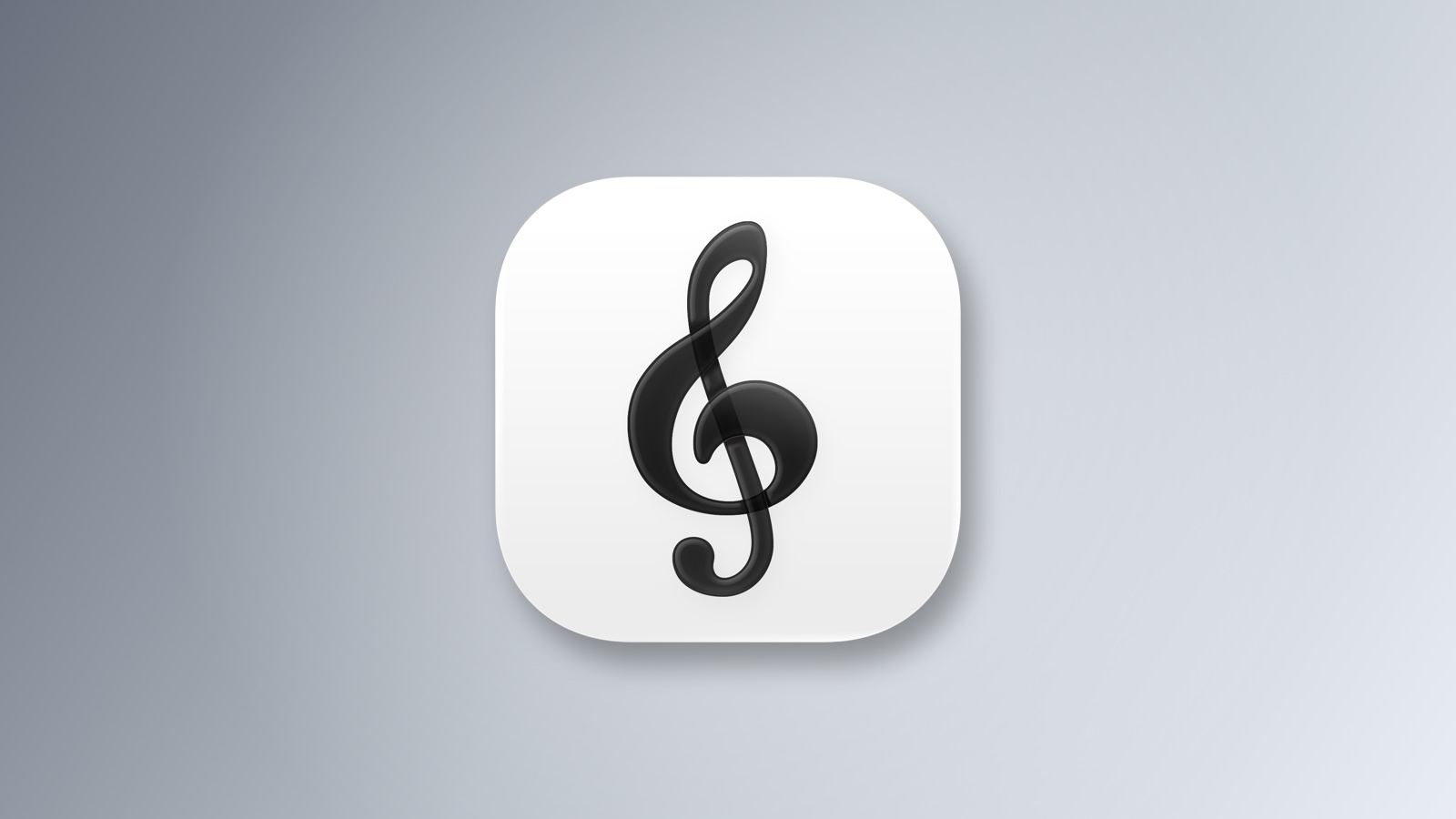
- New App Icon: Features a shaded black treble clef set against a crisp white background.
- Interface Accent Color: Selected tabs, playback buttons, and clickable links now feature blue accents instead of red.
- Design Alignment: Matches the monochrome appearance introduced across Apple Music services.
- Under-the-Hood Performance: Official release notes cite essential stability and performance enhancements.
- Operating System Support: Requires iOS 18 or iPadOS 18 or later.
A Closer Look at the Redesigned App Icon
App icons serve as the front door to any software experience on iOS and iPadOS. With version 4.1, Apple has reimagined the visual presentation of the familiar treble clef symbol that has defined the application since its debut.
The updated icon retains the iconic treble clef artwork, ensuring immediate recognition for current users. However, instead of the classic multi-colored or red-tinted background, the treble clef is now rendered in a sophisticated shaded black tone. This logo sits prominently against a clean, white background.
This design choice creates a stark, high-contrast look that stands out on modern home screens. It shifts the app away from bright primary colors toward a minimalist, classical aesthetic suitable for high-resolution displays.
Interface Refinements: Moving from Red to Blue Accents
Beyond the home screen icon, the internal user interface of the app has undergone color adjustments. Historically, Apple's music applications relied heavily on red accent colors for interactive controls, highlighting active tabs, media controls, and inline hyperlinks.
In version 4.1, Apple has replaced those traditional red highlights with distinct blue accents. When navigating through the app, users will see blue styling applied across multiple interactive zones:
- Selected Navigation Tabs: The active tab at the bottom of the screen highlights in blue to show your current location in the app.
- Playback Controls: Essential playback buttons, including play, pause, and skip controls, now utilize blue accenting.
- In-App Links: Text hyperlinks leading to artist pages, work descriptions, and related albums display in blue.
These subtle interface modifications make navigation clearer while offering a visually calm environment tailored for browsing extensive musical catalogs.
Aligning with Apple Music's New Visual Identity
The design changes introduced in version 4.1 do not exist in isolation. Last month, Apple unveiled a new visual identity for its main music platform, moving away from bright red branding in favor of a clean, monochrome look.
By updating the classical variant with a monochrome app icon and neutral background elements, Apple brings its entire music ecosystem into visual harmony. Users who switch between standard audio streaming and specialized classical tracks will now experience a unified design language across both applications.
This shift to monochrome aesthetic values reflects a minimalist approach to software presentation. It allows album artwork, composer portraiture, and typography to remain the central focus of the user interface.
Release Notes: Visual Overhauls vs. Official Documentation
Interestingly, Apple's official release notes on the App Store for version 4.1 do not explicitly detail the visual overhaul. Instead, the release documentation provides a standard summary indicating that the update contains "stability and performance enhancements."
It is common for major software updates to bundle visible design changes alongside underlying system optimization. While the release notes highlight performance improvements, the physical download immediately reveals the new black-and-white icon and blue interface elements upon installation.
These background performance updates help ensure smooth scrolling through large catalog databases, faster loading times for high-resolution digital booklets, and reliable time-synced listening guides.
Core Features Included in Apple Music Classical
While version 4.1 focuses on visual and performance adjustments, the underlying feature set remains comprehensive. Designed specifically to handle the complex metadata of classical compositions, the app provides tools tailored to serious listeners and newcomers alike.
Access to the application is included with standard Apple Music subscriptions at no extra cost, making it an accessible addition for existing subscribers.
Key Features Available to Subscribers
- Tailored Classical Search: Search by composer, work, opus number, conductor, orchestra, or catalog number to instantly locate specific recordings.
- Detailed Composer Biographies: Read extensive background histories and historical contexts for major and minor composers throughout musical history.
- Digital Album Booklets: Browse thousands of digital album liner notes, complete with program notes, translation texts, and instrumentation details.
- Time-Synced Listening Guides: Follow along with interactive guides that explain key musical movements as they play in real time.
- Curated Stations and Playlists: Explore expertly curated playlists grouped by era, instrument, mood, or composer collection.
System Requirements and Device Compatibility
To install the new version 4.1 update, users must ensure their hardware meets the latest operating system requirements established by Apple.
The updated app is supported on iPhone and iPad hardware running iOS 18 or iPadOS 18 or later. Devices running older operating system versions will not be able to install version 4.1 or view the new monochrome interface changes.
Users meeting these software requirements can download the application directly from the App Store. The updated build is available now on the App Store for immediate installation or auto-update.
How to Download and Update
If your device is set to update applications automatically, version 4.1 may already be installed on your device. You can verify the installation by checking your home screen for the new black-and-white treble clef icon.
If the app has not updated automatically, follow these simple steps on your iPhone or iPad:
- Open the App Store on your device.
- Tap your profile icon in the upper right corner of the screen.
- Scroll down to the pending updates section.
- Locate the app and tap the Update button next to version 4.1.
Once the download completes, launch the application to experience the refreshed blue accent color scheme and enhanced performance capabilities.
Frequently Asked Questions
Is there an additional fee to use Apple Music Classical?
No. Access to the standalone application is included with standard individual, family, or student subscriptions at no additional cost.
Why did the app icon change from red to black and white?
The icon change brings the application into alignment with Apple's new monochrome visual identity across its media services, replacing legacy red branding with a streamlined appearance.
What operating system is required for version 4.1?
Version 4.1 requires iOS 18 or iPadOS 18 or later on supported iPhone and iPad models.
Final Thoughts on the Apple Music Classical Update
The release of version 4.1 brings a welcome aesthetic upgrade that unifies Apple's music offerings under a consistent visual framework. By combining a sleek black-and-white icon with subtle blue interface accents, Apple provides a modern workspace for exploring classical compositions while maintaining overall app stability.
Subscribers running iOS 18 or iPadOS 18 can download the latest Apple Music Classical update today to enjoy these visual refinements alongside their favorite recordings.
Tags: Apple Music, Apple Music Classical
This article, "Apple Music Classical Updated With New Icon and Refreshed Design" first appeared on MacRumors.com
Discuss this article in our forums
from MacRumors
-via DynaSage
