
Unfolded iPhone Duo Lets You Preview Documents in a Two-Page Layout
The newly discovered iPhone Duo Quick Look feature allows users to preview documents in a seamless two-page side-by-side layout when holding the foldable device in an open-book position. This new feature showcases how iOS 27 leverages the wide-format display of Apple's upcoming foldable phone for enhanced document viewing, document management, and multitasking.
What Is the iPhone Duo Quick Look Feature?
Document previewing on iOS is getting a massive upgrade for foldable hardware. According to a recent finding by code explorer pdfu, Apple's upcoming foldable device introduces a dedicated two-page preview layout in Quick Look when held in an open-book orientation.
Quick Look has long been a staple feature across Apple operating systems, allowing users to rapidly inspect files, images, PDFs, and text documents without opening a full standalone app. On traditional single-screen iPhones, Quick Look displays documents one page at a time in a vertical scrolling list. On the wide-format display of the iPhone Duo, however, the system automatically adapts to present two pages simultaneously.
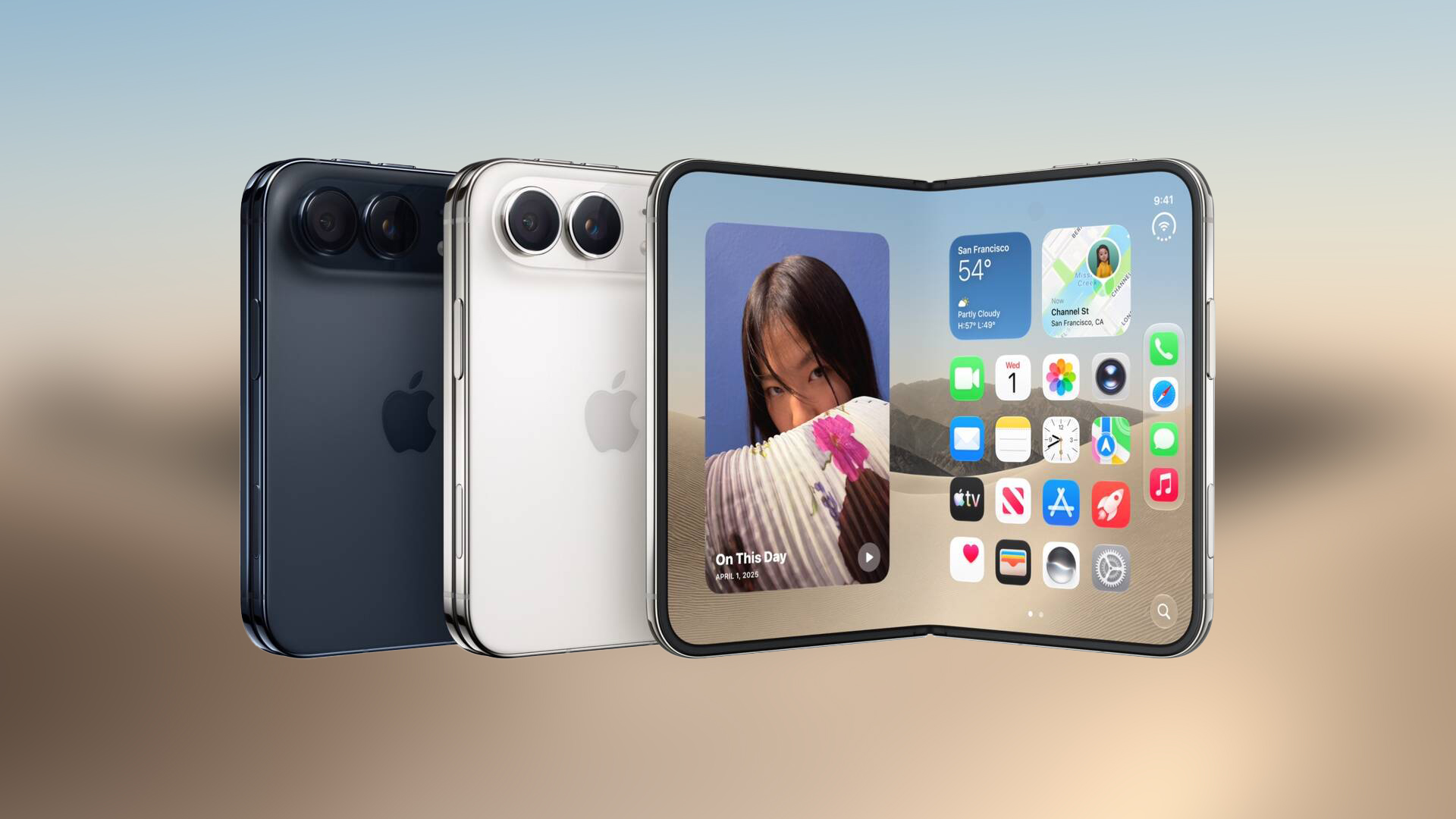
A video clip shared on X demonstrates this functionality using an official Apple Style Guide document. When the foldable hardware is opened, the preview splits naturally across both halves of the screen. Consecutive pages appear side by side just like a physical book or magazine spread.
How the Two-Page Layout Works in Open-Book Orientation
When you hold the iPhone Duo in its open-book orientation, system applications adjust their user interfaces to take full advantage of the dual-panel real estate. The two-page document preview layout in Quick Look is designed specifically for this physical posture.
Instead of stacking pages vertically, the software places page one on the left display panel and page two on the right display panel. As you navigate forward through the document, the interface flips through consecutive page pairs, preserving the visual flow of two-page spreads.
In addition to side-by-side page rendering, the updated Quick Look interface organizes essential document controls along the right-hand edge of the right display panel. These controls include key productivity tools:
- Search tools: Quickly locate text strings and key terms across the open document.
- Markup controls: Annotate, highlight, draw, or sign documents directly within the preview screen.
- Share options: Send the file, export pages, or transfer documents using system share extensions.
By placing controls along the right side, Apple ensures that tools remain easily accessible without obscuring any active content across either page of the document preview.
How iOS 27 Adapts Interfaces for the Foldable Display
This document preview discovery is part of a broader set of software adaptations built into iOS 27 for foldable hardware. Apple has previously detailed how iOS 27 adapts interfaces to suit the unique physical form factor of the device.
The system relies heavily on angle-aware layouts. Built-in posture sensors detect whether the device is fully flat, folded shut, or held at an angle like a book. Depending on the physical hinge angle and spatial orientation, iOS 27 dynamically reorganizes screen elements to maximize utility and readability.
Multitasking also plays a central role in the experience. Alongside side-by-side document previews, users can utilize side-by-side multitasking to run separate applications on each display panel simultaneously, drag and drop files between screens, or compare information across apps without switching views.
Quick Look on iPhone Duo has a new two-page layout in the open book position. https://t.co/gZtSH49rp1
- pdfu (@itspdfu) October 6, 2026
Key Benefits of the Two-Page Document Preview
The addition of a two-page spread inside Quick Look offers several major benefits for mobile document workflows:
- Better visual context: Seeing facing pages side-by-side makes reading books, PDF documents, and design proofs far more intuitive.
- Faster navigation: Reviewing multi-page documents requires fewer scroll actions, making file browsing noticeably faster.
- Dedicated sidebar tools: Having search, markup, and share tools grouped along the right side prevents control clutter over document content.
- Seamless posture detection: Holding the device like an open book automatically triggers the double-page spread without manual menu toggles.
iPhone Duo Pre-Order Dates and Launch Details
If you are planning to pick up Apple's flagship foldable hardware at release, here are the key launch dates to keep in mind:
Pre-orders for the device officially open at 5 a.m. Pacific Time on Friday, October 16. In-store availability and customer shipping begin the following week on Friday, October 23.
Additional Resources and Community Discussion
For more detailed coverage, buyer guides, and ongoing discussions regarding the new foldable device, explore the following resources:
- Related Roundup: iPhone Duo
- Buyer's Guide: iPhone Duo (Coming Soon)
- Related Forum: iPhone
This article, "Unfolded iPhone Duo Lets You Preview Documents in a Two-Page Layout" first appeared on MacRumors.com.
Discuss this article in our community forums to share your thoughts on the new dual-screen document preview capabilities.
Conclusion
The newly revealed two-page document preview in Quick Look highlights how thoughtful software customization can elevate foldable hardware. By bringing side-by-side page spreads, angle-aware controls, and seamless markup options to the platform, Apple is positioning the device as a power tool for mobile reading and document management. As we approach pre-order day, the iPhone Duo Quick Look feature offers an exciting glimpse into the practical productivity benefits of wide-format foldable screens.
from MacRumors
-via DynaSage
