YouTube App Not Working on Your New Apple TV? Here's the Fix
If you recently unpacked your new fourth-generation Apple TV 4K and found the YouTube app not working on Apple TV, you are not alone. Multiple early adopters reported launch-day issues where the video streaming app failed to work properly, but simple settings checks and a recent server-side update can resolve the problem quickly.
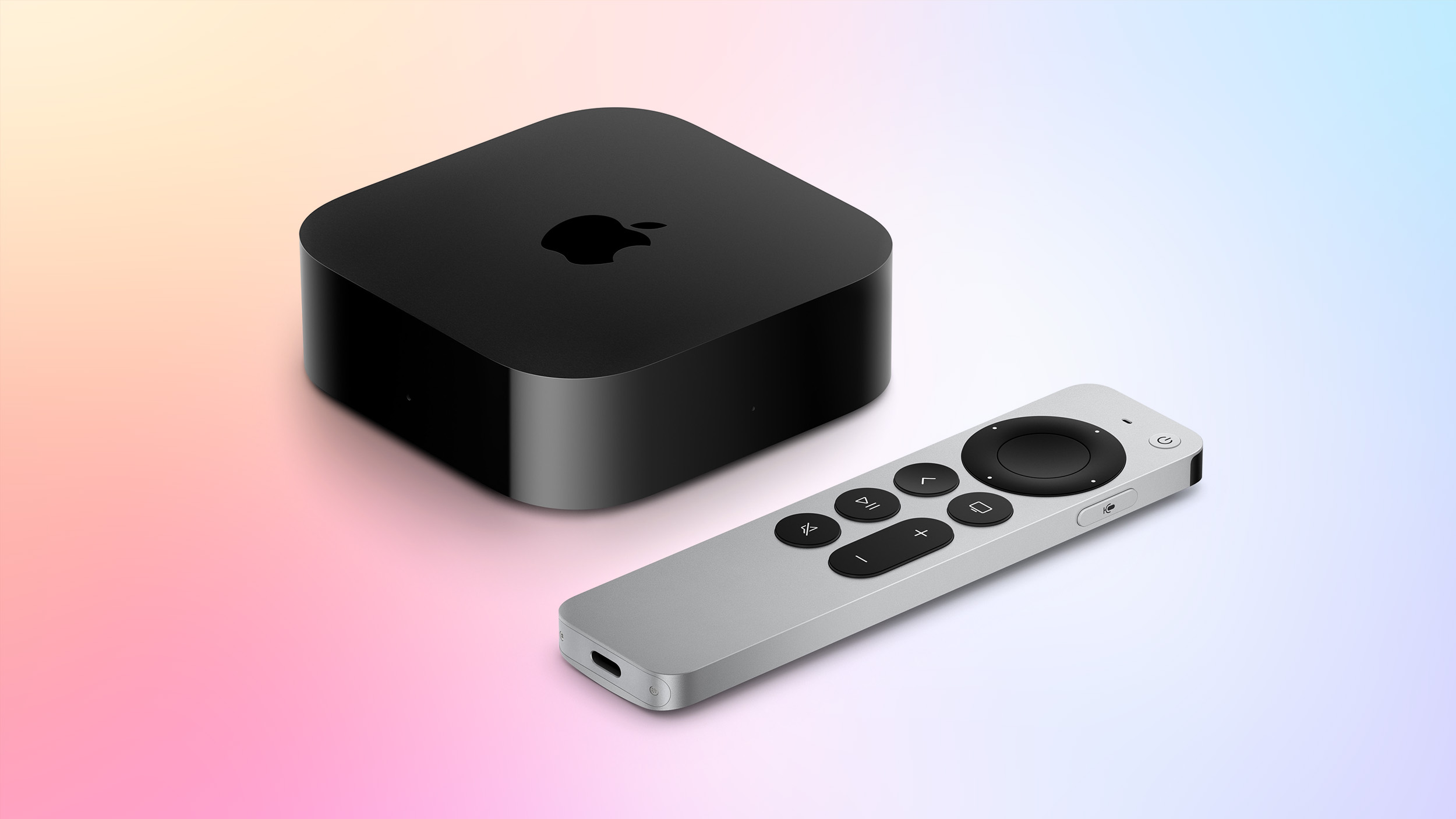
As the new fourth-generation Apple TV 4K units began arriving to customers, early buyers eagerly set up their streaming hardware only to encounter an unexpected roadblock. Several users noticed the YouTube app is not working right out of the box. Whether the application fails to open, freezes during playback, or refuses to load content, getting your favorite streaming channels running is a top priority.
Fortunately, fixing the YouTube app issue on your new hardware does not require complex technical skills. Below is a comprehensive walkthrough of the exact steps to restore full video functionality, along with details regarding the latest fix released by YouTube.
How to Fix the YouTube App Not Working on Apple TV
If you encounter playback errors or app crashes on your fourth-generation Apple TV 4K, follow these troubleshooting steps in order. These methods address operating system bugs, cache glitches, and application installation errors.
Step 1: Check for tvOS 27.2 Software Updates
Running the latest version of tvOS is essential when setting up new hardware. System updates contain critical stability patches that resolve application compatibility bugs on modern hardware.
To check for and install tvOS 27.2 on your device, follow these steps:
- Turn on your streaming box and select the Settings app from the main home screen.
- Scroll down and click on System.
- Select Software Updates.
- Click Update Software to verify if tvOS 27.2 is available for download.
- If an update is found, select Download and Install, then allow the system to finish updating and restarting.
Ensuring that tvOS 27.2 is active provides a stable base for video streaming apps to function without crashing.
Step 2: Restart Your Apple TV 4K Hardware
If tvOS 27.2 is already installed on your device but the YouTube app not working on Apple TV error continues, performing a clean system restart is the next best action. Restarting clears active RAM and resets background system processes that might be interfering with video decoding.
To reboot your device via system settings:
- Open the Settings app on your home screen.
- Navigate to the System menu option.
- Scroll down to the bottom of the list and choose Restart.
Wait a minute or two for the system to reboot, then launch YouTube again to see if streaming service has been restored.
Step 3: Uninstall and Reinstall the YouTube App
If updating tvOS and rebooting the streaming unit do not correct the issue, the application data stored on your device may be corrupted. Performing a complete removal and reinstall installs a clean copy of the application directly from the App Store.
- Navigate to the home screen and highlight the YouTube application icon.
- Press and hold the clickpad center or touch surface on your Siri Remote until the app icon begins to jiggle.
- Press the Play/Pause button on your remote to view options, then select Delete.
- Confirm that you want to delete the app from your device.
- Open the App Store, search for YouTube, and download a fresh copy.
Official Update: YouTube Implements Server-Side Fix
There is good news for anyone affected by this startup bug. YouTube appears to have implemented a server-side fix to address the problem directly on their end.
Because this update took place on YouTube's remote servers, you may not even need to manually update the app file from the App Store. However, if you are still experiencing playback errors, performing a simple device restart as outlined above will force your device to connect to the corrected server configuration.
Helpful Resources and Community Guidance
When new hardware launches, community discussions can provide helpful insights and fast solutions to unexpected software bugs. You can learn more about streaming hardware specifications and community discussions using the links below:
- Explore overall product details in our Apple TV roundup.
- Check out updates and tips in our YouTube guide.
- Looking to buy or upgrade? Visit the Apple TV (Buy Now) buyer guide.
- Join active user discussions in the Apple TV and Home Theater forum.
This article, "YouTube App Not Working on Your New Apple TV? Here's the Fix" first appeared on MacRumors.com.
Want to join the conversation with other owners? Discuss this article in our forums!
Resolving Your YouTube Streaming Issues
Getting a brand-new home theater device only to run into software glitches can be frustrating, but launch-day bugs are usually short-lived. By installing tvOS 27.2, restarting your unit, or taking advantage of YouTube's server-side fix, you can permanently solve the issue with the YouTube app not working on Apple TV and get back to enjoying your favorite video channels seamlessly.
from MacRumors
-via DynaSage

Post a Comment