Anthropic's Claude Comes to CarPlay
Anthropic has officially launched its new Claude CarPlay integration, allowing iPhone users to interact with the Claude AI assistant directly through their car infotainment displays. This update brings hands-free voice interactions to the driver seat, providing a streamlined way to ask questions and process information while on the road.
What Is the New Claude CarPlay Integration?
Anthropic updated its official iOS app to include native support for Apple CarPlay. This development means that users no longer need to handle their handheld mobile devices while driving to interact with the AI model. Instead, drivers can communicate with Claude using voice commands through their vehicle's built-in dash display and audio speakers.
The update brings artificial intelligence directly into the automotive environment. By establishing a direct link between the Claude iOS app and the car infotainment hardware, drivers can ask voice-based questions hands-free. This system provides clear audio responses while keeping the driver's eyes focused primarily on the road ahead.
Apple introduced support for third-party chatbots in CarPlay in iOS 26.4. This framework opened the door for artificial intelligence developers like Anthropic to bring their popular conversational models straight to dashboard displays. The feature is now live, making Claude one of the earliest major artificial intelligence assistants available inside Apple's automotive interface.
Bringing conversational models into the car environment changes how drivers interact with information during long commutes or daily trips. Rather than waiting until a vehicle is parked to search for complex answers or organize thoughts, drivers can issue voice prompts to their digital assistant. This seamless connection provides an easy audio-first pathway for processing queries on the go.
How Does Claude Work Inside Apple CarPlay?
The user experience for the Claude CarPlay integration has been designed to fit seamlessly into the automotive interface. When drivers open the Claude application on their screen, they are greeted by a clean display that prioritizes audio interaction over text visual clutter.
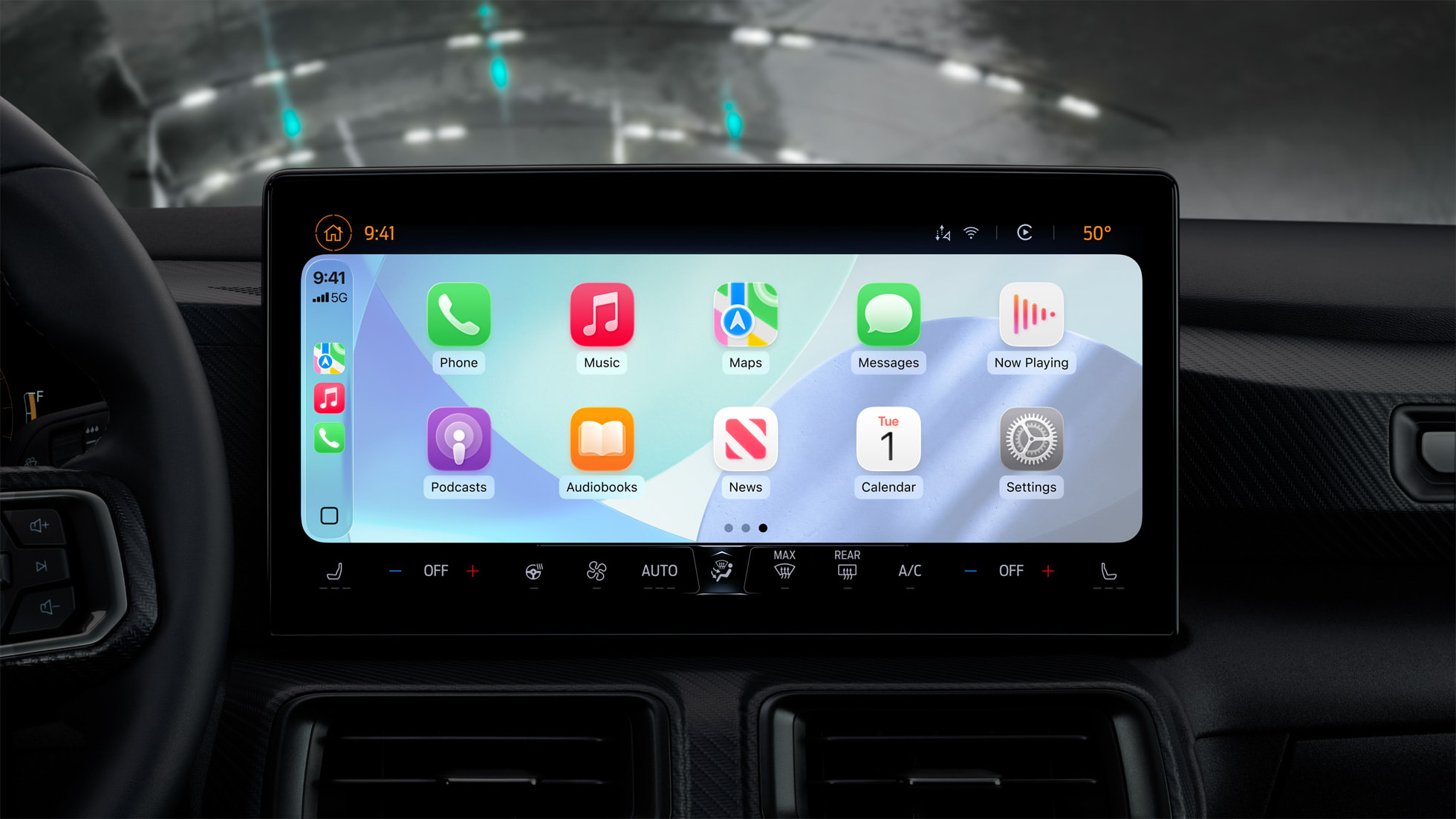
The application opens directly to a default screen that prompts the driver to "Start a hands-free conversation." From this main launch window, users are given simple options to either initiate a brand-new audio conversation or access their list of recent chats. This ensures that ongoing thoughts or previous query threads can be picked back up quickly without requiring manual searching.
During an active conversation, the user interface provides straightforward in-app controls tailored for safe vehicle operation. Drivers have access to prominent buttons for muting and unmuting their microphone input. There are also simple controls for ending the current conversation or resuming a previously paused interaction whenever desired.
To keep the driver informed without causing unnecessary distraction, the interface features clear visual cues. The screen displays distinct visual indicators when Claude is actively listening to the driver's voice input. A different visual cue appears on the display when Claude is generating and speaking its audio response back to the vehicle cabin.
Because safety is paramount when operating a motor vehicle, these visual indicators are minimal and easy to read at a quick glance. The system avoids dense paragraphs of text on the dashboard screen, relying instead on high-contrast visual status indicators accompanied by spoken audio feedback.
Apple Guidelines for Third-Party Chatbots in CarPlay
Apple enforces strict design and technical rules before any application can be displayed on a vehicle dashboard. To implement third-party chatbots in CarPlay, software developers must follow rigid guidelines established by Apple to maintain driver safety and interface consistency across all vehicles.
First, any AI chatbot application seeking dashboard integration must include support for a dedicated voice control screen. This requirement ensures that interaction relies primarily on voice speech input and synthesized voice output rather than touch-screen typing or reading long textual passages.
Second, developers are required to build their user interfaces using Apple's official designated template for automotive displays. These standardized templates regulate button placement, text sizing, and color contrast. By enforcing strict template compliance, Apple prevents developers from creating distracting custom interfaces that could draw a driver's eyes away from traffic conditions.
Finally, application creators must apply for and receive an explicit entitlement directly from Apple before their app can function inside a car environment. Apple reviews these entitlements to ensure that only approved software categories gain access to the dashboard system, preventing unapproved software types from compromising vehicle safety standards.
These developer hurdles help maintain a uniform user experience across different car models and aftermarket stereo units. Whether driving a small sedan or a heavy truck, users encounter familiar control layouts that behave predictably, reducing cognitive load while operating the vehicle.
What Can and Cannot Claude Do While Driving?
Understanding the boundaries of the Claude CarPlay integration is essential for drivers who want to incorporate this AI helper into their daily routine. While the assistant is highly capable at handling conversational queries, Apple maintains strict boundaries regarding hardware control.
What Claude Can Do in Your Car
- Answer complex voice-based questions hands-free through spoken audio responses.
- Start brand-new chat sessions directly from the vehicle dashboard screen.
- Access and resume recent chat histories established on your iPhone or computer.
- Provide visible on-screen feedback when listening to driver prompts or speaking answers.
- Allow easy muting, unmuting, ending, and resuming of conversations via simple touch targets.
What Claude Cannot Do in Your Car
- Control vehicle hardware functions like adjusting climate control, rolling down windows, or changing drive modes.
- Control core iPhone system settings, make phone calls, or modify system preferences.
- Respond to custom third-party wake words spoken passively into the air.
- Display long text paragraphs or complex formatting on the vehicle dashboard display.
The primary restriction to note is that Claude cannot control vehicle functions or iPhone operational settings. For instance, you cannot ask Claude to lower the vehicle cabin temperature, turn on seat heaters, or open the vehicle sunroof. Those tasks remain exclusively reserved for native vehicle controls or built-in system voice assistants like Siri.
Additionally, drivers must manually tap the Claude application icon on the screen to begin an interaction. Because Apple does not support third-party custom wake words on its automotive platform, users cannot wake the app simply by saying its name aloud. Opening the app manually from the home screen grid remains a necessary first step before hands-free voice dialogue begins.
Driving Safety and the Evolution of In-Car AI Assistants
For many years, Apple has offered third-party app access on its automotive platform, but the tech giant has consistently placed tight limits on allowed app categories. Navigation apps, audio streaming tools, messaging clients, and communication services were among the few categories permitted on vehicle displays to avoid driving distractions.
The introduction of generative AI models created a new challenge for automotive software safety regulators. Traditional screen-heavy apps pose severe safety risks if adapted directly to moving cars. However, conversational voice assistants fit naturally into an audio-first driving environment when properly constrained by voice control templates.
OpenAI was among the first major artificial intelligence platforms to bring its assistant to vehicle displays, adding support for the ChatGPT app earlier this year. Anthropic's entry into the space with Claude gives iPhone owners an additional major platform option for voice interactions while driving.
By restricting chatbot apps to simple audio controls and standardized layout templates, Apple aims to offer helpful conversational tools without compromising road safety. Drivers gain access to powerful reasoning engines without taking their hands off the steering wheel or spending critical seconds staring at visual screen elements.
How to Get Started with Claude on CarPlay
Setting up and using the new voice features in your vehicle requires only a few basic steps. Ensure your mobile device and car hardware meet the minimum requirements before hitting the road.
- Verify that your iPhone is updated to iOS 26.4 or a later version to ensure core system compatibility for third-party chatbots.
- Download or update the latest version of the Claude app from the official iOS App Store.
- Connect your iPhone to your car using a certified lightning/USB-C cable or establish a wireless connection if your car supports wireless integration.
- Locate and tap the Claude icon on your vehicle dashboard touch display screen.
- Select the option titled "Start a hands-free conversation" or pick an item from your recent chat list to begin speaking.
Once the session is active, speak clearly toward your car's built-in microphone. You can monitor the on-screen visual cues to see when the assistant is recording your voice prompt and when it is preparing its vocal response.
If you need to pause your conversation to pay attention to traffic, tap the mute button or end the session with a single touch. You can easily resume your thought process later once traffic conditions clear up.
Community Reactions and Related Information
The arrival of third-party AI platforms on vehicle dashboards has generated significant discussion among tech enthusiasts and car owners. Many drivers appreciate having direct voice access to alternative language models during long commutes, commuting trips, or road travel.
If you want to read more about vehicle infotainment systems and related smart home devices, check out the HomePod, HomeKit, CarPlay, Home & Auto Technology forum community. Tech enthusiasts frequently share setup tips, troubleshooting advice, and hands-on reviews of newly released automotive software updates.
You can also check out the main CarPlay category overview or follow news updates tagged under Anthropic to stay informed on future app improvements. As artificial intelligence models evolve, updates to voice latency and template features will likely enhance the driving experience even further.
For the original news announcement titled "Anthropic's Claude Comes to CarPlay", visit the original coverage hosted on MacRumors.com. You can also join ongoing reader discussions and share your personal testing experiences by visiting the official forum thread to Discuss this article with other community members.
Final Thoughts on the Claude CarPlay Integration
The official launch of the Claude CarPlay integration represents an exciting milestone for drivers who rely on artificial intelligence throughout their workday. By combining hands-free voice controls with Apple's strict automotive safety standards, Anthropic delivers a practical voice assistant built specifically for the road.
While strict limits prevent the assistant from modifying vehicle settings or responding to custom passive wake words, the ability to conduct intelligent, hands-free voice conversations makes the Claude app a valuable addition to any dashboard display. As third-party voice assistants become standard inside modern vehicles, drivers can look forward to smarter, safer, and more productive time spent behind the wheel.
from MacRumors
-via DynaSage

Post a Comment