Apple Releases First watchOS 26.2, tvOS 26.2 and visionOS 26.2 Betas
Apple's Next Chapter: A Deep Dive into the First Betas of watchOS 26.2, tvOS 26.2, and visionOS 26.2
The world of Apple software development is in constant motion, and just when you think things have settled, a new wave of updates appears on the horizon. In a move that highlights its relentless pace of innovation, Apple has just seeded the first developer betas for its next round of software updates: watchOS 26.2, tvOS 26.2, and the highly anticipated visionOS 26.2. This release comes hot on the heels of the public launch of the 26.1 versions for each platform, signaling that Apple's engineers are already hard at work refining and expanding the capabilities of their ecosystem.
For the average user, this news might seem like technical jargon. But for developers, tech enthusiasts, and early adopters, it's the first exciting glimpse into the future. These beta releases are the testing grounds for the features and fixes that will eventually make their way to millions of Apple Watches, Apple TVs, and Apple Vision Pro headsets around the world. It’s a critical phase where bugs are squashed, performance is tuned, and new functionalities are put through their paces. So, what does this new beta cycle mean, how can you get involved, and what can we possibly expect from these upcoming updates? Let's dive in and explore everything we know so far.
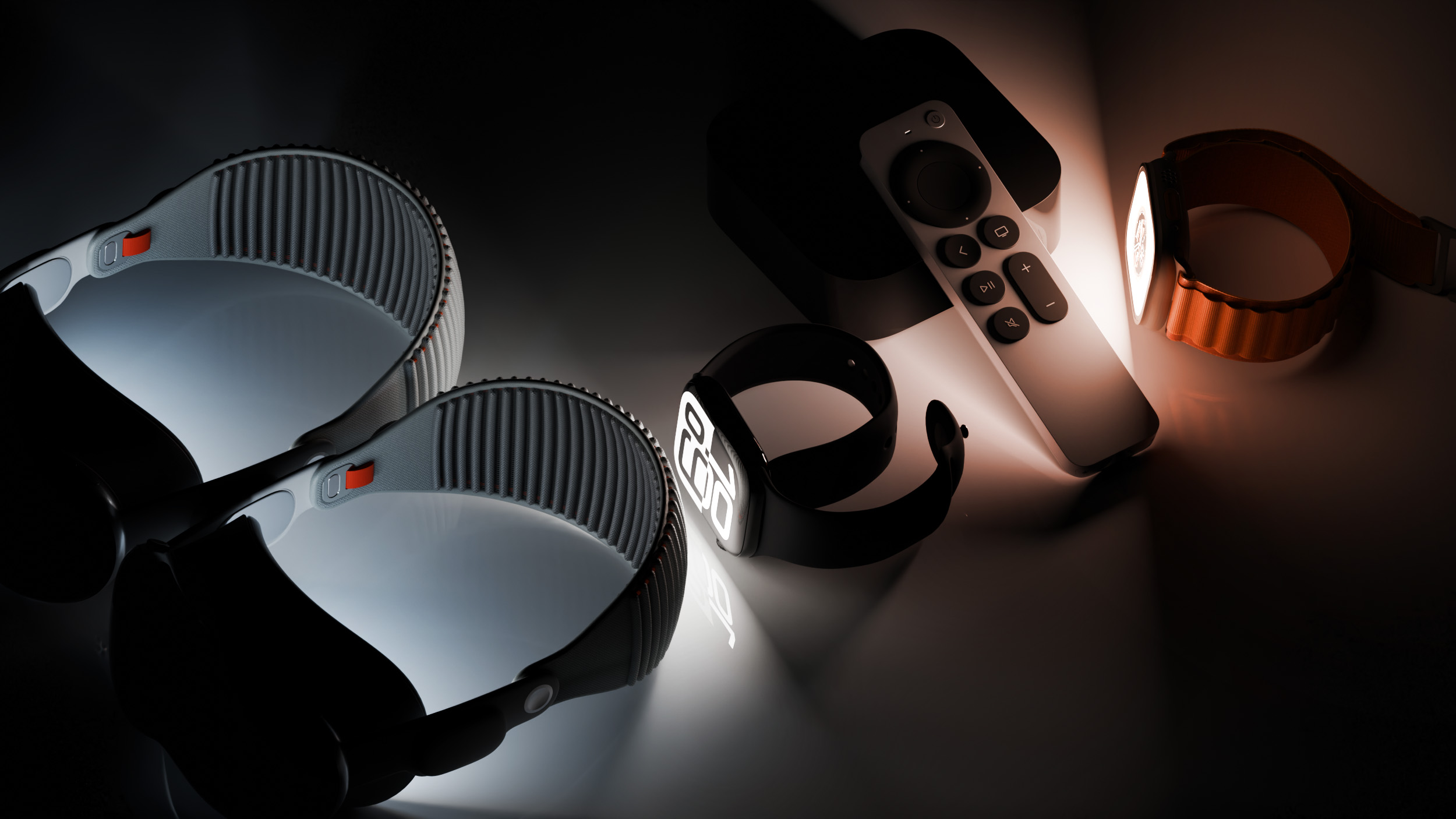
The Beta Onslaught: What's New and How to Get It
Apple’s software release cadence is a well-oiled machine. Major annual releases (like watchOS 26.0) introduce headline features, while the subsequent point releases (like 26.1, 26.2, etc.) are focused on refinement, bug fixes, and the occasional introduction of smaller, yet significant, new features. The arrival of the first 26.2 betas so quickly after the 26.1 public release indicates a commitment to continuous improvement across all platforms.
These initial releases are designated as "developer betas" for a reason. They are intended for software developers to test their applications against the upcoming operating system changes, ensuring their apps are compatible and can take advantage of any new APIs or frameworks. If you are a registered Apple Developer, accessing these betas is a straightforward process. Thanks to a recent change, you no longer need a paid subscription; a free developer account is all that's required to get started.
How to Install the Developer Betas
If you're an adventurous developer ready to explore the new software, you can install the updates directly on your devices through the Settings app. Here’s a general guide:
- For watchOS 26.2: On your paired iPhone, go to the Watch app, navigate to General > Software Update, and tap on "Beta Updates" to select the developer beta. Your Apple Watch must have at least 50% battery and be connected to its charger to install the update.
- For tvOS 26.2: On your Apple TV, open the Settings app, go to System > Software Updates, and turn on the option for "Get Beta Updates." From there, you can select the developer beta channel.
- For visionOS 26.2: On your Apple Vision Pro, go to Settings > General > Software Update. You'll find a "Beta Updates" section where you can enroll your device in the developer beta program.
A Crucial Word of Warning: Proceed with Caution
Before you rush to install, it's vital to understand the nature of beta software. These are pre-release versions and are inherently unstable. They can contain bugs that may cause anything from minor app glitches to significant issues like poor battery life, system crashes, or data loss. It is strongly recommended that you do not install developer betas on your primary, mission-critical devices. If you have a secondary Apple Watch, Apple TV, or Vision Pro dedicated to testing, that is the ideal scenario. If not, be prepared for potential instability and ensure you have a complete backup of your data before proceeding.
What New Features Can We Expect? The Art of Speculation
This is the million-dollar question that accompanies every new beta release. Apple is notoriously tight-lipped about the contents of early betas, often forgoing detailed release notes. This leaves the community of developers and tech journalists to dig through the code and test the software to uncover any hidden gems. While major, outward-facing changes might not be immediately apparent, we can speculate on the direction each platform might be heading based on past updates, user feedback, and the overall trajectory of Apple's ecosystem.
Potential Enhancements in watchOS 26.2
The Apple Watch is a mature platform, but there's always room for improvement. A .2 update for watchOS typically brings quality-of-life improvements and refinements to existing features. Here are some possibilities:
- New Watch Faces: Apple frequently adds new watch faces or complications in point releases to keep the experience fresh. We could see a new design or more customization options for existing faces.
- Health and Fitness Refinements: Health is a cornerstone of the Apple Watch. This update could bring enhancements to workout tracking, perhaps with improved algorithms for specific activities, or subtle new metrics within the Health app.
- Performance and Battery Optimizations: A key focus of any watchOS update is to improve the responsiveness of the UI and optimize battery consumption. We can expect under-the-hood tweaks to make the experience smoother, especially on older supported models.
- Siri and Notification Improvements: Siri on the watch could get smarter with better on-device processing, and the notification system might see refinements to make it more manageable and less intrusive.
Unpacking the Possibilities for tvOS 26.2
The Apple TV serves as the central hub for home entertainment, and tvOS updates aim to make that experience more seamless and engaging. For tvOS 26.2, we might see:
- User Interface Tweaks: While a major overhaul is unlikely, Apple could introduce small UI changes to the Home Screen or the TV app to improve navigation and content discovery.
- Enhanced Service Integration: Deeper integration with Apple's other services like Apple Arcade, Apple Fitness+, and Apple Music is always a possibility. This could manifest as new features within those apps or better system-level integration.
- Improved Multi-User Support: The multi-user feature on Apple TV could be refined to make switching between profiles faster and more reliable, ensuring everyone in the household has a personalized experience.
- Expanded Audio and Video Support: For the home theater enthusiasts, Apple could add support for new audio formats or improve the performance of existing high-fidelity standards, ensuring the Apple TV 4K remains a top-tier streaming device.
The Future Unfolds: What's Next for visionOS 26.2?
This is arguably the most exciting part of the new beta cycle. The Apple Vision Pro is a first-generation product, and its operating system, visionOS, is still in its infancy. Every update, no matter how small, has the potential to significantly shape the future of spatial computing. A .2 update for a brand-new platform is likely to focus heavily on stability and responding to early feedback from developers and users.
Here’s what visionOS 26.2 could bring:
- Core Stability and Performance: The top priority will be squashing bugs, improving system stability, and optimizing performance. This includes refining hand and eye tracking, reducing latency, and ensuring the overall experience feels fluid and responsive.
- Persona Enhancements: Personas, the digital avatars used in FaceTime, are a key feature of visionOS. We can expect Apple to continue iterating on them, improving their realism, expressiveness, and overall quality based on user feedback. - Gesture and Control Refinements: As users spend more time with the Vision Pro, Apple is gathering immense amounts of data on how people interact with the spatial interface. This update could introduce subtle refinements to gestures, making them more intuitive and reliable. It could also expand support for physical input devices like keyboards and trackpads.
- Developer API Improvements: A crucial part of a developer beta is providing new tools for creators. visionOS 26.2 may introduce new APIs or enhance existing ones, allowing developers to build more powerful and integrated spatial apps.
It's important to note that, unlike its counterparts, visionOS betas are expected to remain exclusive to developers for the foreseeable future. Given the complexity and novelty of the platform, Apple is taking a more cautious approach to its public testing, ensuring a controlled and stable environment for its development.
The Road to Public Release: Understanding the Beta Timeline
The release of a first developer beta is just the beginning of a multi-stage process. Understanding this timeline can help set expectations for when these new features will reach the general public.
- Developer Betas: The cycle begins with developers. Apple will likely release a series of developer betas, typically every one to two weeks, each one building on the last with more bug fixes and refinements.
- Public Betas: Usually a few days or a week after the first developer beta, Apple releases a corresponding public beta for watchOS and tvOS. These versions are generally a bit more stable and are open to anyone who enrolls in the free Apple Beta Software Program. This allows a wider audience to test the software and report any issues they encounter.
- Release Candidate (RC): After several beta iterations, when Apple believes the software is stable and ready for a wide audience, it releases a "Release Candidate." This is typically the final version that, barring any last-minute show-stopping bugs, will be released to the public.
- Final Public Release: Finally, the fully tested and polished software is rolled out to all users as an over-the-air update.
Based on Apple's historical release patterns for .2 updates during this time of year, we can speculate that the final public versions of watchOS 26.2 and tvOS 26.2 will likely launch sometime between December 9 and December 16. This timing allows Apple to get a significant update out to users before the holiday season.
Why the Beta Process Matters for Everyone
Even if you never install a piece of beta software in your life, this development process is incredibly important. It’s a symbiotic relationship that benefits the entire Apple ecosystem. Developers get early access to test their apps, ensuring that when the final OS is released, your favorite applications work seamlessly from day one. It also gives them a head start on building new features that leverage the latest capabilities of the operating system.
For Apple, the beta period is an invaluable large-scale quality assurance program. Millions of data points and thousands of bug reports from developers and public testers help Apple identify and fix issues that might have been missed in their internal testing. This collaborative effort results in a more stable, reliable, and polished final product for everyone.
Conclusion: The Journey Continues
The release of the first developer betas for watchOS 26.2, tvOS 26.2, and visionOS 26.2 marks the beginning of the next chapter for Apple's powerful operating systems. While the list of new features remains a mystery for now, the process of discovery, testing, and refinement has officially begun. Over the coming weeks, we can expect more details to emerge as developers and public beta testers explore the new software.
It’s a reminder that the technology we use every day is constantly evolving. Behind every smooth animation and helpful feature is a rigorous cycle of development and testing. As we look forward to the public release in December, we can be confident that the final product will be a testament to this collaborative effort, bringing a more refined and capable experience to our wrists, living rooms, and now, to the world of spatial computing.
This article, "Apple Releases First watchOS 26.2, tvOS 26.2 and visionOS 26.2 Betas" first appeared on MacRumors.com
Discuss this article in our forums
from MacRumors
-via DynaSage

Post a Comment