Logitech Launches Solar-Powered Signature Slim K980 Keyboard
Logitech's Revolutionary Solar-Powered Keyboard: The Signature Slim Solar+ K980
Logitech has launched a game-changer in the keyboard world: the Signature Slim Solar+ K980. This full-sized wireless keyboard boasts a unique feature – it runs entirely on solar power! Say goodbye to tangled charging cables and hello to a clutter-free workspace.
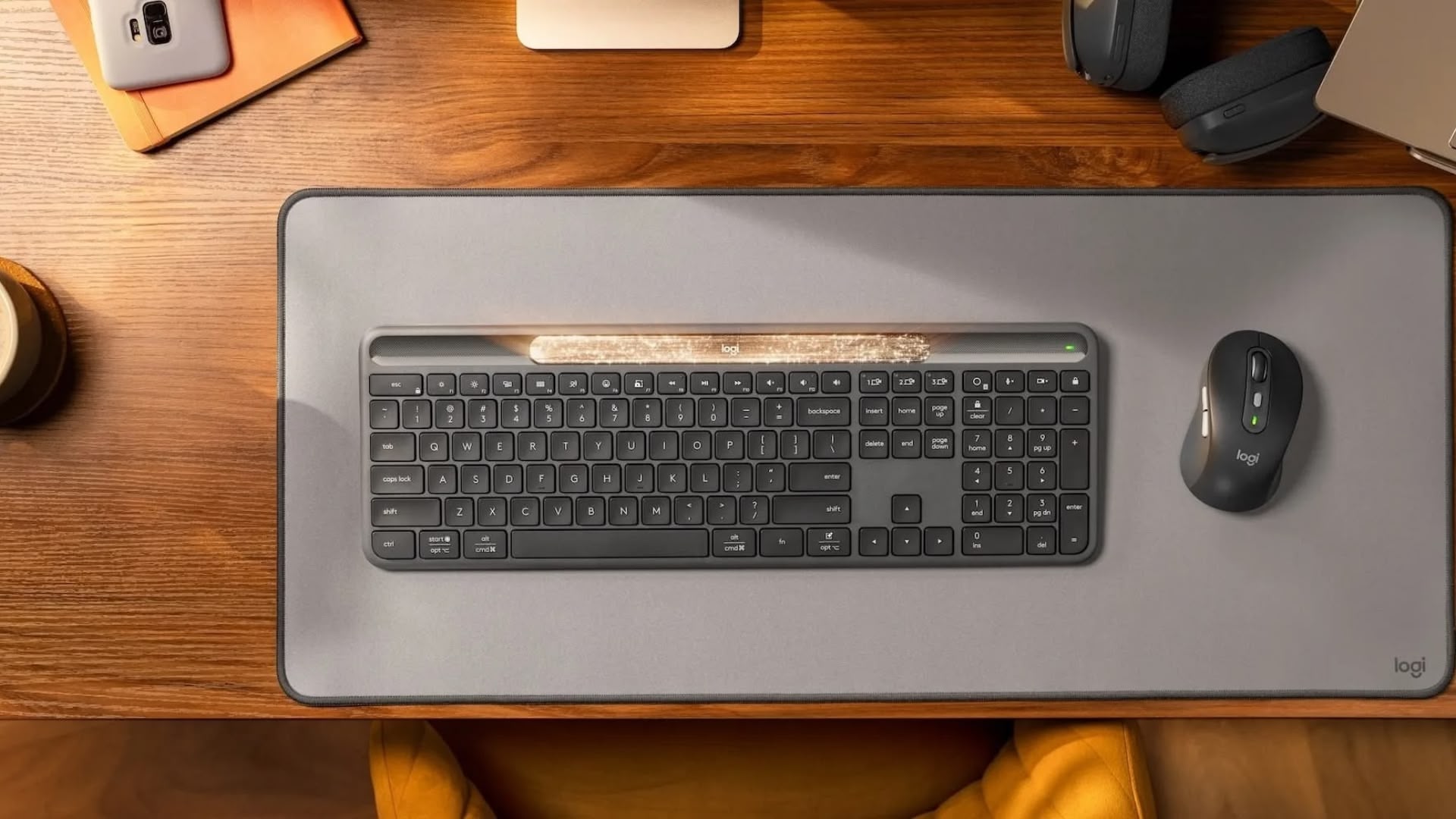
Powering a Greener Future, One Keystroke at a Time
The K980 leverages Logitech's innovative LightCharge technology. This technology requires a minimum of 200 lux of ambient light – easily obtained from sunlight or indoor lighting – to keep the keyboard charged. This means you can power your keyboard using everyday light sources, reducing reliance on traditional electricity.
Logitech claims that once fully charged, the keyboard can operate for up to four months even in complete darkness. Even better, the internal battery is designed to last for up to 10 years before needing a replacement. This significantly reduces electronic waste and contributes to a more sustainable approach to technology.
Full-Featured Functionality for Seamless Typing
Despite its eco-friendly design, the Signature Slim Solar+ K980 doesn't compromise on functionality. It offers a standard full-sized layout, including a number pad, dedicated function keys, and convenient media controls. This makes it ideal for both work and casual use.
Connecting to your devices is effortless. The keyboard supports Bluetooth connectivity for up to three devices simultaneously. It also offers seamless compatibility with both Windows and macOS operating systems, thanks to dual key legends. For macOS users, a dedicated macOS version is also available.
Smart Features for Enhanced Productivity
Logitech has packed the K980 with several smart features to boost productivity. An AI Launch key provides quick access to virtual assistants, opening Copilot on Windows or Gemini on ChromeOS by default. This allows for instant access to your preferred AI assistant without interrupting your workflow.
Further customization is available through the Logi Options+ software. This software allows you to personalize the function keys to match your specific needs and preferences. You can assign shortcuts to your most frequently used applications or commands, streamlining your daily tasks. Smart Actions offer pre-programmed productivity shortcuts, providing additional efficiency boosts.
The keyboard's dimensions are 430.8mm (w) x 142.9mm (h) x 20.2mm (d), and it weighs 700 grams. This makes it comfortably portable, without being too bulky or heavy for everyday use.
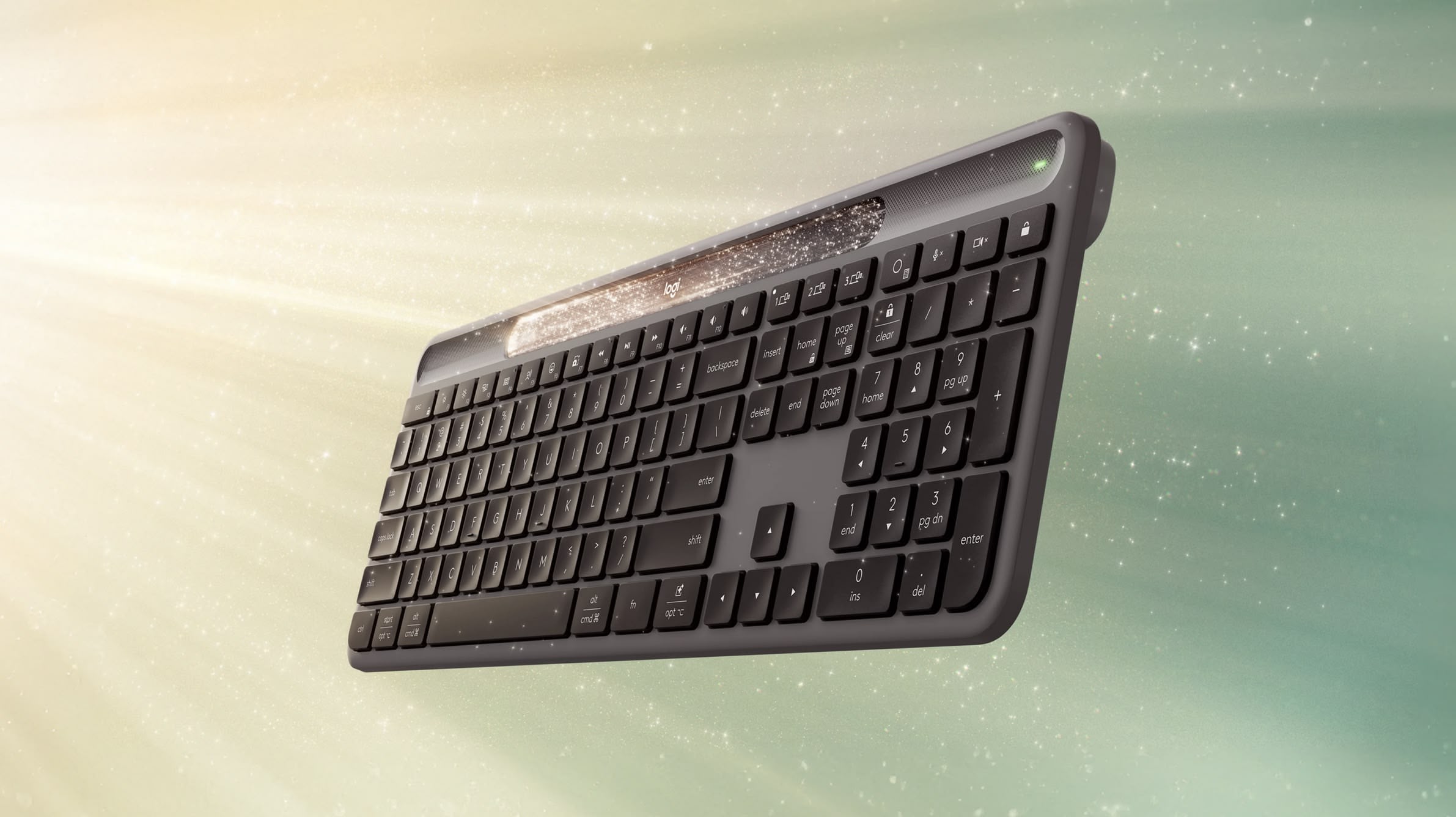
Sustainability and Style Combined
Logitech demonstrates its commitment to environmental responsibility by manufacturing the Signature Slim Solar+ K980 using recycled plastic. This contributes to reducing the keyboard's overall environmental impact, aligning with the company's sustainability goals.
Available in a sleek graphite finish, the keyboard not only performs efficiently but also looks elegant on your desk. It seamlessly blends functionality with modern aesthetics.
Pricing and Availability
The Logitech Signature Slim Solar+ K980 is priced at $99.99. It's available for purchase starting today from Logitech's website and various major retailers.
Conclusion
The Logitech Signature Slim Solar+ K980 represents a significant advancement in keyboard technology. Its innovative solar-powered design, coupled with a full range of features and a commitment to sustainability, makes it a compelling option for environmentally conscious consumers and those seeking a clutter-free, efficient workspace. With its long battery life and convenient features, the K980 promises to be a reliable and sustainable addition to your tech setup for years to come.
This article, "Logitech Launches Solar-Powered Signature Slim K980 Keyboard" first appeared on MacRumors.com
Discuss this article in our forums
from MacRumors
-via DynaSage

Post a Comment