Everything New in iOS 26 Beta 5
iOS 26 Beta 5: A Detailed Look at the Latest Updates
Apple has released the fifth developer beta of iOS 26. While this beta doesn't introduce major overhauls, it's packed with numerous smaller refinements and improvements. These tweaks focus primarily on enhancing user experience through subtle design adjustments, improved animations, and more intuitive button placements. Apple is clearly fine-tuning iOS 26 in preparation for its anticipated September launch.
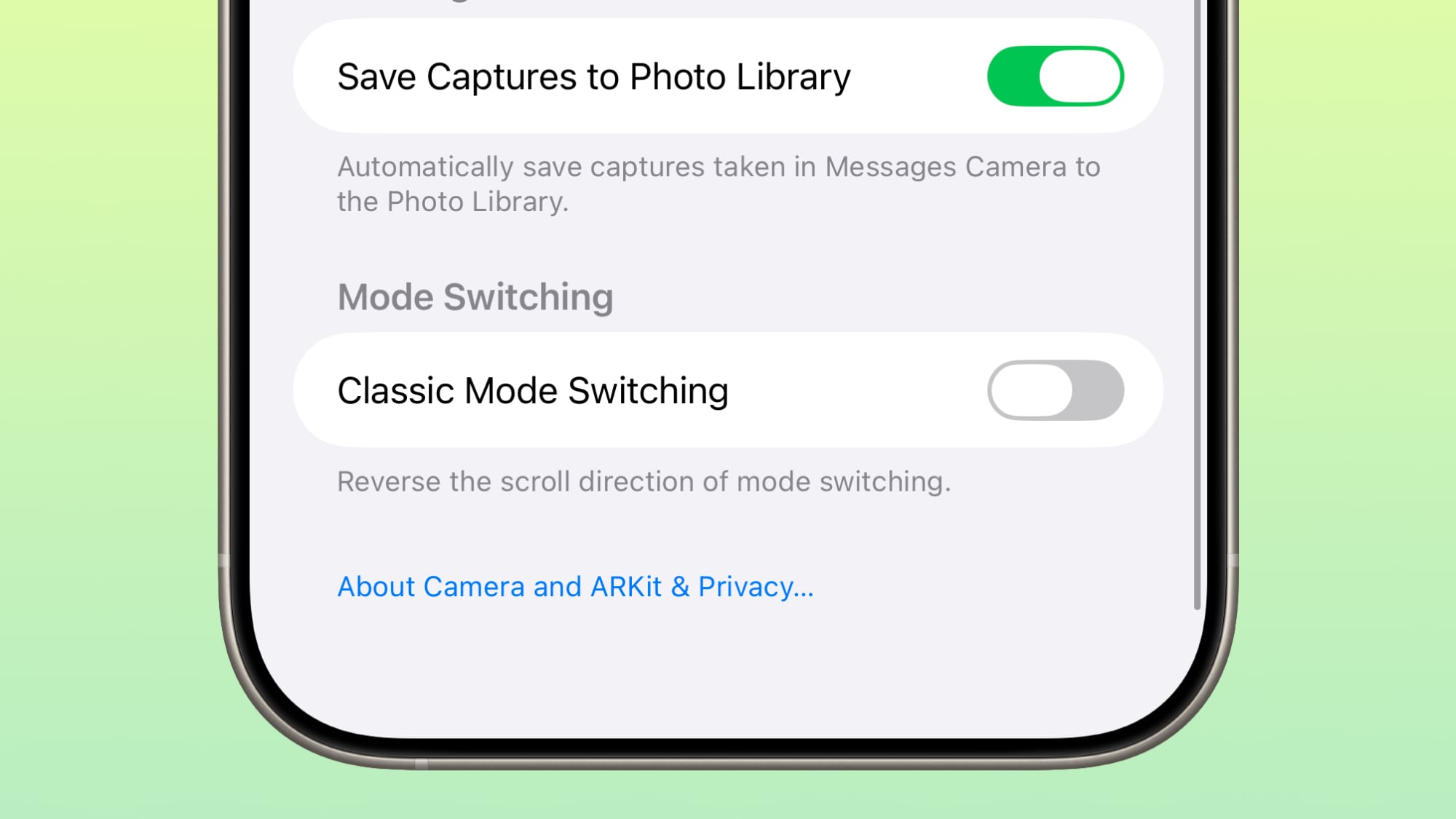
Camera App Enhancements
A notable addition to the Camera app is the new "Classic Mode" toggle. This setting allows users to revert the scrolling direction when switching between camera modes. This simple change addresses a common user preference, offering greater customization and a more familiar experience for those who prefer the reversed scrolling behavior.
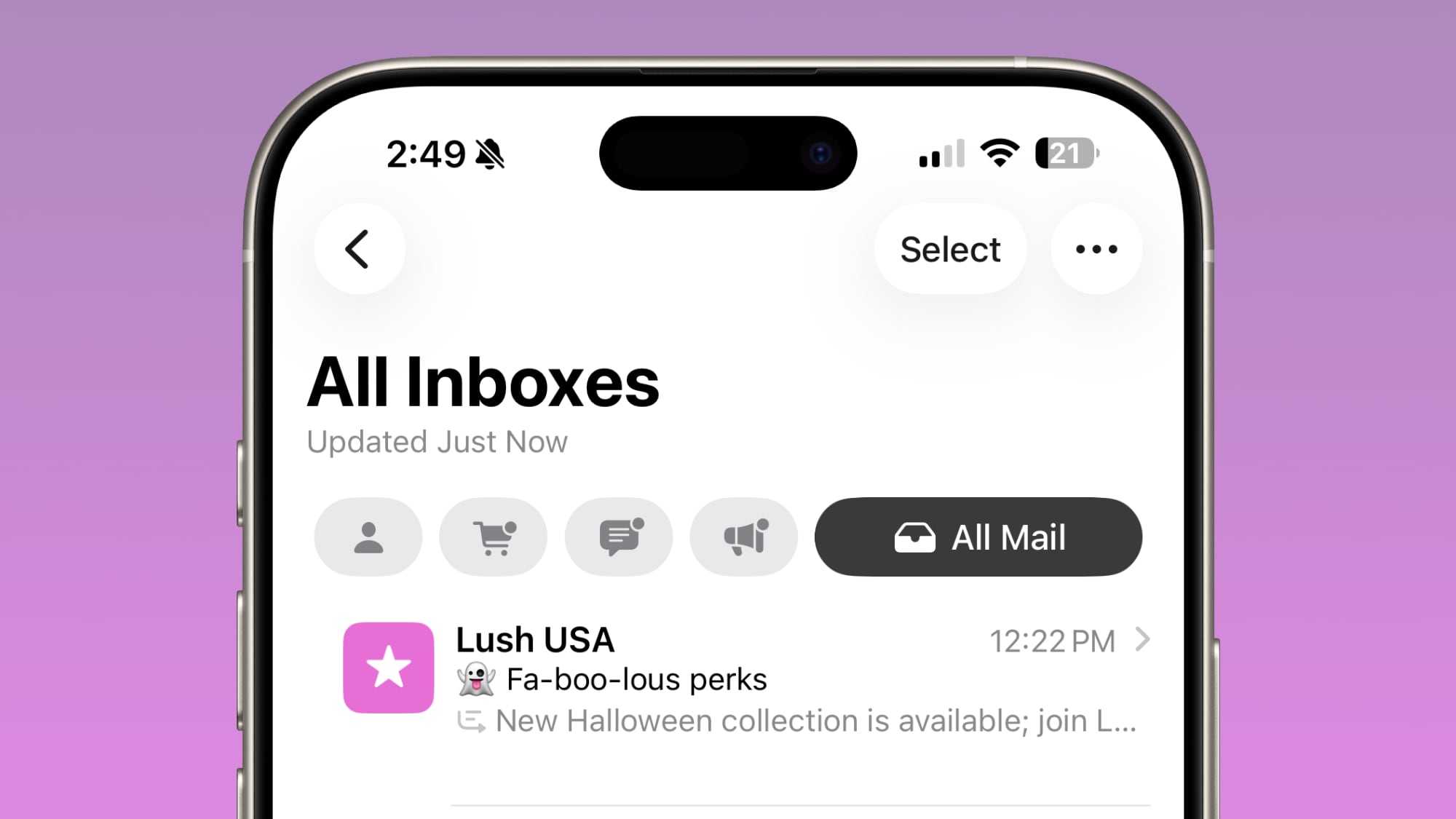
Improved Mail App Usability
The Mail app now features a dedicated "Select" button. Previously, this crucial function was hidden within the "..." menu, requiring an extra tap. This change improves efficiency and makes selecting multiple emails significantly easier and more intuitive for users.
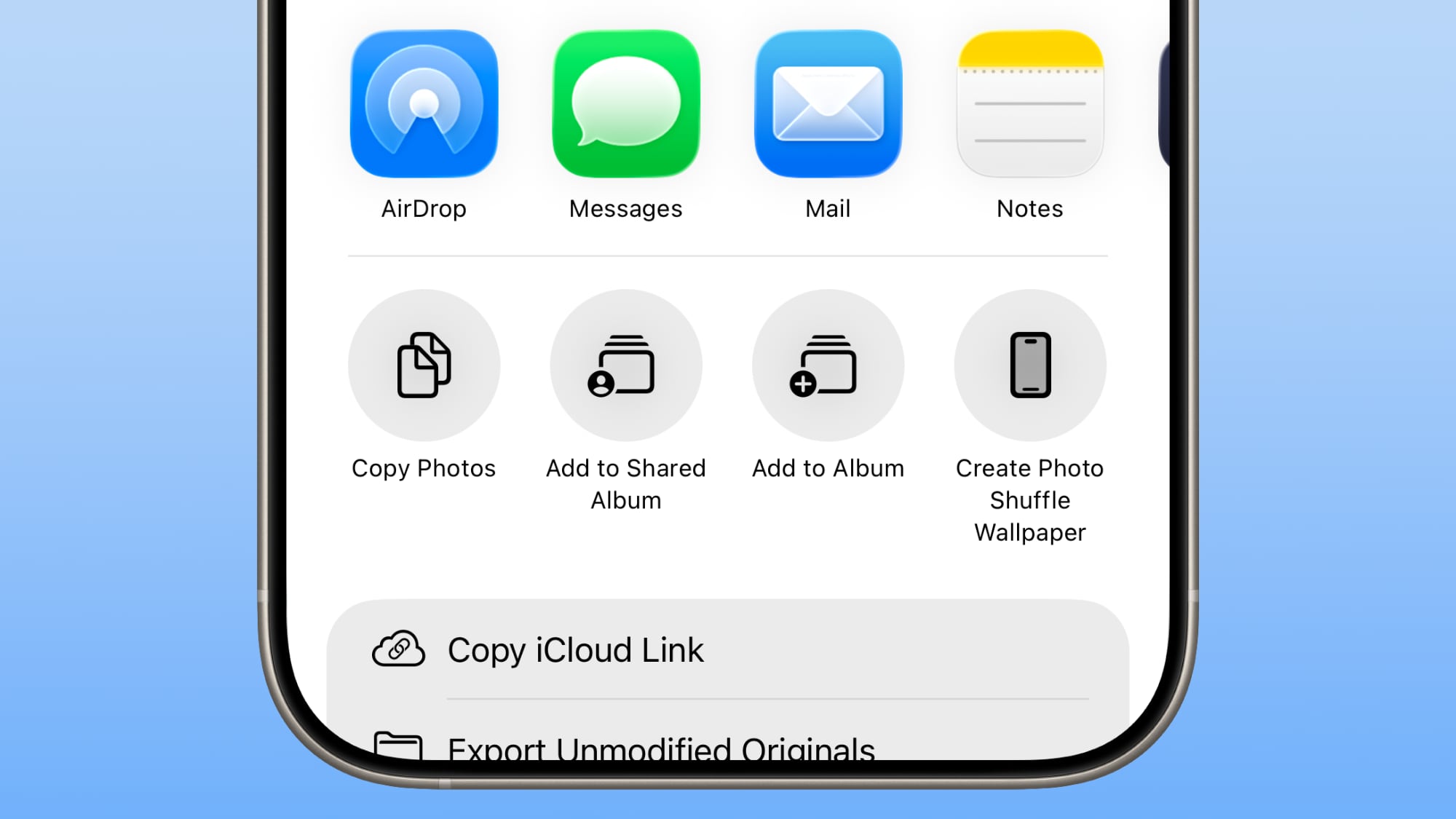
Refreshed AirDrop Icon
The Share Sheet now boasts a redesigned AirDrop icon. While the change might seem minor, a refreshed icon contributes to a more visually consistent and updated user interface.
Enhanced Lock Screen Animations
Unlocking your iPhone in iOS 26 Beta 5 is now a more visually engaging experience. Entering your passcode is accompanied by a dynamic animation, with numbers smoothly jumping into place. There's also a new animation for locking your device when music is playing, adding a touch of visual flair to these everyday actions.
iOS 26 beta 5 adds a new animation to the passcode screen pic.twitter.com/ZO54DZokA9
— Aaron (@aaronp613) August 5, 2025
Smoother Control Center Navigation
Navigating between Control Center pages now features a new, bouncy animation. This subtle enhancement improves the visual feedback and makes the transition between pages feel more fluid and responsive.
iOS 26 beta 5 tweaks Control Center's animation pic.twitter.com/lf33mimNIW
— Aaron (@aaronp613) August 5, 2025
Improved Wi-Fi Information in Control Center
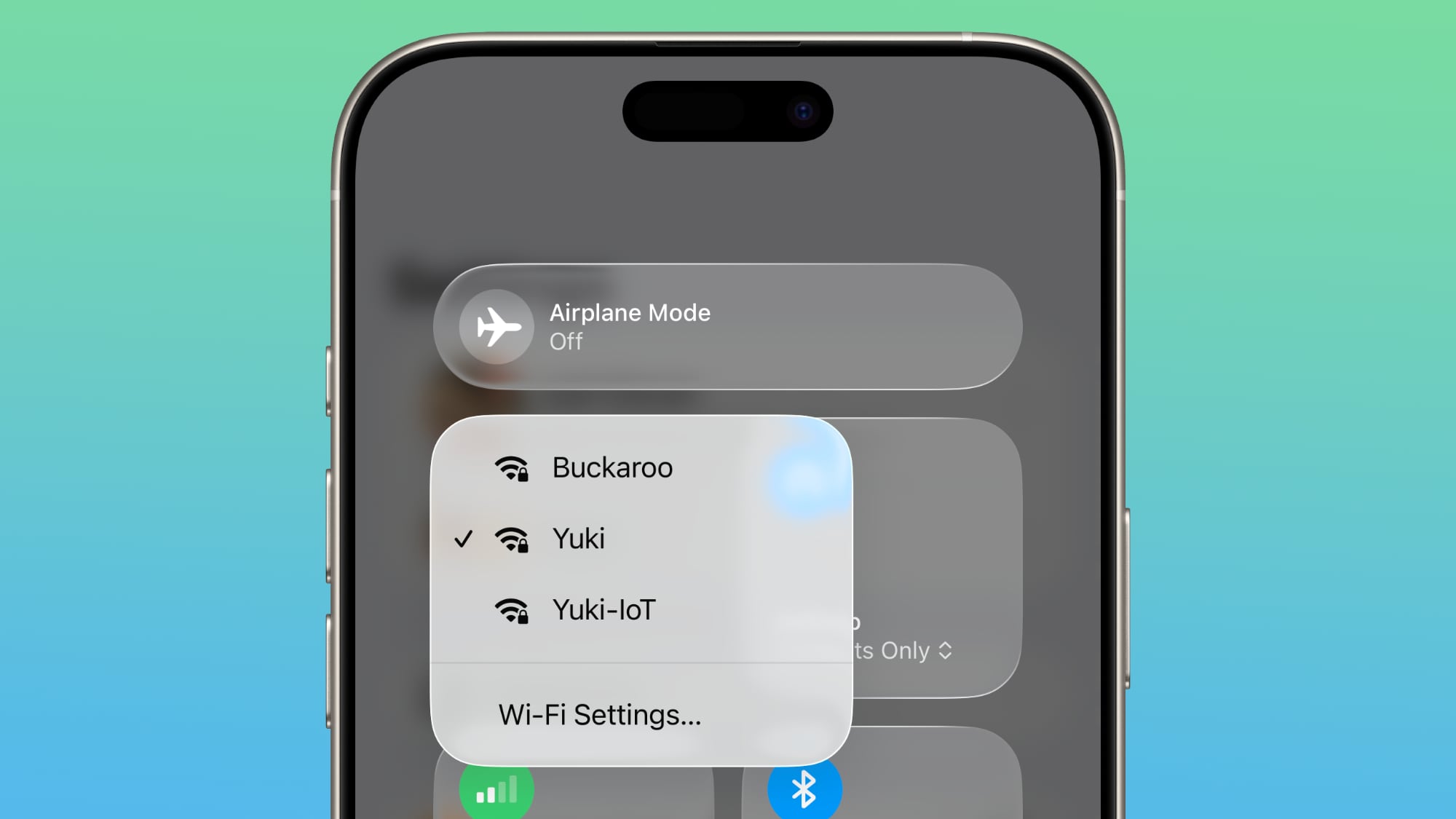
Long-pressing the Wi-Fi icon in Control Center now reveals whether a network is public or private. Password-protected networks are clearly indicated with a lock symbol next to the Wi-Fi icon. This addition enhances transparency and helps users quickly identify the security status of available Wi-Fi networks.
Travel-Aware Siri Suggestions
Apple is incorporating a smart new Siri feature designed to anticipate travel plans. When it detects that you're about to travel internationally, Siri proactively suggests options for maintaining cellular connectivity outside your home country. This helpful feature simplifies international travel arrangements by proactively addressing a common connectivity concern.
Clarified Apple Card Payments in Wallet
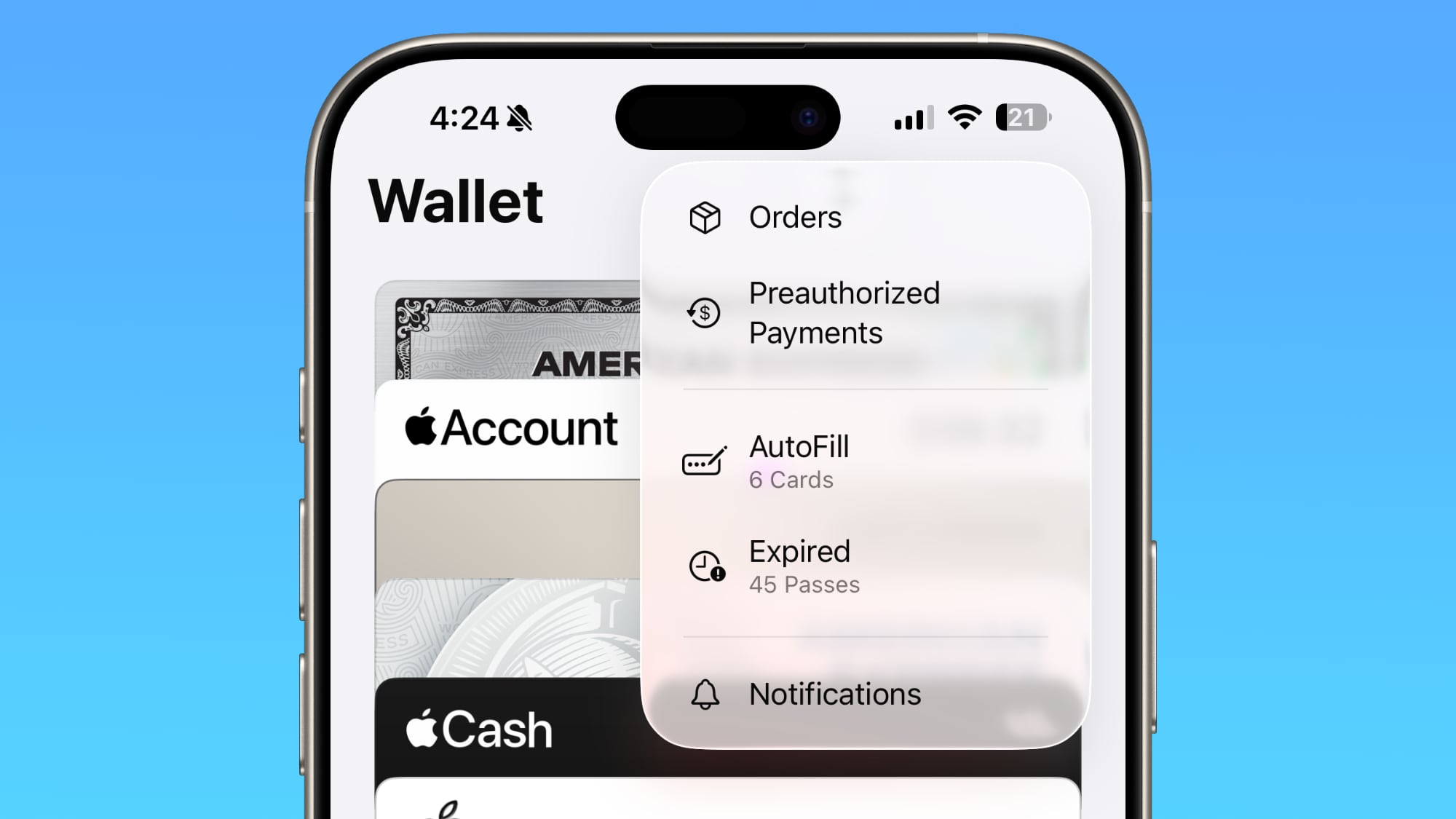
The Wallet app now clearly labels the Apple Card payments button as "Preauthorized Payments." This clearer labeling removes any ambiguity and makes the button's function immediately apparent to users.
Expanded iOS 26 Splash Screens
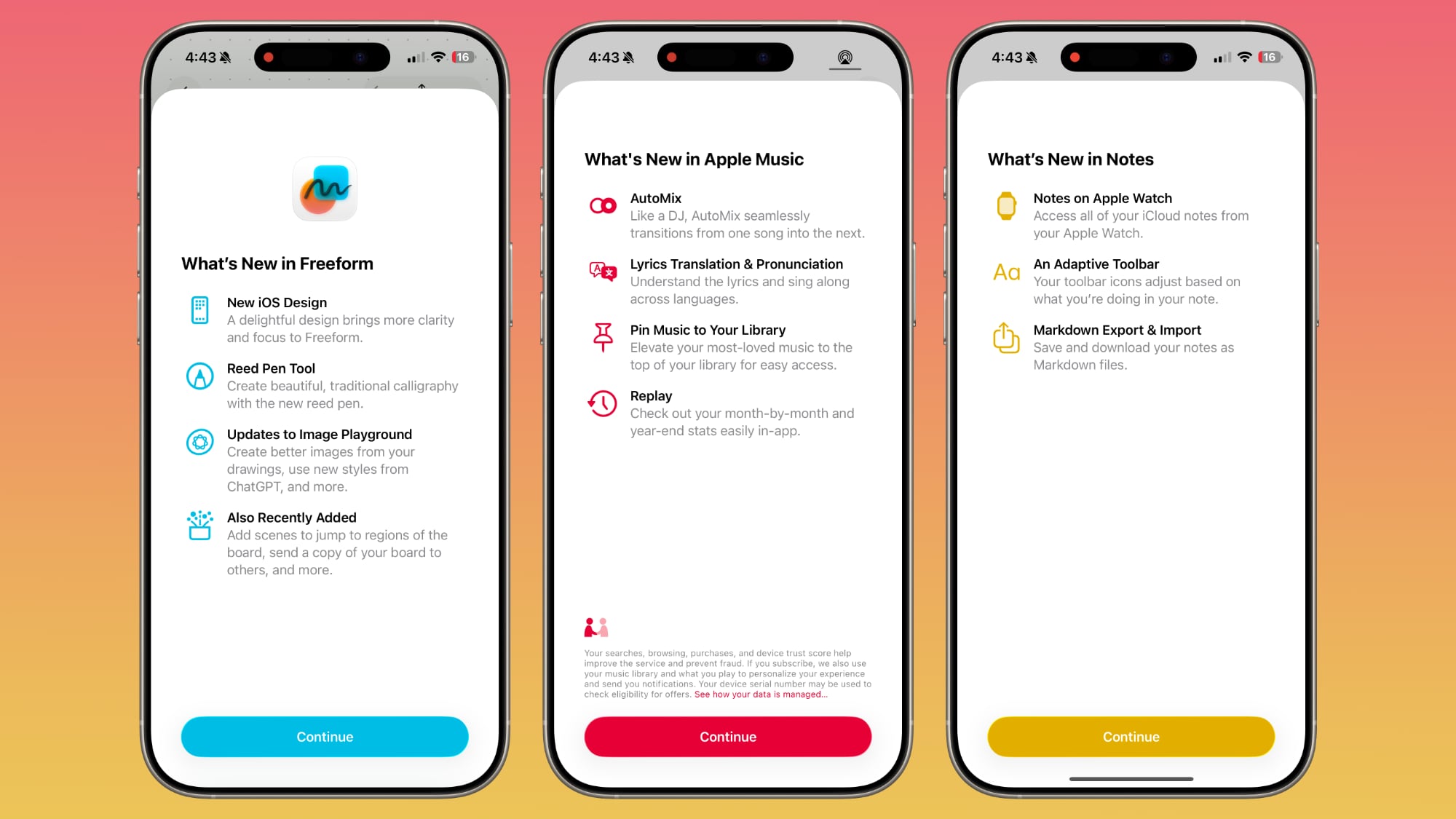
More apps now include iOS 26 splash screens, offering users a visual preview of the updated interface and hinting at the new features available within those applications.
Dynamic Island Low Battery Warning
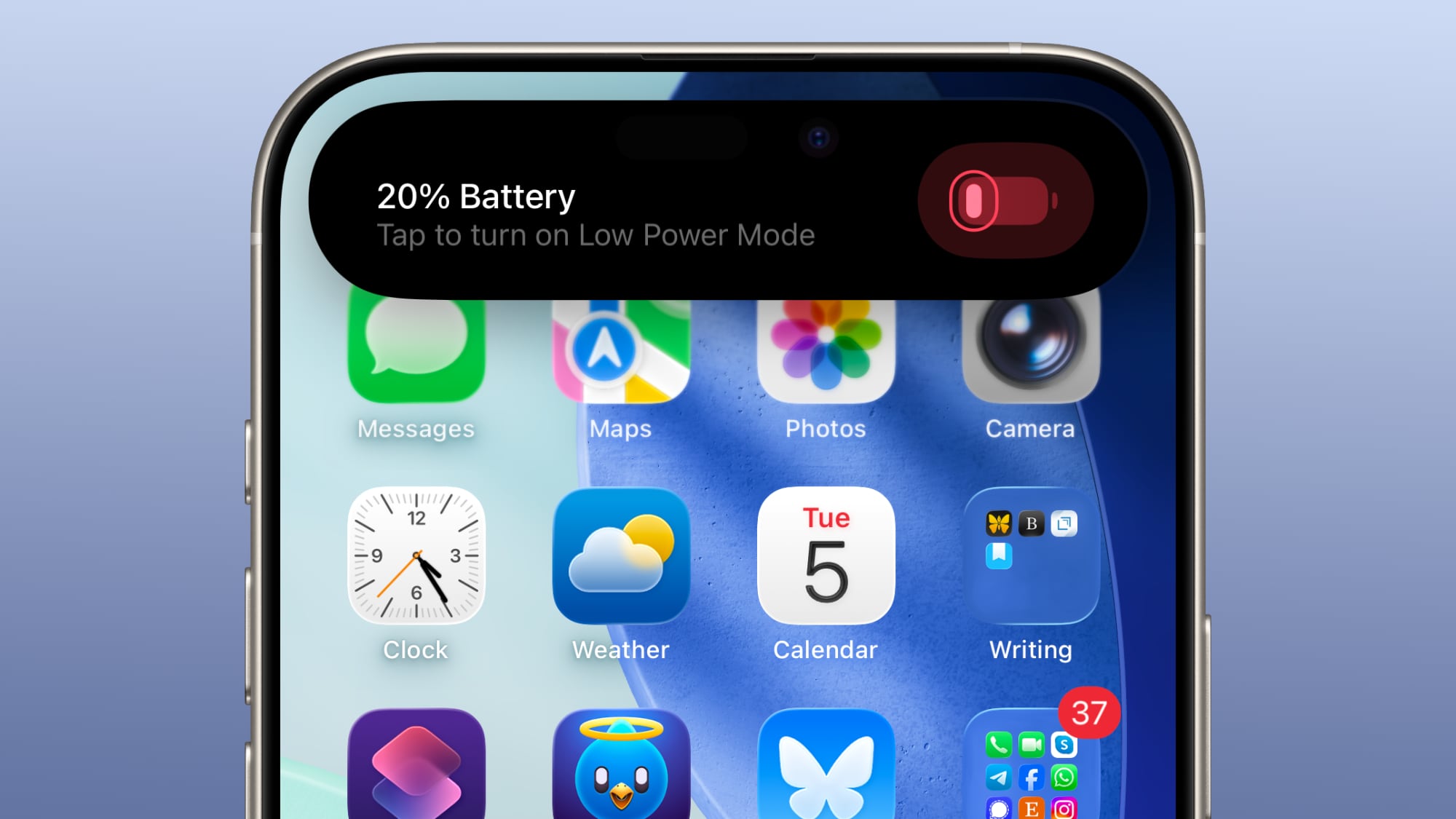
A new low-battery warning now utilizes the Dynamic Island feature on iPhones. When the battery level reaches 20%, a notification subtly appears on the Dynamic Island, providing a timely reminder to charge your device.
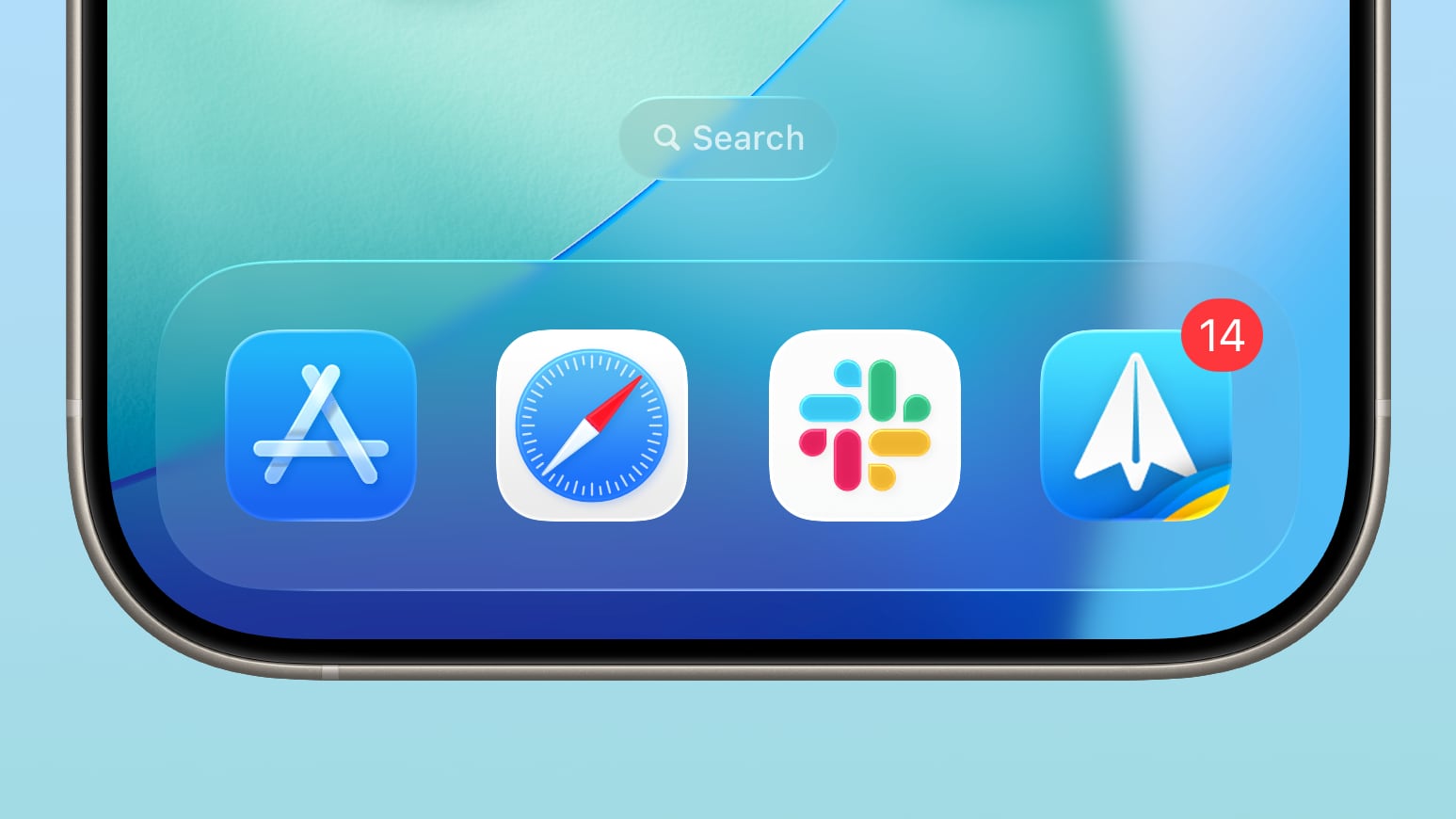
Wider Home Screen Dock
The Liquid Glass effect surrounding the Home Screen dock has been subtly widened. This minor visual adjustment contributes to a more polished and modern aesthetic.
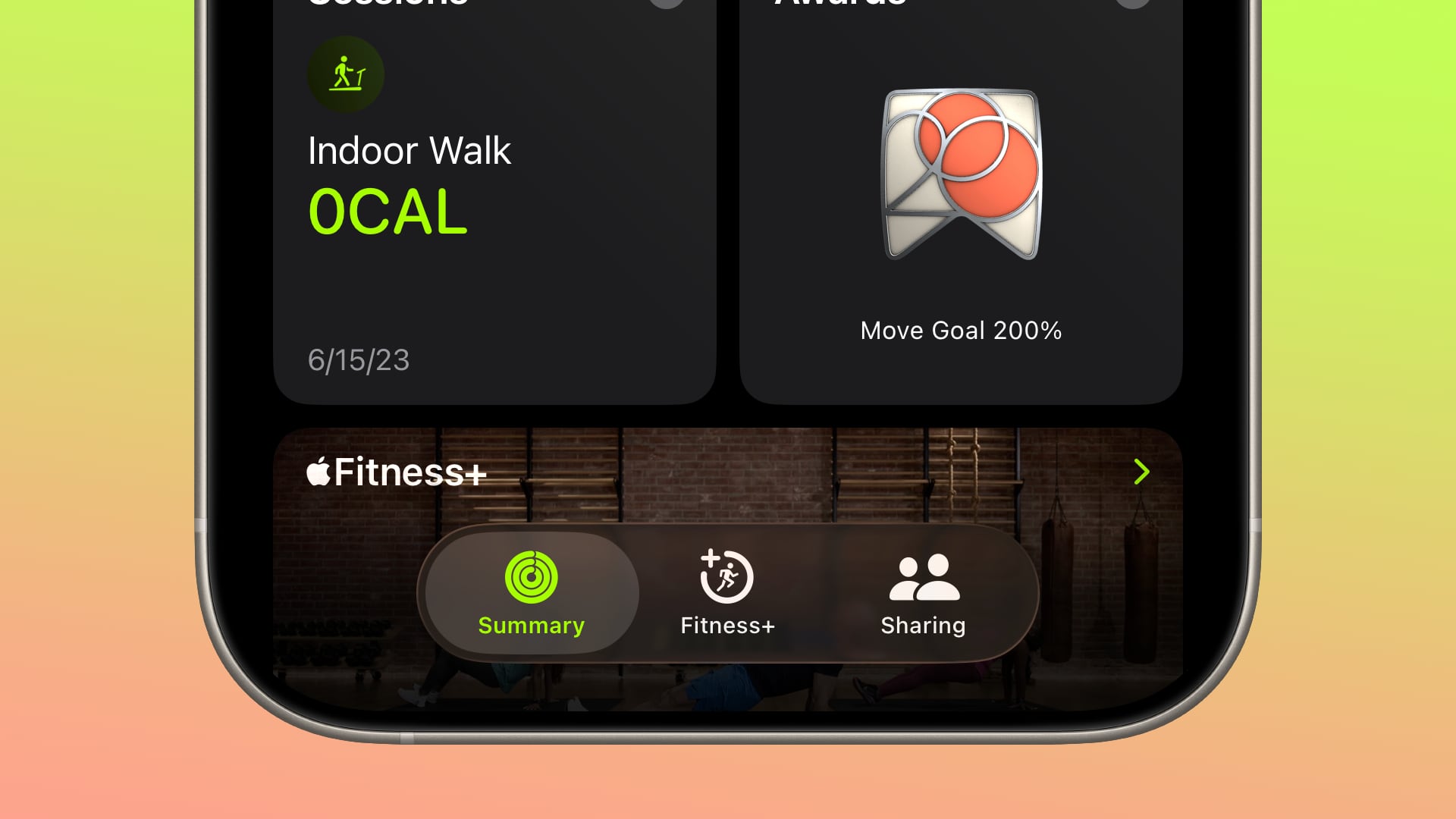
New Fitness+ Icon
The Fitness app now features a redesigned icon for Fitness+. The updated icon maintains consistency with other app icons while enhancing its visual appeal.
Further Exploration
For a comprehensive overview of all the new features in iOS 26, including those not covered in detail here, please refer to our extensive iOS 26 roundup.
This article, "Everything New in iOS 26 Beta 5" first appeared on MacRumors.com
Discuss this article in our forums
from MacRumors
-via DynaSage

Post a Comment