Review: Eve Cam Gets USB-C and Better Night Vision, But Still Has 1080p Resolution
Eve Cam Review: Enhanced Night Vision and USB-C, but Still 1080p
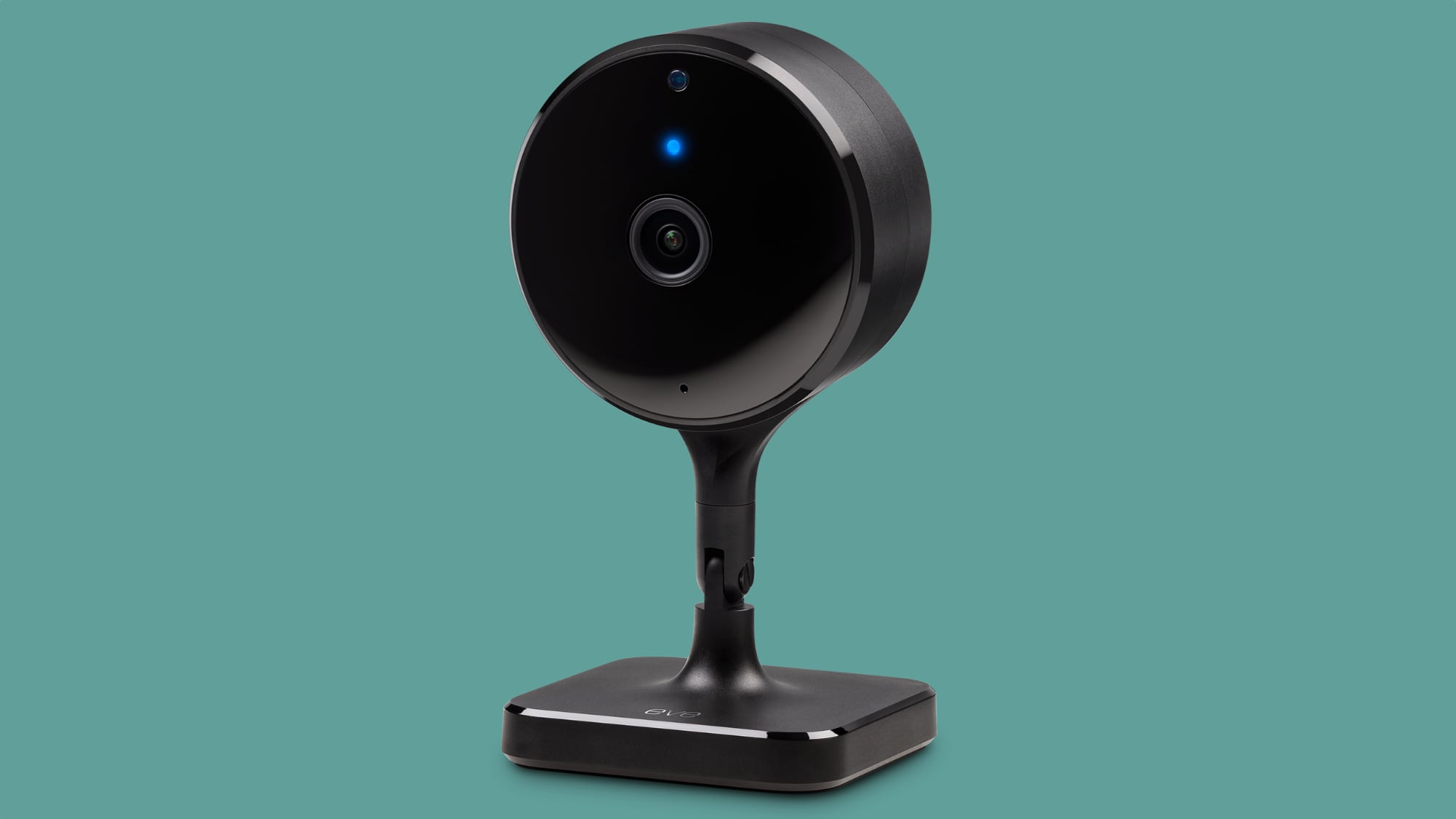
The Eve Cam, from smart home manufacturer Eve, is a compelling option for those seeking an indoor security camera that leverages Apple's HomeKit Secure Video platform. Priced at $150, this updated model offers several improvements over its 2020 predecessor.
Improved Night Vision and Video Quality
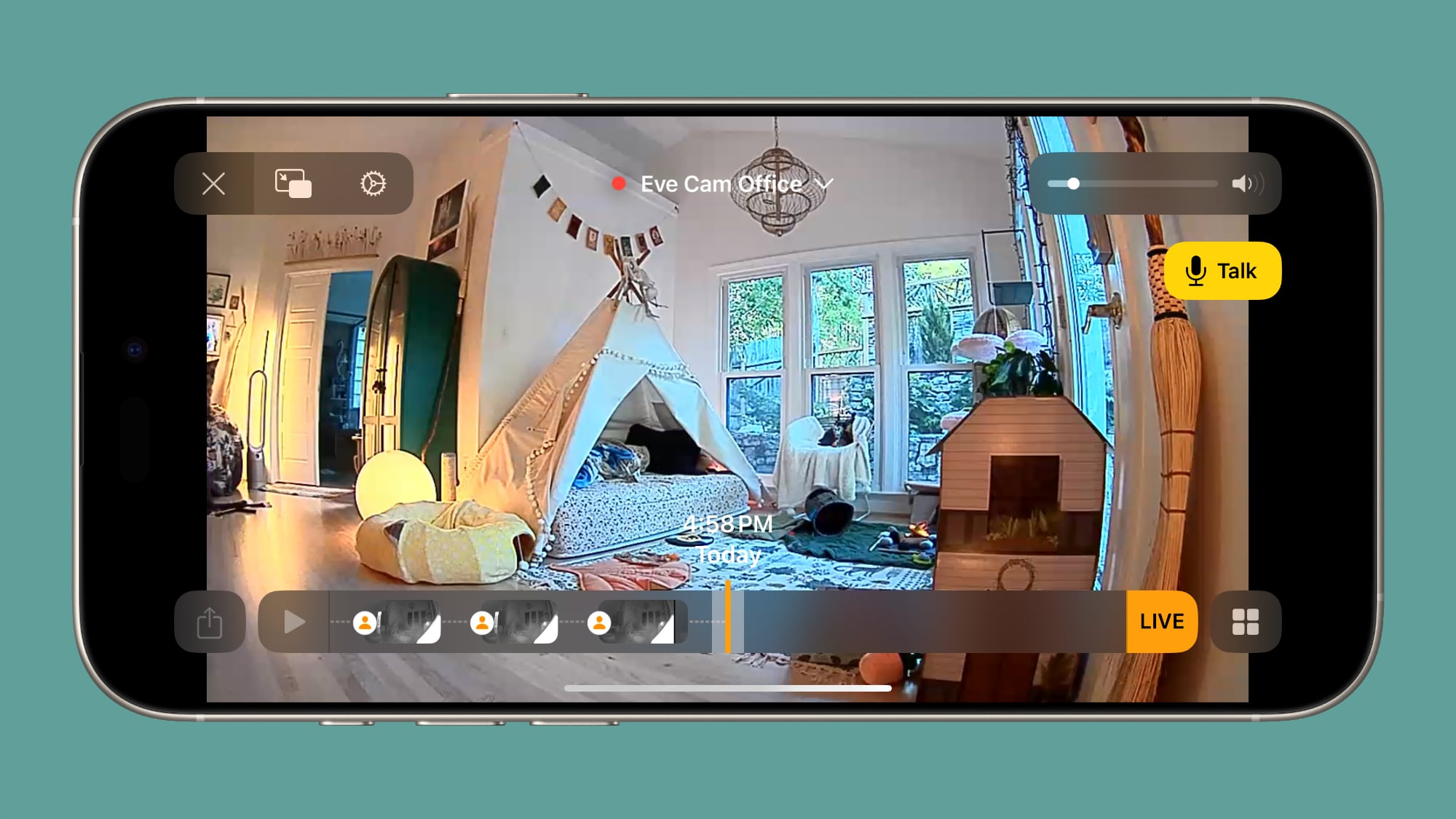
While the 1080p video resolution remains unchanged, the Eve Cam boasts noticeably enhanced night vision. Although the 16-foot range is consistent with the previous model, the clarity and detail are significantly improved. While not perfect – nighttime performance on budget home security cameras often falls short – the Eve Cam's nighttime footage is now much more usable. Daytime video quality, also 1080p, is respectable even in low-light conditions. It's worth noting that a higher resolution appears to be restricted by Apple's HomeKit Secure Video limitations.
Design and Field of View
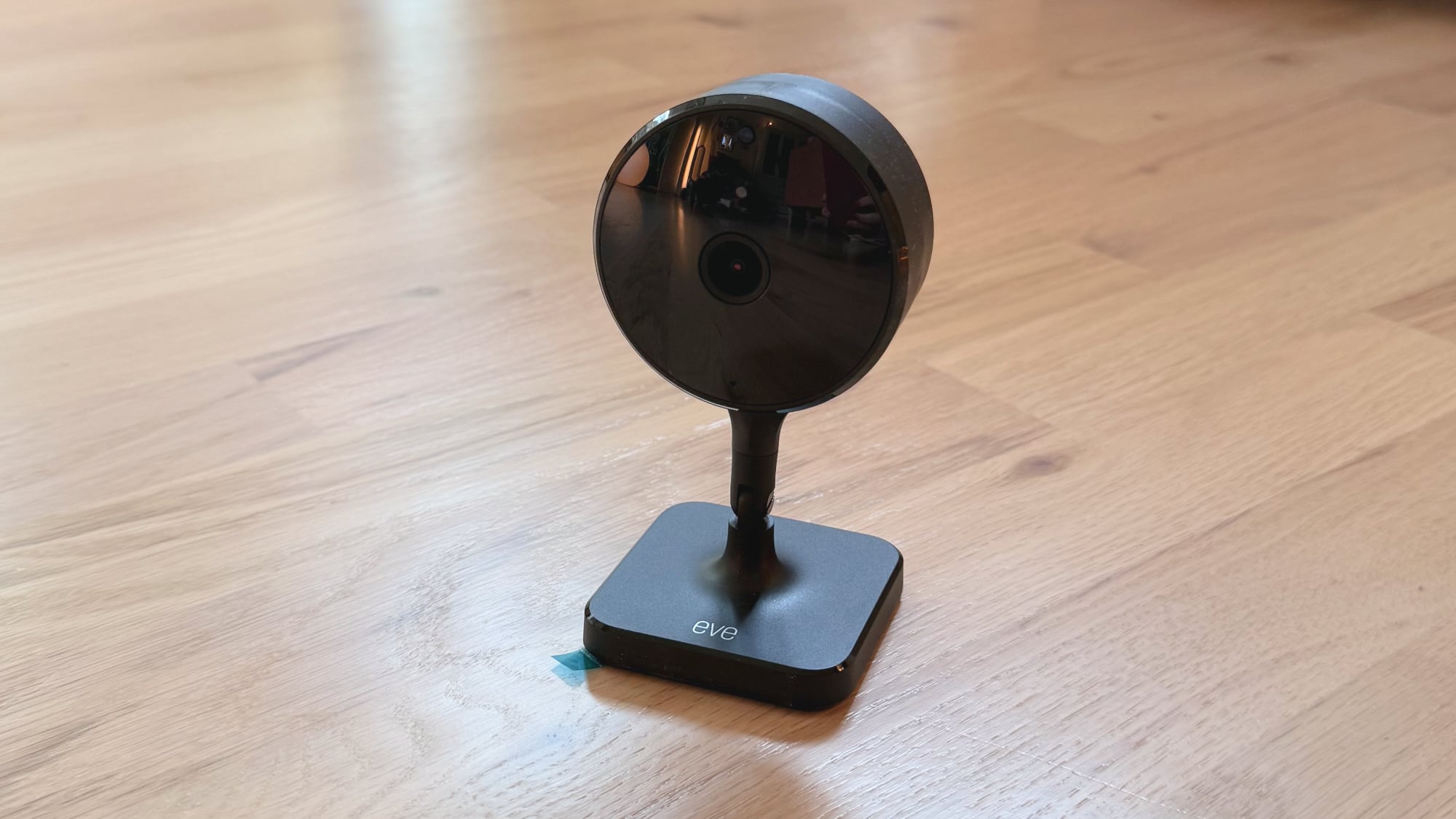
The Eve Cam is available only in black, featuring a simple yet unobtrusive design that blends seamlessly into most environments. Its magnetic base offers 360-degree swivel and tilt functionality, providing flexibility in positioning. The 150-degree field of view is wide enough to cover a substantial area, making it suitable for monitoring a sizable portion of a room, or keeping an eye on pets – I used it to monitor my cat, and it comfortably captured his favorite spots. Mounting it higher provides an excellent bird's-eye view, ideal for both security and pet monitoring.
Enhanced Motion Detection
Eve has significantly improved motion detection with this updated model. Utilizing image processing, it now reliably detects motion, even when placed in a window overlooking the outdoors – a feature notably absent in the previous version. This is a particularly valuable feature for those living in apartments or other situations where an exterior camera is impractical.
Audio Capabilities
The integrated microphone and speaker allow for two-way audio. You can listen to audio recordings and even converse with someone within the camera's range using the Talk button within the Home app.
HomeKit Secure Video and Privacy
A major advantage of HomeKit-enabled cameras like the Eve Cam is their robust privacy features. HomeKit Secure Video ensures that your video footage is stored securely in iCloud, inaccessible to both Eve and Apple. This end-to-end encryption and on-device motion analysis provides peace of mind regarding your privacy. You can access and manage the last 10 days of recordings directly through the Home app.
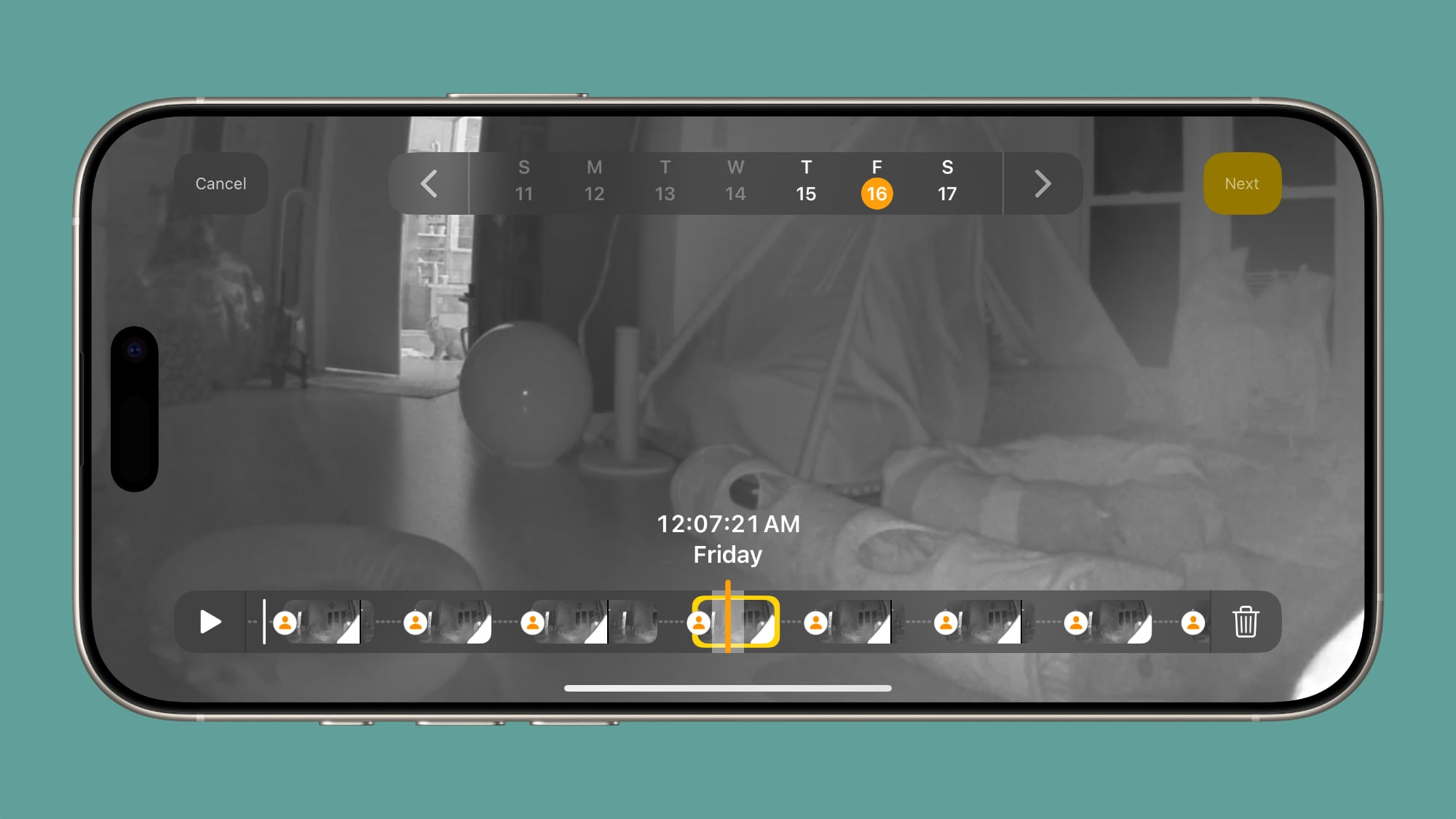
The Home app provides a timeline view of your footage, organized by day and time. Recording is triggered only by motion detection, eliminating continuous recording. You can customize recording settings based on occupancy, choosing to disable the camera when people are home, or enabling recording and streaming when the house is empty. Options include Off, Detect Activity (notifications only), Stream (no recording), and Stream and Allow Recording (records when motion is detected).
The Eve Cam offers granular control over motion detection, allowing you to choose between detecting all motion or specifying types of motion, such as people, animals, vehicles, or packages.
One limitation is the inability to control access on a per-person basis within the household. All users with Home access can view the camera feed. This lack of granular access control may be a drawback for users needing more privacy.

Additional HomeKit Features and Integrations
The Eve Cam integrates seamlessly with other HomeKit devices and automations. You can create automations to trigger actions such as turning on lights when motion is detected or turning them off when motion ceases. The camera also supports activity zones for targeted motion detection and facial recognition based on your contacts.
iCloud+ Requirements and Power
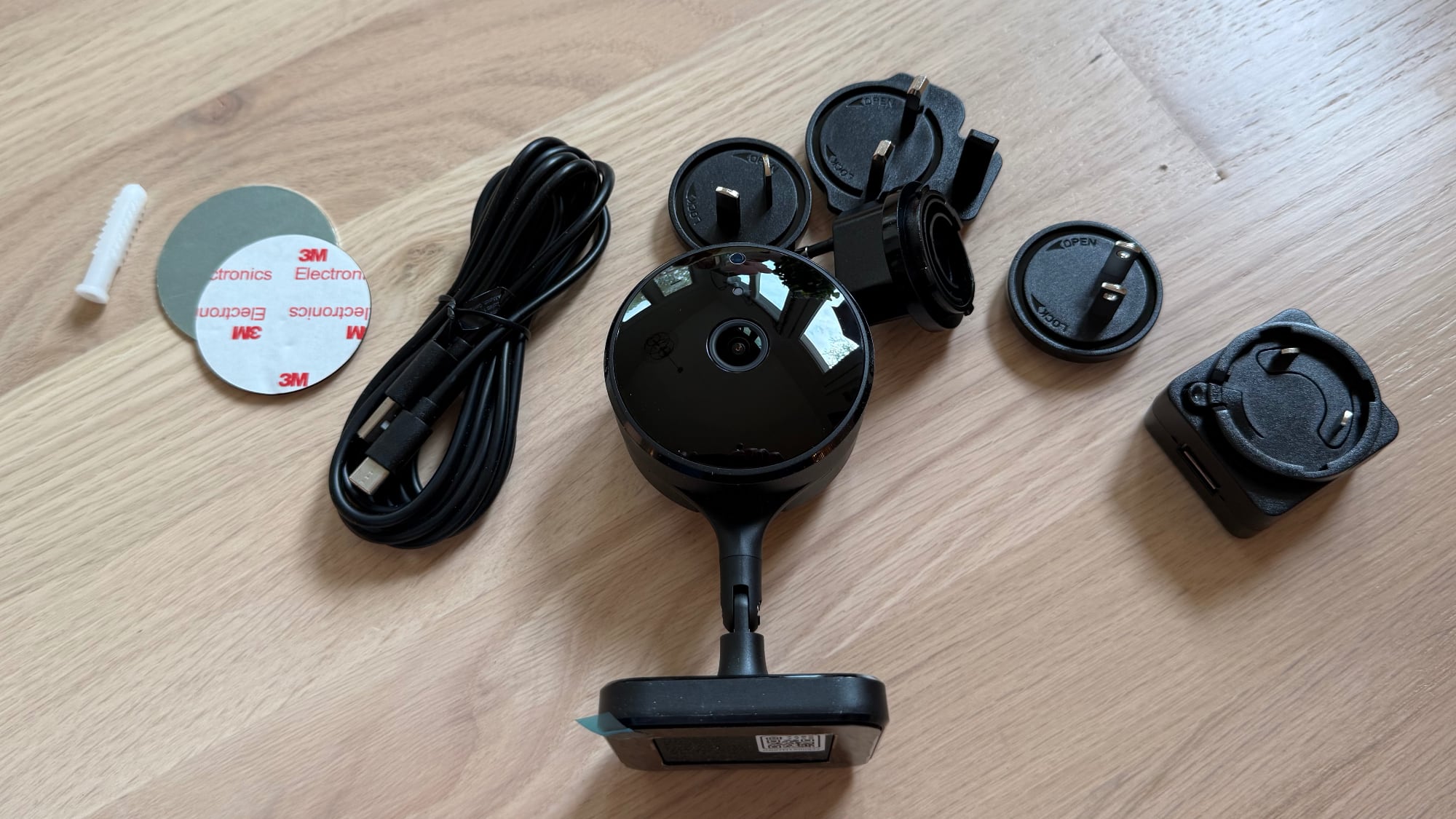
Using HomeKit Secure Video requires an iCloud+ subscription. The 50GB plan supports one camera, 200GB supports up to five, and the 2TB plan is necessary for more than five. The Eve Cam requires a constant power connection; it no longer uses microUSB, but features a USB-C connection.
A status light indicates recording, but it can be disabled. Similarly, the red night vision light can be turned off to avoid distraction.
Access to your Eve Cam footage is available across all your Apple devices including iPhone, iPad, Mac, and Apple TV.
Conclusion
Bottom Line
The Eve Cam offers a compelling blend of features, especially for users prioritizing privacy through HomeKit Secure Video. While the 1080p resolution and higher price point compared to some competitors might be limiting factors, the improved night vision, enhanced motion detection, and seamless HomeKit integration make it a worthwhile contender. The increased competition in the market highlights the need for future feature enhancements to remain competitive.
Where to Buy
The Eve Cam is available for $150 from the Eve Website, Apple, and Amazon (often with a slight discount).
Note: Eve provided MacRumors with an Eve Cam for the purpose of this review. No other compensation was received.
This article, "Review: Eve Cam Gets USB-C and Better Night Vision, But Still Has 1080p Resolution" first appeared on MacRumors.com
Discuss this article in our forums
from MacRumors
-via DynaSage

Post a Comment