macOS 16: Everything We Know So Far
macOS 16: What to Expect from Apple's Next Mac OS Update
With Apple's Worldwide Developers Conference (WWDC) just around the corner, excitement is building for the unveiling of macOS 16. While details have been scarce, we've gathered everything we know so far about this highly anticipated update to Apple's Mac operating system. This post will explore the potential name, compatibility changes, rumored design overhaul, exciting new features, and much more.
The Name Game: What Will macOS 16 Be Called?
A perennial question leading up to WWDC is the name of the next macOS iteration. Apple has a history of creative naming conventions, starting with the "big cat" names of early Mac OS X versions. In 2013, they shifted to California-themed names, beginning with Mavericks. This led to a fascinating behind-the-scenes discovery.
Following the release of Mavericks, over 20 California-themed trademarks were discovered, filed by limited liability companies widely believed to be Apple shell corporations. Some of these names, like Yosemite, Sierra, Mojave, and Monterey, became actual macOS releases. Others were abandoned. Apple has even used previously protected names from abandoned trademark applications for later releases, such as Big Sur in 2020.
This suggests macOS 16 could still borrow a name from Apple's earlier trademark filings. Here are the remaining possibilities:
- California
- Condor
- Diablo
- Farallon
- Grizzly
- Mammoth
- Miramar
- Pacific
- Redtail
- Redwood
- Rincon
- Shasta
- Skyline
- Tiburon
macOS 16 Compatibility: The End of the Line for Intel Macs?
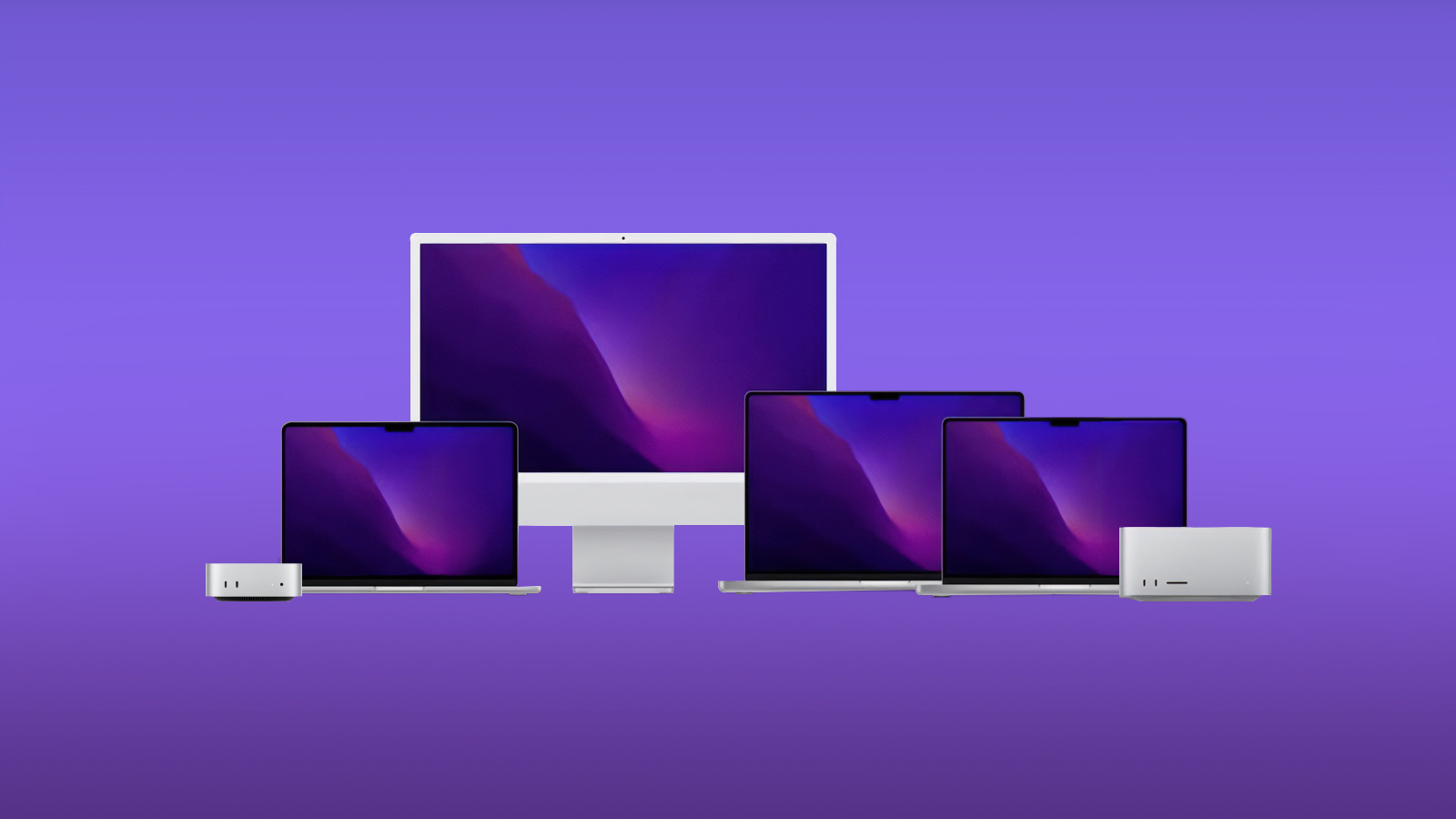
Apple's transition to Apple Silicon chips, completed in 2023, has gradually reduced support for Intel-based Macs in recent macOS updates. macOS Sequoia, the latest version, only supports a limited number of older Intel Macs:
- 2018 Mac mini
- 2019–2020 iMac models
- 2017 iMac Pro
- 2020 MacBook Air
- 2018–2020 MacBook Pro models
- 2019 Mac Pro
With the rise of AI-powered features, macOS 16 might be the final version to support some Intel Macs, although AI-specific features will likely remain exclusive to Apple Silicon. Dropping support for the oldest models in this list would still maintain Apple's commitment to providing at least five years of software updates.
A Radical Redesign: macOS 16's Visual Overhaul
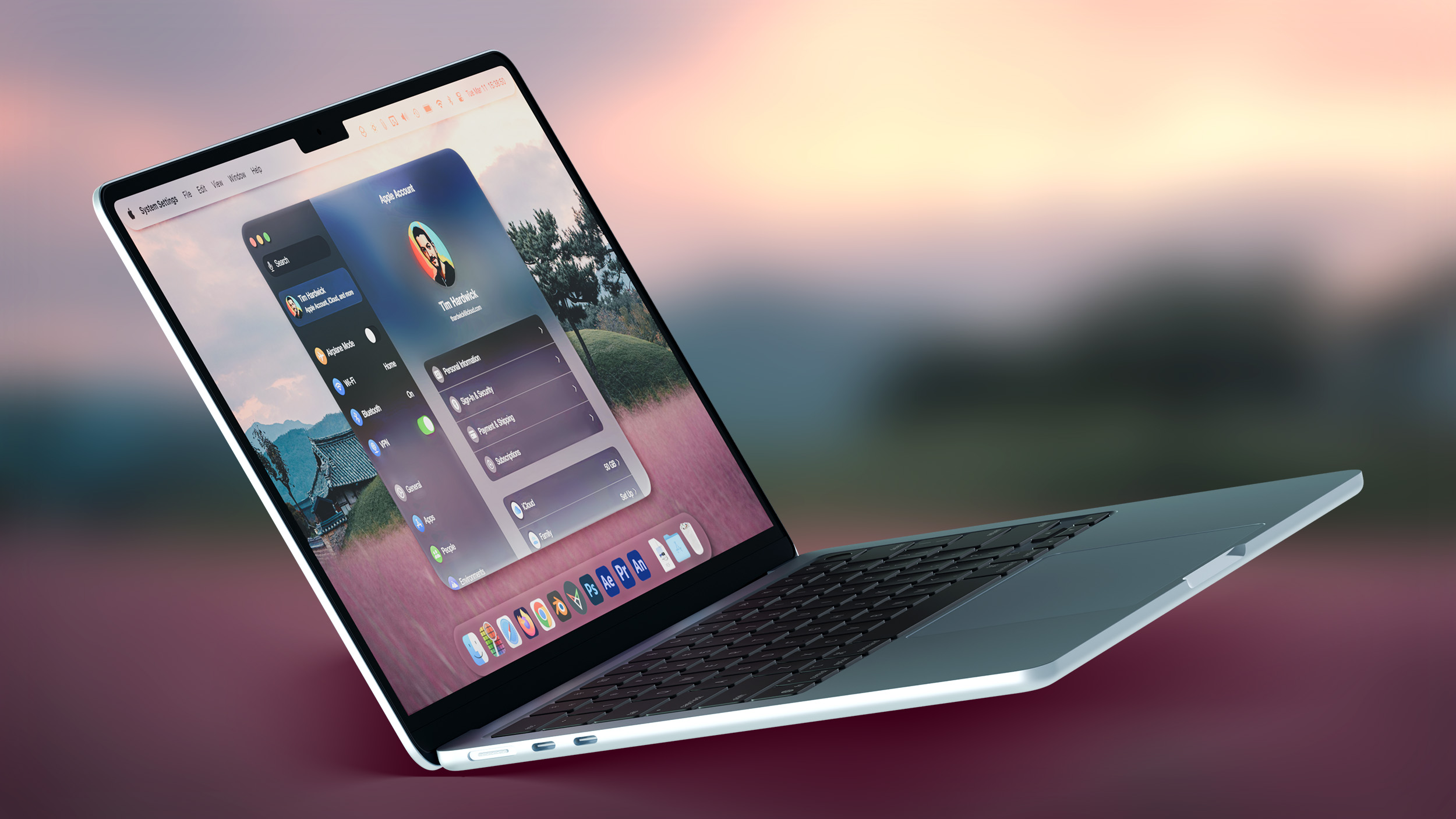
According to Bloomberg, Apple is planning a significant visual refresh for macOS 16 – potentially the biggest since macOS Big Sur in 2020. This redesign is part of a broader initiative to unify the user interface across all Apple devices (iPhone, iPad, Apple Vision Pro).
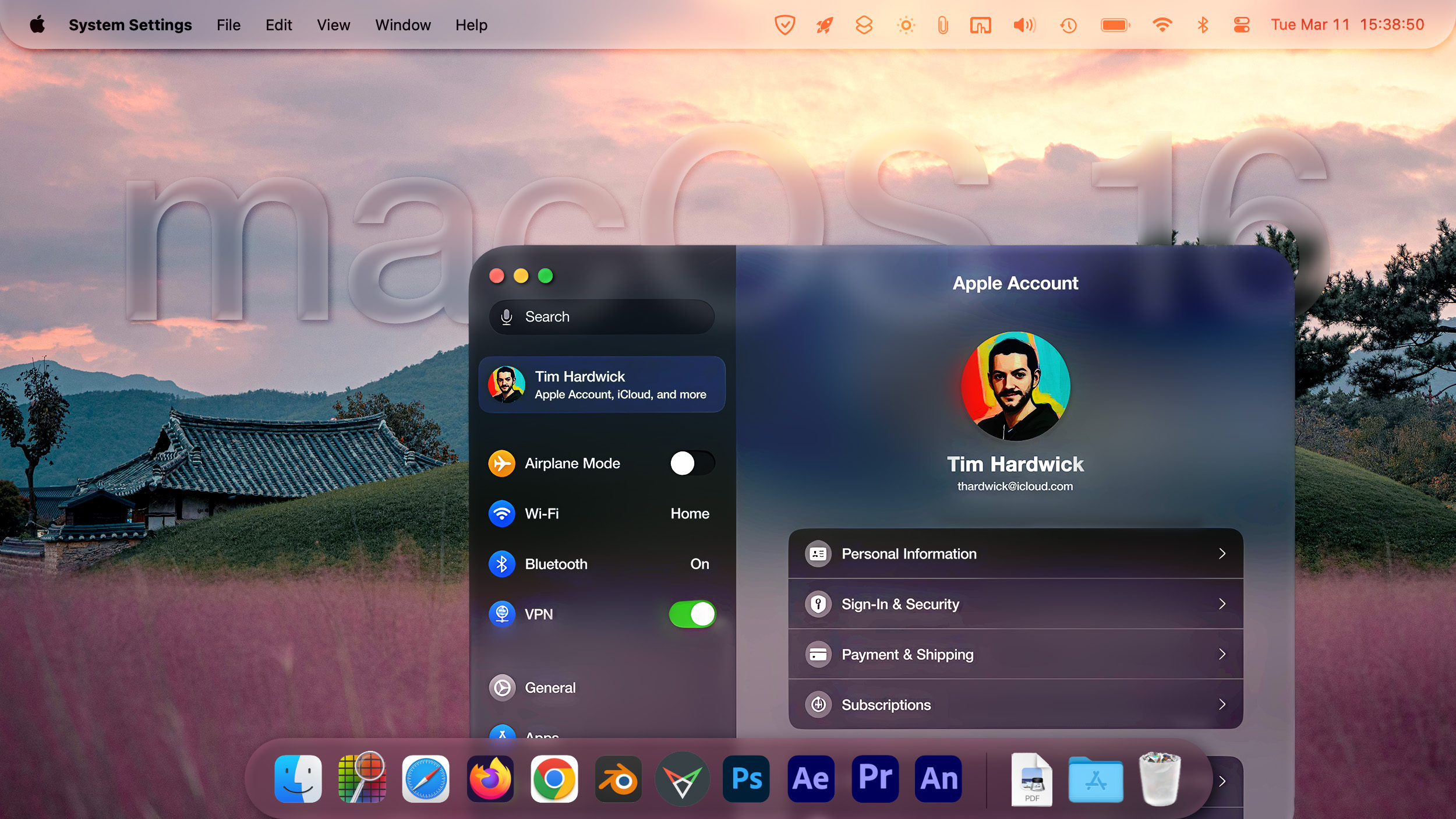
Internally codenamed "Cheer," the project aims for streamlined navigation and incorporates design elements from visionOS. Expected changes include:
- Overhauled icons, menus, and system buttons
- New window styles and management
- Simplified navigation
- visionOS-inspired visuals (possibly circular app icons)
- Increased use of translucent interface elements
- Greater visual consistency with iOS and iPadOS
While drawing inspiration from visionOS, the redesign will be adapted for traditional 2D displays; "immersive" elements from the Vision Pro won't directly translate. Apple's design chief, Alan Dye, is reportedly overseeing this ambitious project.
It's important to note that while aiming for consistency, Apple isn't merging its operating systems. Bloomberg reports that Apple believes maintaining separate OSes for Macs and iPads is beneficial for both product development and consumer purchasing decisions.
New Features Coming to macOS 16
Seamless Wi-Fi Syncing: One Login, Across All Devices
Bloomberg reports that Apple is developing a system to synchronize captive Wi-Fi login details across iPhones, iPads, and Macs. Users will only need to enter credentials once for networks in locations like hotels or airports.
The anticipated release timing suggests this feature will debut alongside iOS 19 and iPadOS 19.
Google Gemini Integration: A Siri Alternative?
Google CEO Sundar Pichai hinted at a potential deal between Google and Apple to integrate Google Gemini, Google's AI chatbot, into Apple devices by mid-2025. This timing suggests a possible inclusion in iOS 19, iPadOS 19, and macOS 16, offering an alternative to Siri for certain tasks.
Learn more about the potential Google Gemini integration.EU-Specific Default Assistant Choice: Beyond Siri
Bloomberg reported that EU users might gain the option to choose a default voice assistant other than Siri. This feature is expected to roll out across multiple Apple platforms, including Macs.
AI-Powered Battery Management: Smarter Battery Life
Bloomberg revealed that Apple plans to use AI to optimize iPhone battery life in iOS 19. An AI-powered battery management tool will analyze usage patterns to reduce battery consumption. While not explicitly confirmed for macOS 16, it's highly likely that a similar feature will be included for MacBooks.
Siri's Evolution: A More Intelligent and Personalized Assistant

Some anticipated Siri features, originally slated for macOS 15, have been delayed as part of Apple's Apple Intelligence suite. They may now arrive with macOS 16, potentially later in 2025 or even in a subsequent update. The focus is on creating a more contextual, intelligent, and app-integrated Siri.
Contextual Understanding: Siri Learns From Your Data
Siri's ability to access and utilize your data (emails, messages, files, photos) to assist with tasks and recall information will be greatly enhanced.
- Show me the files Eric sent me last week.
- Find the email where Eric mentioned ice skating.
- Find the books Eric recommended to me.
- Where's the recipe Eric sent me?
- What's my passport number?
Onscreen Awareness: Interacting With What's on Your Screen
Siri will recognize on-screen content, allowing for actions like saving an address from a text message to a contact, or directly sending a viewed photo.
Enhanced App Integration: More Complex Tasks, Seamlessly
Siri will handle more complex cross-app tasks:
- Move files between apps.
- Edit a photo and send it.
- Get directions home and share the ETA.
- Send a drafted email.
Accessibility Enhancements in macOS 16
Apple annually previews accessibility features, and macOS 16 will include several significant improvements. Learn more about the accessibility features coming to iOS 19 and other platforms.
Vehicle Motion Cues: Reducing Motion Sickness
The iPhone's Vehicle Motion Cues feature will be extended to the Mac, providing moving dots on the screen to help mitigate motion sickness. Mac users will have customization options for these visual cues.
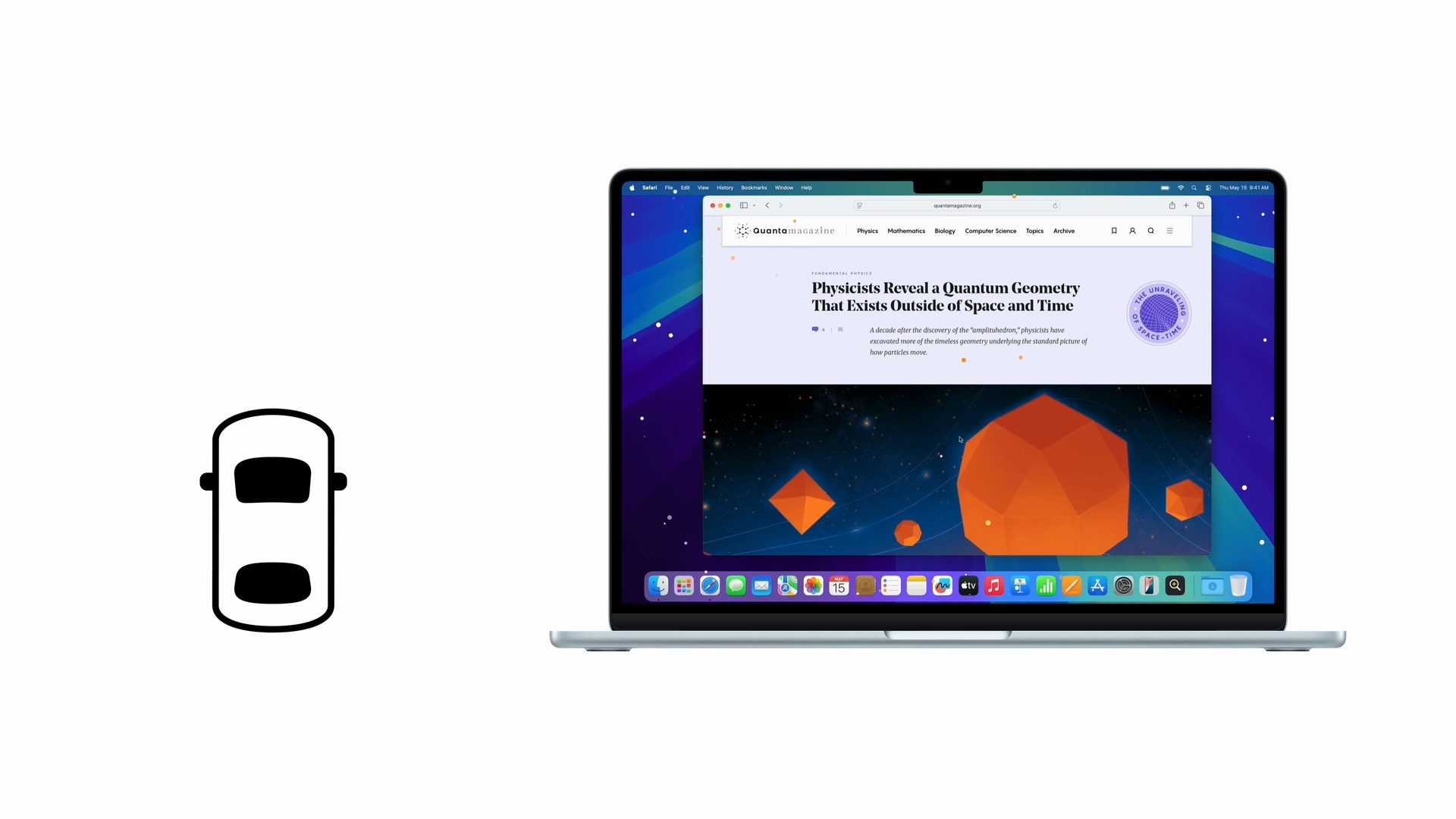
Magnifier on Mac: Utilizing Continuity Camera for Enhanced Zoom
Magnifier uses the iPhone's camera and Continuity Camera to provide a zoomed-in view on the Mac screen. Multiple live views can be created and customized with individual brightness, color, and contrast settings.
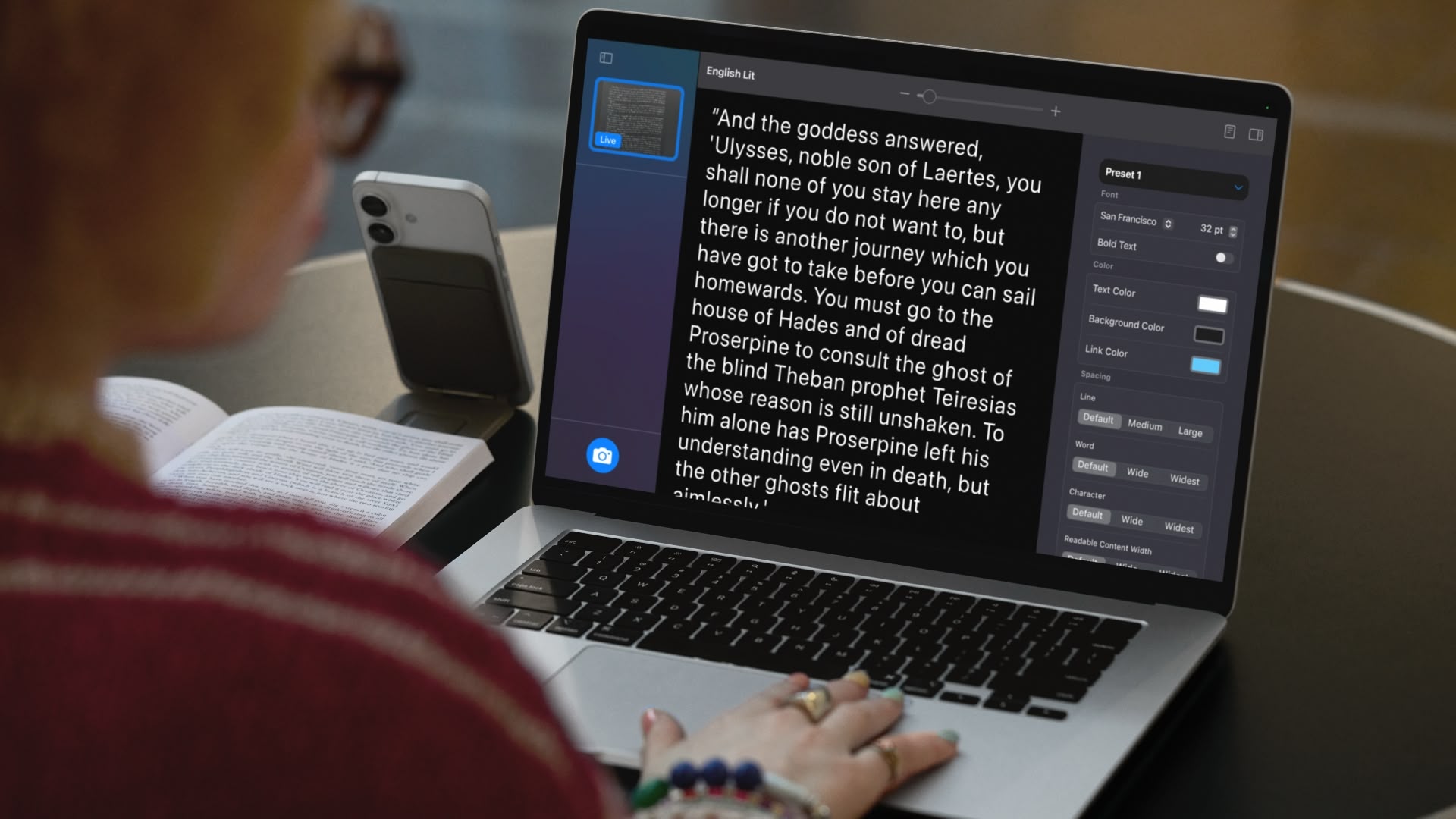
Additional Accessibility Features:
- Accessibility Nutrition Labels in the App Store, highlighting accessibility features.
- System-wide Accessibility Reader, improving text readability for low vision or dyslexia.
- Braille Access, turning the Mac into a braille note taker.
- Improved Personal Voice creation, using AI and machine learning for faster, more natural voice replication.
macOS 16 Release Date: Fall 2025
Apple traditionally previews new macOS versions at WWDC in early June, followed by developer betas shortly after. The full release typically happens in the fall, so expect macOS 16 around September 2025.
What are your hopes for macOS 16?
What features or improvements would you like to see in macOS 16? Share your thoughts in the comments below!
This article, "macOS 16: Everything We Know So Far" first appeared on MacRumors.com
Discuss this article in our forums
from MacRumors
-via DynaSage

Post a Comment