Apple's 'Move to iOS' Android App Gets Faster Data Transfers
Apple Makes Switching from Android to iPhone Easier with Updated 'Move to iOS' App
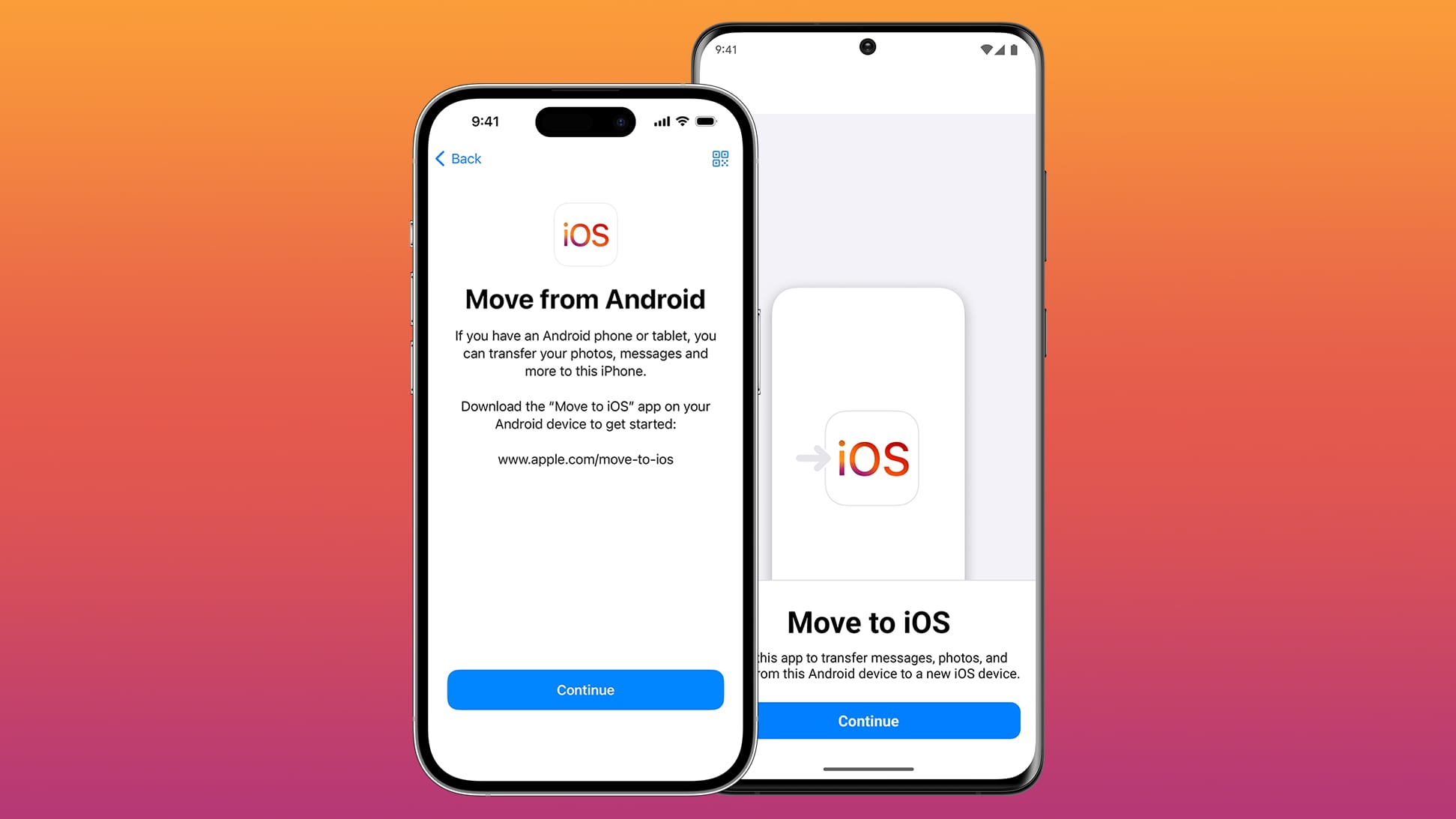
Switching from Android to iPhone just got easier. Apple has updated its "Move to iOS" app, designed specifically for Android users looking to make the jump to the iOS ecosystem. This update introduces several key improvements that streamline the transfer process and make it faster than ever.
Faster Data Transfers and Improved User Experience
One of the most significant enhancements is the increased speed of data transfers. Using a wired connection, whether it's USB-C to USB-C or USB-C to Lightning, migrating your data from your Android device to your new iPhone is now significantly faster. This improvement minimizes downtime and gets you up and running on your iPhone quicker.
Beyond speed, the updated app also focuses on improving the overall user experience. Helpful tips on using iOS are now displayed during the migration process, making it easier for new iPhone users to acclimate to the operating system. This guidance can be particularly beneficial for those unfamiliar with the nuances of iOS.
Enhanced Data Migration Capabilities
Apple has also expanded the types of data that can be transferred. Previously, transferring voice recordings could be problematic. This update addresses that by seamlessly moving your voice recordings to either the Voice Memos app or the Files app on your iPhone, depending on the original file format.
Furthermore, the app now supports the migration of call history and Dual SIM labels, ensuring a more complete transfer of your important information. This added functionality further reduces the friction of switching platforms and helps maintain continuity.
Expanded Language Support for Indian Users
Apple has also broadened the language support within the app. The update includes support for several new Indian languages: Bangla, Gujarati, Kannada, Malayalam, Marathi, Odia, Punjabi, Tamil, Telugu, and Urdu. This increased accessibility makes the transition to iPhone even smoother for a wider range of users.
A Comprehensive Overview of the "Move to iOS" App
For those unfamiliar, the "Move to iOS" app is a free tool developed by Apple to simplify the process of switching from Android to iPhone. It allows Android users to securely transfer a variety of data, including:
- Contacts
- Message history
- Camera photos and videos
- Web bookmarks
- Mail accounts
- Calendars
- Free apps (if available on both app stores)
- Call history
- Dual SIM labels
- Voice recordings
How to Use the "Move to iOS" App
Android users can download the "Move to iOS" app from the Google Play store. During the iPhone setup process, you'll encounter a screen titled "Apps & Data." Select "Move Data from Android" and follow the on-screen instructions. You'll be prompted to install the "Move to iOS" app on your Android device. Once installed, open the app and follow the prompts to connect your Android and iPhone devices and initiate the data transfer.
You can connect your devices either wirelessly via Wi-Fi or a personal hotspot, or through a wired connection using a USB-C or USB-C to Lightning cable. The wired connection, especially with this latest update, provides the fastest transfer speeds.
Key Features of the Updated "Move to iOS" App:
Here's a summary of the improvements introduced in the latest update:
- Faster data migration using a cabled connection (USB-C or USB-C to Lightning).
- Option to connect over Wi-Fi or Personal Hotspot.
- Helpful iOS tips displayed during migration.
- Transfer of call history and Dual SIM labels.
- Migration of voice recordings to Voice Memos or Files app.
- New language support: Bangla, Gujarati, Kannada, Malayalam, Marathi, Odia, Punjabi, Tamil, Telugu, and Urdu.
This update demonstrates Apple's ongoing commitment to making the switch from Android to iPhone as seamless as possible. The faster data transfers, helpful tips, and expanded data migration capabilities all contribute to a significantly improved user experience.
This article, "Apple's 'Move to iOS' Android App Gets Faster Data Transfers" first appeared on MacRumors.com
Discuss this article in our forums
from MacRumors
-via DynaSage

Post a Comment