Apple Stops Signing iPadOS 17.7.7 After Reports of App Login Issues [Updated]
Apple Halts iPadOS 17.7.7 Update Due to App Login Problems
Apple has unexpectedly stopped signing the iPadOS 17.7.7 update, released earlier this week. This means users of older iPads that cannot upgrade to iPadOS 18 will no longer be able to install this update, even if it appears in their device's Software Update section. This action follows numerous reports from users experiencing significant issues logging into their apps after installing the update.
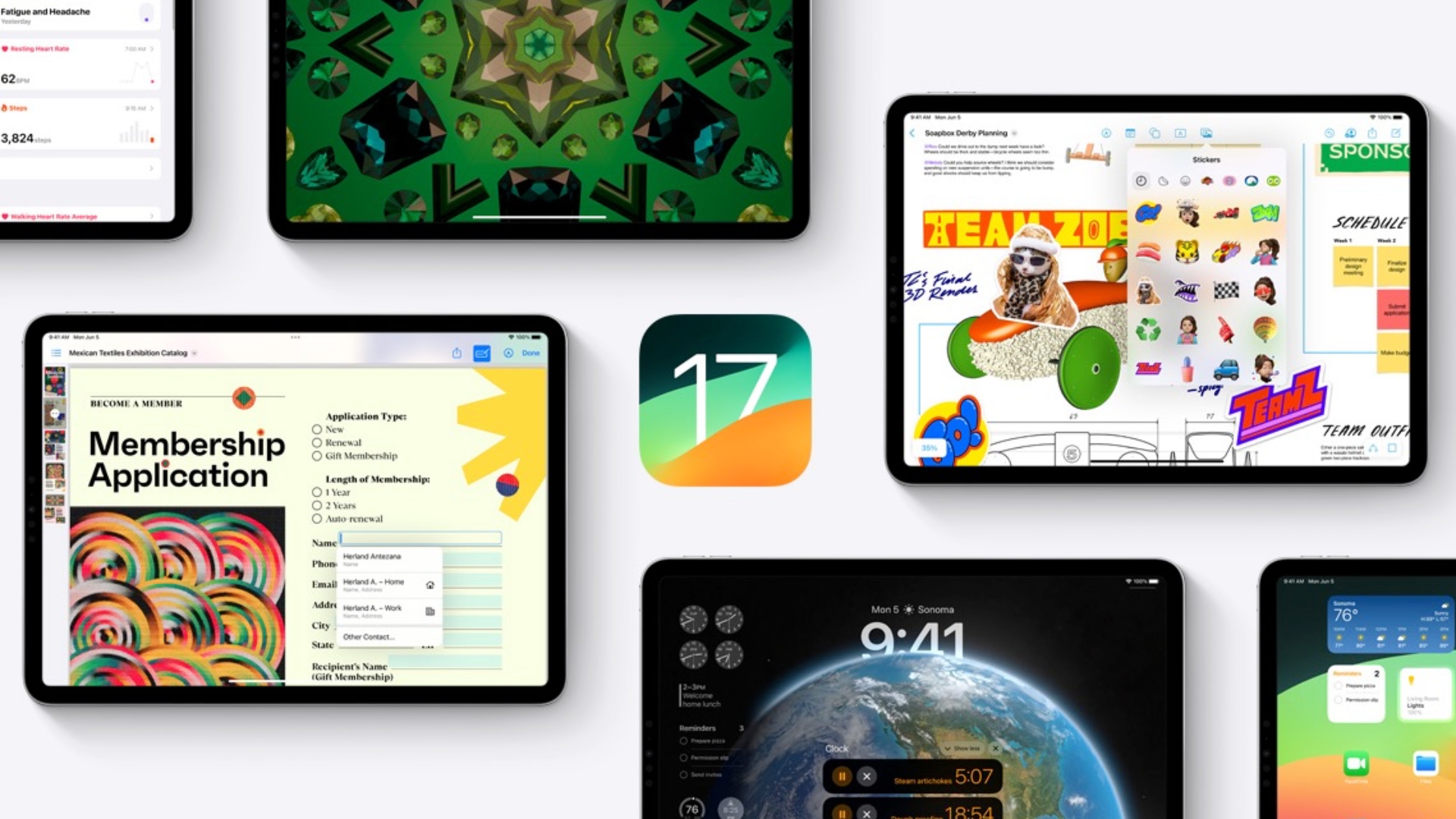
Which iPads Are Affected?
The update halt impacts users of several older iPad models that are not compatible with the newest iPadOS 18:
- Sixth-generation iPad (Learn more about the 6th gen iPad)
- 10.5-inch iPad Pro (Learn more about the 10.5-inch iPad Pro)
- Second-generation 12.9-inch iPad Pro
While Apple hasn't officially commented on the reason for pulling the update, user reports strongly suggest a connection to widespread app login problems.
User Reports of App Login Issues
Multiple users across various online forums, including MacRumors and Reddit, have detailed their experiences with app login failures after updating to iPadOS 17.7.7.
MacRumors Forum Report
A MacRumors forum member, mrsmith1 (original post), described the issue as follows:
I have an iPad 6th generation. After the latest update 17.7.7 I’ve been having problems with certain, but not all apps. Wikipedia, Duck Duck Go, Letterboxd and others. Every time I open them it’s like the first time and I have to sign up or do a tour of the app. I can’t seem to do anything about it. Any ideas?
Reddit Report
Another user, National_Case748 (original post), on Reddit, reported a similar but more widespread problem:
Since updating my iPad to iPadOS 17.7.7 (build 21H433), all apps (such as YouTube, X, etc.) log me out every time I close them. This issue did not happen before the update.
I’ve already tried all of the following:Even after all this, the problem persists. Every time I open an app, it behaves as if it were freshly installed and asks me to log in again.
- Checked that Screen Time and Restrictions are disabled.
- Verified that no profiles or MDM configurations are installed.
- Made sure Safari cookies and password saving are enabled.
- Performed a full Reset All Settings.
- Finally, I did a complete factory reset and set up the iPad as new (not from backup).
These reports highlight the significant disruption caused by the iPadOS 17.7.7 update for affected users. The extensive troubleshooting attempts by National_Case748 further emphasize the severity and pervasiveness of this bug.
Apple's Response and Next Steps
Apple's decision to stop signing iPadOS 17.7.7 suggests a proactive attempt to address these reported issues. By preventing further installations, Apple aims to limit the number of users experiencing these app login problems. This is a standard procedure for Apple when serious software bugs are discovered.
Update 1:35 pm May 16: Apple has now completely removed iPadOS 17.7.7 from its servers. It will no longer appear in the Software Update section of affected devices. This indicates that Apple is actively working on a fix.
Users who have already updated and are experiencing app login problems should continue to monitor the MacRumors forums and other online communities for updates and potential solutions. While a factory reset is a drastic measure, it appears that, in some cases, it didn't resolve the issue. Apple is expected to release a revised update that addresses these problems in the near future.
Recommendations for Affected Users
For now, if you haven't updated to iPadOS 17.7.7, it's advisable to avoid doing so until Apple releases a corrected version. If you've already updated and are experiencing problems, carefully consider the following:
- Do not attempt further troubleshooting steps like factory resets unless absolutely necessary. More often than not, these are time-consuming and may not resolve the underlying software problem.
- Monitor official Apple channels (like their support website and forums) for updates and announcements regarding a fix.
- Stay patient. Apple is likely working diligently to resolve the issues and release a stable update. The removal of the problematic update is a good sign that they are taking the situation seriously.
- Consider backing up your data regularly in case more significant issues arise.
This situation underscores the importance of waiting for a bit before updating to a new software version, especially for those on older hardware. Though there's a temptation to get the latest features, it's prudent to allow time for initial bugs to be identified and resolved.
This article, "Apple Stops Signing iPadOS 17.7.7 After Reports of App Login Issues [Updated]" first appeared on MacRumors.com
Discuss this article in our forums
from MacRumors
-via DynaSage

Post a Comment