Apple Releases tvOS 18.5
Apple Releases tvOS 18.5 and HomePod Software 18.5
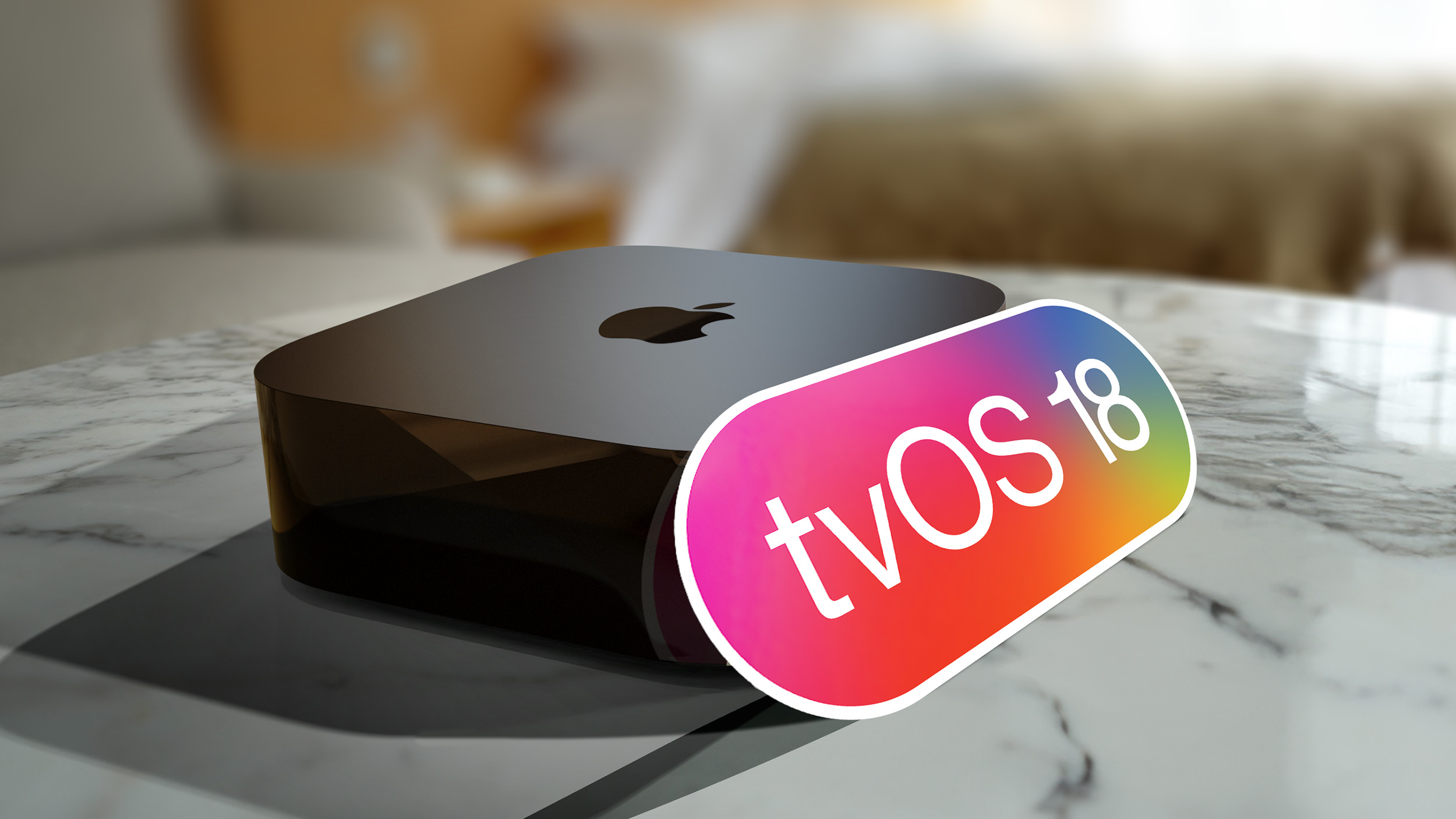
Apple has just released tvOS 18.5, the latest update to its Apple TV operating system. Following closely on the heels of tvOS 18.4, this update is now available for Apple TV 4K and Apple TV HD models. The update comes just over a month after the previous release, bringing new features and improvements to your Apple TV experience.
Updating Your Apple TV
Updating your Apple TV to tvOS 18.5 is straightforward. Simply follow these steps:
- Open the Settings app on your Apple TV.
- Navigate to System > Software Update.
- Select "Download and Install" to begin the update process.
For users who have enabled automatic software updates, the update will be installed automatically in the background. This ensures your Apple TV always runs the latest and most secure version of tvOS.
What's New in tvOS 18.5?
While Apple's official release notes are available in their tvOS support document, specific details about the changes included in tvOS 18.5 are generally not included in the announcement. Minor bug fixes, performance improvements, and security patches are typical inclusions in these smaller, incremental updates. Usually, the major features and changes are reserved for larger numbered updates.
To learn about any specific changes included in this release, checking Apple's support document is the best way to find the official information. Often, users in online forums will also report their experiences and identify new features or bug fixes that have occurred after installing the update.
HomePod Software 18.5 Also Released
Simultaneously with the release of tvOS 18.5, Apple also launched HomePod Software 18.5 for both the HomePod and HomePod mini. Since HomePod software is based on tvOS, it's not unusual for updates to both systems to occur concurrently. This ensures consistency and compatibility between these Apple devices.
The update process for your HomePod is typically automatic, requiring only that your device be connected to a power source and have an internet connection. However, you can check for updates manually through the Home app on your iPhone, iPad, or Mac.
Understanding the Importance of Software Updates
Regularly updating your Apple devices, including your Apple TV and HomePod, is crucial for several reasons:
- Improved Performance: Updates often include optimizations that enhance the overall speed and responsiveness of your devices.
- Enhanced Security: Software updates typically patch security vulnerabilities, protecting your devices and personal data from potential threats.
- New Features and Functionality: While not always the case with minor updates, larger releases often introduce new features, improving your user experience.
- Bug Fixes: Many updates address bugs and glitches reported by users, resulting in a more stable and reliable experience.
By keeping your software up-to-date, you can ensure your Apple devices remain secure, perform optimally, and provide you with the best possible user experience. It is good practice to enable automatic updates whenever possible, so you don't have to manually manage the process and can benefit from improved security features and performance boosts as soon as they become available.
Where to Learn More
For further information and discussion regarding tvOS 18.5 and HomePod Software 18.5, you can consult the following resources:
- Apple's Support Website: This website contains official information about Apple software updates including release notes for each update and instructions for updating your devices.
- MacRumors: This Apple news site provides ongoing coverage of Apple news and products, including discussions and analysis about the latest software updates.
- MacRumors Forums: Join the discussion with other Apple users in the dedicated Apple TV and Home Theater forum: Apple TV and Home Theater Forum
- Apple TV Buyer's Guide: Apple TV Buyer's Guide (Note: this guide may advise against purchase at this time)
- Discussion about this Article: Join the conversation on our forums: Discuss this article
This article, "Apple Releases tvOS 18.5" was originally published on MacRumors.com.
from MacRumors
-via DynaSage

Post a Comment