Which Browser Should I Use In 2025?
Which Browser Should I Use?

The internet has seen many browsers come and go. From the early days of Mosaic and Netscape Navigator to the rise of Internet Explorer, and then Firefox, Safari, and Chrome, the landscape has constantly shifted. For the past decade, Google Chrome has dominated, leaving other browsers in its shadow. With Firefox seemingly losing its way (see recent controversy), many users are wondering: what are the alternatives? Is there a privacy-respecting, open-source browser that adheres to web standards and avoids the baggage of the big players? Let's explore.
The Heart of the Matter: Browser Engines
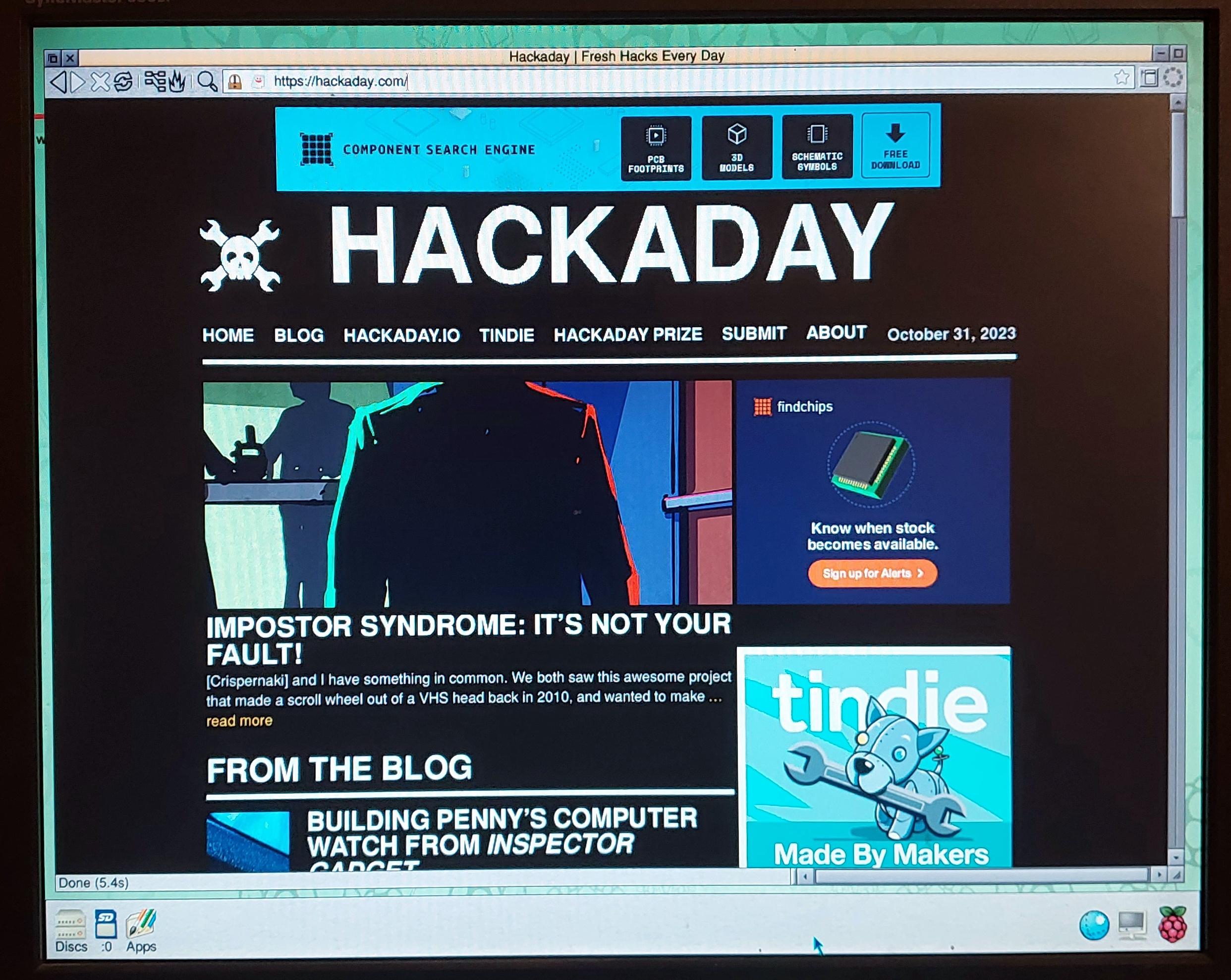
Building a web browser is a monumental task. Modern browsers must support a vast array of web standards. Some browsers, like Dillo and NetSurf, focus on simplicity and only render web pages. However, for everyday use, we need fully-featured browsers. Creating the core software of a browser, the "engine," is so complex that many browsers use engines developed by others. Despite the many browser choices available, most rely on a few key engines: Apple's WebKit, Google's Blink, Mozilla's Gecko (and its Goanna fork), and up-and-comers like Servo and Ladybird's LibWeb. The dominance of Apple and Google in this space is less than ideal but reflects the current reality.
Therefore, when choosing a browser, the first consideration is the engine. Which tech giant's ecosystem are you joining, and what are the implications? Modern browser engines generally render websites similarly, so the visual experience should be largely consistent.
Beyond the engine, each browser offers unique features. Some prioritize privacy, others focus on ad blocking, while some revive user interface elements abandoned by other browsers. It's crucial to research the developers behind your chosen browser. Are they trustworthy, or are you trading one problematic developer for another? Experiment with different browsers before settling on one.
My Browser Choices
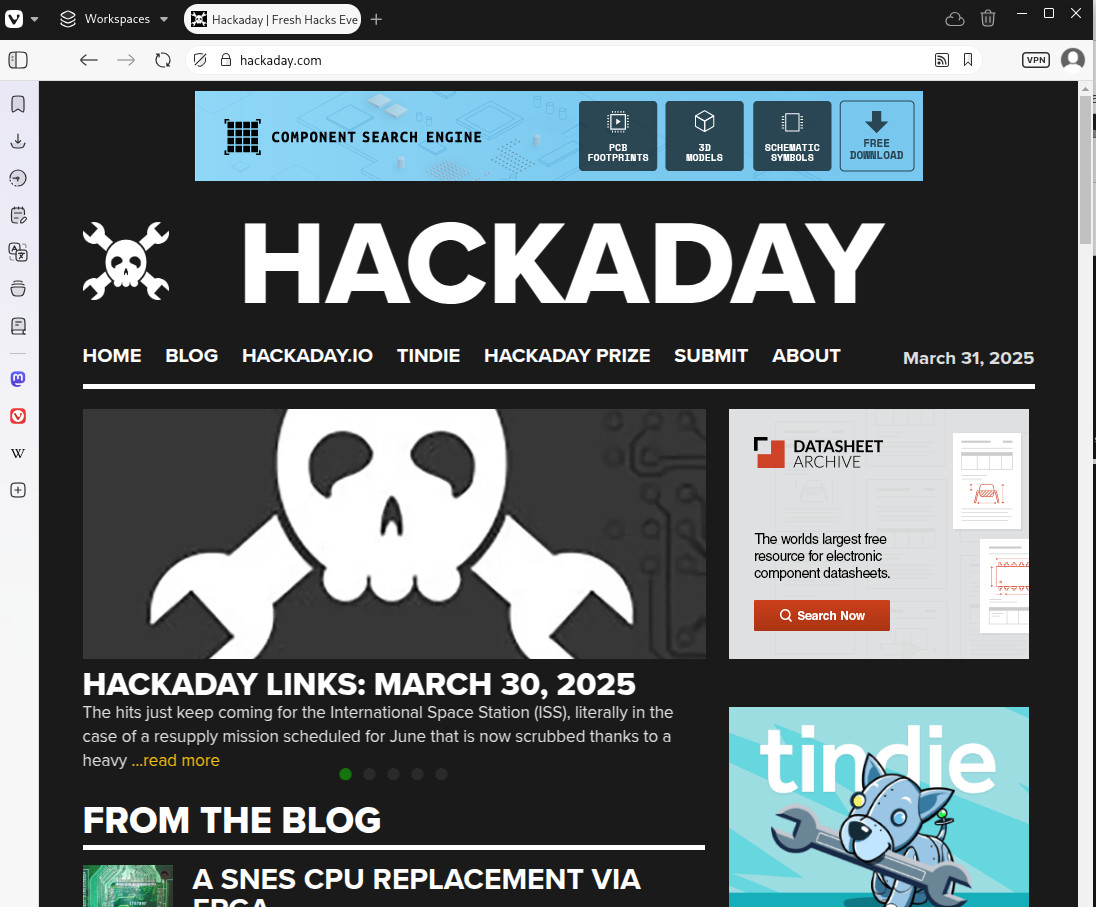
I've tried many browsers, and they are more similar than I anticipated. While I'd love to use newer options like Ladybird or Servo daily, they aren't quite ready. Others, like Brave, carry too much controversy. I needed a way to choose without randomly picking a browser logo. I decided to select one browser from the Firefox family and one from the Apple/Google sphere. After testing, I chose LibreWolf and Vivaldi. LibreWolf offers a Firefox experience without actually being Firefox, while Vivaldi, with its roots in Opera, retains a touch of individuality. I configured both with my usual Hackaday bookmarks, tabs, shortcuts, and the EU-based search engine Qwant. I'm now ready to browse with more control over my data.
Reflections from a Longtime Internet User
I often find myself using older tools, only to be introduced to newer, better alternatives by younger colleagues. Evaluating web browsers felt similar, even with their similarities. For years, I used Firefox because it was the open-source underdog. I initially chose it over Mozilla's bloated Netscape 6, opting for the streamlined "Phoenix" (Firefox's original name). Just as my operating system journey highlighted software complacency, my recent browser exploration has been equally enlightening. My perspective on the web has changed.
from Hackaday
-via DynaSage

Post a Comment