Mac Studio Buyer's Guide: All Models Compared
Mac Studio Buyer's Guide: Which Model Is Right for You?
Apple has updated the Mac Studio several times since its 2022 debut. With multiple models now available, choosing the right one can be challenging. This guide compares the 2022, 2023, and 2025 Mac Studio generations to help you decide whether to upgrade or which model best suits your needs and budget.
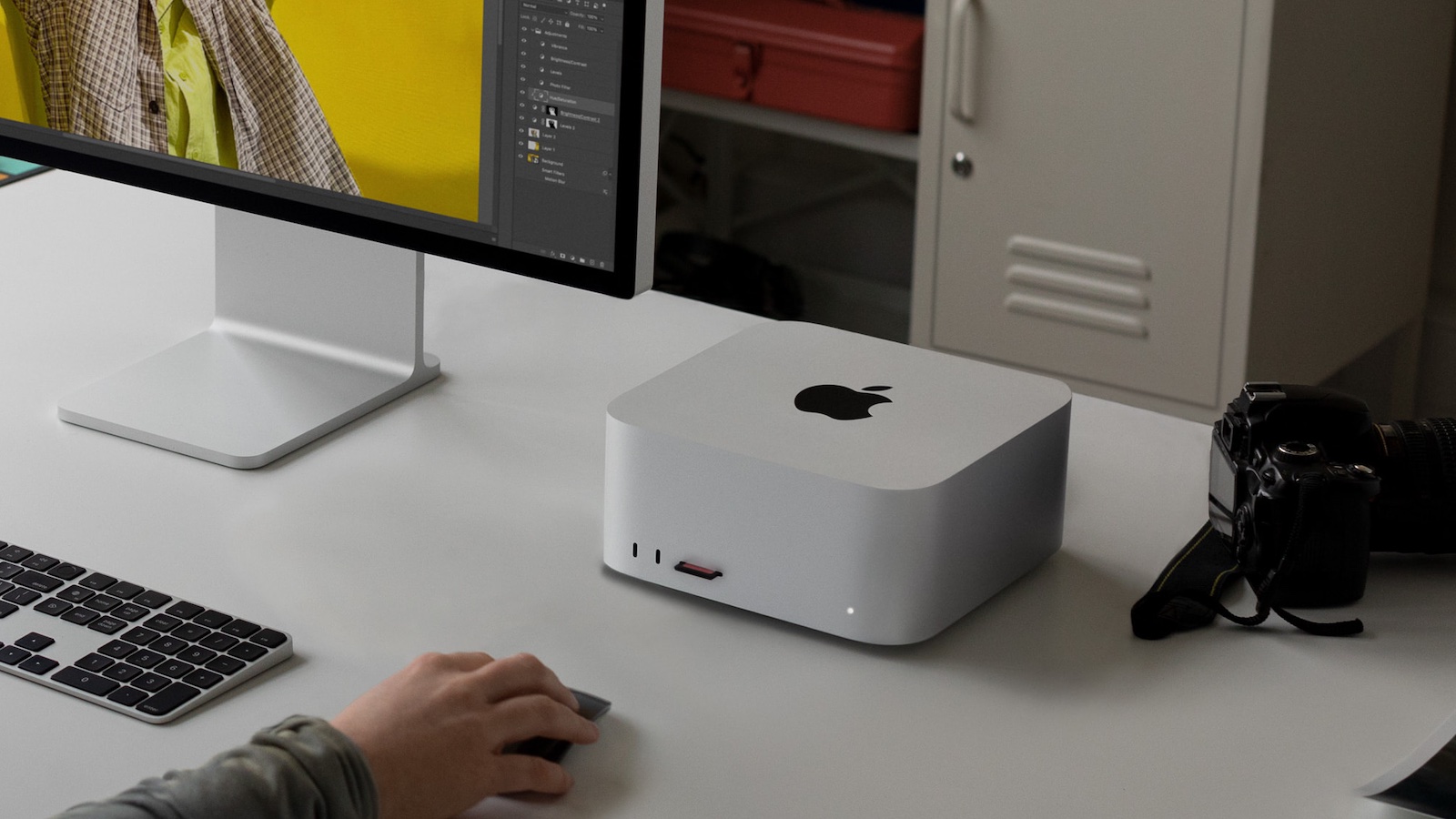
What's New in the Latest Mac Studio?
The most significant upgrade in the latest (2025) Mac Studio is the jump to the M4 Max and M3 Ultra chips. These new chips offer a substantial performance boost compared to the previous M2 Max and M2 Ultra, boasting up to 75% faster processing speeds and twice the graphics performance. The 2025 model also supports up to a massive 512GB of memory and introduces cutting-edge Thunderbolt 5 connectivity.
Mac Studio Generations Compared
The table below provides a detailed comparison of the key features and specifications across all Mac Studio generations:
| Mac Studio (2022) | Mac Studio (2023) | Mac Studio (2025) |
|---|---|---|
| Apple M1 Max or M1 Ultra chip | Apple M2 Max or M2 Ultra chip | Apple M4 Max or M3 Ultra chip |
| M1 Max: 10-core CPU (8 performance, 2 efficiency) M1 Ultra: 20-core CPU (16 performance, 4 efficiency) | M2 Max: 12-core CPU (8 performance, 4 efficiency) M2 Ultra: 24-core CPU (16 performance, 8 efficiency) | M4 Max: Up to 16-core CPU (12 performance, 4 efficiency) M3 Ultra: Up to 32-core CPU (24 performance, 8 efficiency) |
| M1 Max: Up to 32-core GPU M1 Ultra: Up to 64-core GPU | M2 Max: Up to 38-core GPU M2 Ultra: Up to 76-core GPU | M4 Max: Up to 40-core GPU M3 Ultra: Up to 80-core GPU |
| Hardware-accelerated ray tracing | ||
| AV1 decode | ||
| M1 Max: 16-core Neural Engine (11 TOPS) M1 Ultra: 32-core Neural Engine (22 TOPS) | M2 Max: 16-core Neural Engine (15.8 TOPS) M2 Ultra: 32-core Neural Engine (31.6 TOPS) | M4 Max: 16-core Neural Engine (38 TOPS) M3 Ultra: 32-core Neural Engine (76 TOPS) |
| M1 Max: 32GB or 64GB memory M1 Ultra: 64GB or 128GB memory | M2 Max: 32GB, 64GB, or 96GB memory M2 Ultra: 64GB, 128GB, or 192GB memory | M4 Max: 36GB, 48GB, 64GB, 128GB memory M3 Ultra: 96GB, 256GB, or 512GB memory |
| More details in original article | More details in original article | More details in original article |
Should You Upgrade Your Mac Studio?
Upgrading from the 2022 Mac Studio
If you have a 2022 Mac Studio and regularly push it to its limits with demanding tasks like 3D rendering, high-resolution video editing, machine learning, or large-scale software development, upgrading to the 2025 model is worth considering. The M4 Max and M3 Ultra chips offer a significant performance leap, especially in GPU-intensive tasks. The increased memory capacity, Thunderbolt 5, and hardware-accelerated ray tracing are also substantial improvements for power users. However, if your 2022 model still handles your workload comfortably, especially if your tasks aren't heavily GPU-dependent, sticking with it for now is perfectly reasonable.
Upgrading from the 2023 Mac Studio
The 2023 Mac Studio remains a powerful machine, so upgrading to the 2025 model is less compelling for most users. The performance gains, while impressive on paper, might not translate to a noticeable difference in everyday workflows. However, certain niche users might benefit significantly. For instance, if you work with large language models, intensive AI workloads, or require massive memory bandwidth, the 2025 model's enhancements could be worthwhile. Similarly, Thunderbolt 5 and AV1 decode support might sway certain professionals. For the majority, though, the 2023 Mac Studio remains more than adequate.
Are Older Mac Studio Models Still Worth Buying?
Absolutely! Both the 2022 and 2023 Mac Studio models offer excellent performance that holds up well even in 2025, especially if you can find them refurbished or pre-owned at a good price. They are excellent choices for professionals and power users upgrading from older Intel Macs or base M1 systems. While they might lack the latest features like Thunderbolt 5 and hardware-accelerated ray tracing, these features are primarily relevant for highly specialized workflows. For most users, the 2022 and 2023 models offer a compelling balance of performance and affordability.
This article, "Mac Studio Buyer's Guide: All Models Compared" first appeared on MacRumors.com
Discuss this article in our forums
from MacRumors
-via DynaSage

Post a Comment