iPad Air vs. iPad Pro Buyer's Guide: 30 Differences Compared
iPad Air vs. iPad Pro: Which iPad is Right for You?
The iPad Air and the iPad Pro are both powerful tablets offering a premium experience. With both now available in two sizes, choosing the right one can be tricky. Apple recently updated the iPad Air with the powerful M3 chip and the iPad Pro with the even faster M4 chip, an OLED display, and other enhancements. This guide will break down the key differences to help you decide which iPad best fits your needs and budget.
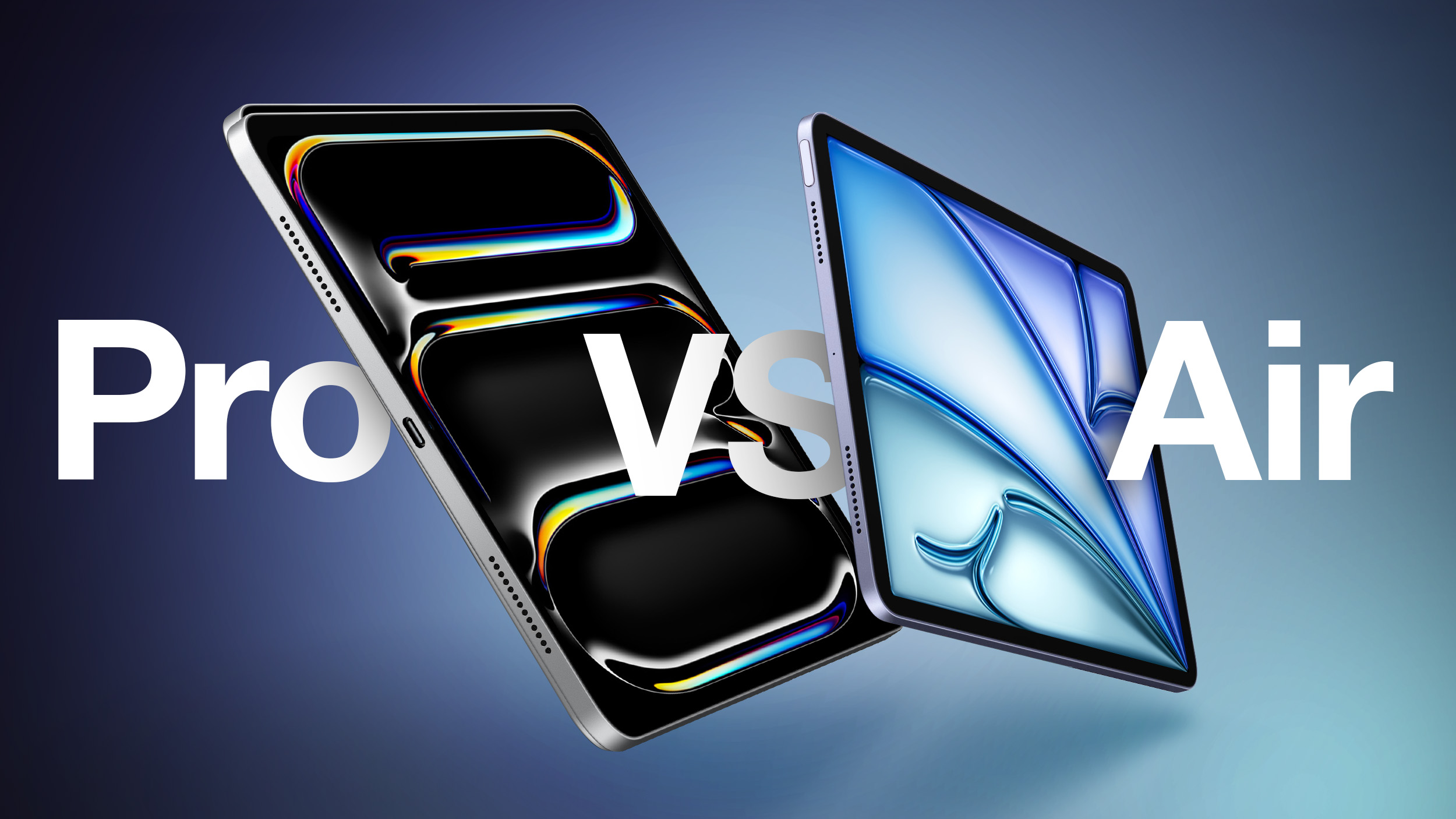
Key Differences: A Quick Overview
The iPad Pro boasts high-end features like an OLED display with ProMotion (up to 120Hz refresh rate), the M4 chip, Face ID, a LiDAR scanner, and Thunderbolt connectivity. However, it comes at a significantly higher price. The iPad Air, powered by the M3 chip, offers excellent performance at a more affordable price point, utilizing Touch ID and a standard LED display.
Display: Liquid Retina vs. Ultra Retina XDR
The iPad Pro's Ultra Retina XDR display uses OLED technology, offering superior contrast, deeper blacks, and higher brightness (up to 1600 nits peak brightness for HDR content) compared to the iPad Air's Liquid Retina LED display. The ProMotion technology on the iPad Pro delivers a smoother, more responsive experience thanks to its adaptive refresh rate up to 120Hz, which is particularly noticeable when scrolling and gaming. While the iPad Air’s display is still excellent, the iPad Pro offers a noticeable step up in visual quality.
Performance: M3 vs. M4
Both the M2-derived M3 in the iPad Air and the M4 in the iPad Pro are incredibly powerful chips. While the M3 offers substantial performance for most tasks, the M4 takes it further with a faster CPU and GPU, enhanced thermal management, and increased memory bandwidth. This extra power makes the iPad Pro better suited for demanding tasks like video editing and 3D modeling.
Features: Pro vs. Everyday Use
The iPad Pro includes several features not found on the iPad Air, such as Face ID, a LiDAR scanner for augmented reality applications, four-speaker audio, and Thunderbolt/USB 4 connectivity. The iPad Air, on the other hand, uses Touch ID and a standard USB-C port. While these Pro features are beneficial for some users, many won't utilize them fully.
Comparing the Specs: A Detailed Look
| Feature | iPad Air (M3, 2025) | iPad Pro (M4, 2024) |
|---|---|---|
| Display | Liquid Retina (LED) | Ultra Retina XDR (OLED) with ProMotion |
| Brightness | 500/600 nits (11/13-inch) | 1000 nits SDR, 1600 nits peak HDR |
| Chip | M3 (3nm, N3B) | M4 (3nm enhanced, N3E) |
| CPU | 8-core | Up to 10-core |
| GPU | 9-core | 10-core |
| Memory | 8GB | 8GB or 16GB |
| Storage | 128GB, 256GB, 512GB, 1TB | 256GB, 512GB, 1TB, 2TB |
| Security | Touch ID | Face ID |
| Camera | Standard rear camera | Advanced camera with LiDAR Scanner |
| Audio | Landscape stereo speakers | Four speaker audio |
| Connectivity | USB-C | Thunderbolt/USB 4 |
| Starting Price | $599 | $999 |
Which iPad Should You Buy?
For most users, the iPad Air provides exceptional value. The M3 chip delivers ample performance for everyday tasks like browsing, streaming, and light productivity. The beautiful Liquid Retina display and Apple Pencil support make it a versatile device. Unless you need the specific pro-level features of the iPad Pro, the iPad Air is the smarter choice.
The iPad Pro is ideal for creative professionals and power users who will utilize its advanced capabilities. If you need the extra power of the M4 chip for demanding workflows, the stunning OLED display for color-critical work, or features like LiDAR and Thunderbolt, the iPad Pro is worth the investment.
Ultimately, the best iPad for you depends on your individual needs and budget. Consider how you plan to use the device and which features are essential to your workflow. The iPad Air offers a fantastic balance of performance and affordability, while the iPad Pro delivers the ultimate iPad experience for those who demand the best.
This article, "iPad Air vs. iPad Pro Buyer's Guide: 30 Differences Compared" first appeared on MacRumors.com
Discuss this article in our forums
from MacRumors
-via DynaSage

Post a Comment